kye
-
Posts
8,279 -
Joined
-
Last visited
Content Type
Profiles
Forums
Articles
Everything posted by kye
-
I think I recall some of those horizontal halos that anamorphics give, so you might be right. I guess I didn't anticipate an anamorphic lens having any circular artefacts considering that neither the bokeh or halos are circular, but I'm definitely not familiar with them.
-
Question: what kind of lens makes a circular flare on the very edges of the image? ie, something that looks like this [(xyz)] where the [ ] is the frame, the ( ) are the flares (very similar shape actually) and xyz is the frame contents. I saw them a lot on The Expanse S3 (which is great BTW!)
-
We don't have a thread for stuff we're watching, and I was going to say that I'm currently watching Homecoming on Amazon and it's very interesting. The series deals with two different time periods as well as 'altered states' and it uses quite a range of cinematic techniques, as well as just being really well shot with interesting angles. Things that might be interesting: One of the time periods has a very distinct colour grade (normal) but also appears to be square or slightly-vertical crop (a first for me) - very cool Some shots are with 'clean' lenses, others with blurry edges for a slight tunnel-vision effect, and the occasional shot is full-on Helios territory with strange bokeh Really nice story, cinematography and editing etc. Recommended!
-
Yeah, good on him. The owner is obviously a 'character' and may simply be misunderstood, but mentioning that you have a Lamborghini in a note where people lose their money sure isn't the right way to handle these things...
-
@KingsJoy Building on @webrunner5s sound comments, I would suggest that any of these cameras are an excellent choice and it's about getting the right camera for you and your particular priorities and shooting style and situations. Most of these cameras have weaknesses, some are quite significant weaknesses, and some of these have considerable strengths. I'm no expert, but: the GH5 has excellent IBIS, great image, is a solid workhorse, but the AF is a problem for some people in some situations the a7iii is great at low-light, but some don't like the image, and the menus are difficult many people think the XT3 has a better image than the GH5 etc.. I'd suggest you have a think about how you use the camera, what features are more important and which are less important, and then read the reviews of each and compare the pros and cons for you. For example, I shoot high speed run-n-gun hand-held and was looking at the A7iii and had ruled out the GH5 because I was looking for great AF, but I realised that MF and the aesthetic that comes with it is actually something I like, and the GH5 being a highly-cropped mirrorless made adapting lenses very easy, so I ended up with that. Your situation will be different. There are no bad cameras in your list.
-
I have a few 135mm lenses, you've inspired me to compare them. There's a saying "there's no such thing as a bad 135mm lens" and I'll be putting that to the test by comparing my $4 Petri with the Super-Takumar. My initial impressions were that the Petri was a pretty good contender Yeah, most of the differences between cine lenses and stills lenses aren't attractive to me. The only exception is click-less aperture, which is helpful to have while shooting as it means you can adjust it during the shot without shaking the whole camera and ruining the shot. Even the focus breathing isn't a big deal for me TBH.
-
I agree with @JordanWright to start with the ones included in Resolve. Specifically the Film Look LUTs. Or design your own in Resolve - Juan Melara consistently shows that it's capable of enormously sophisticated adjustments:
-
Congrats! I think cartoons and animation are a very interesting media because they're the only visual forms where creating a world that works very differently to ours isn't harder than just having something realistic. With film it used to be impossible but now with VFX so accessible building a convincing alternate world has gone from being impossible to impossibly expensive! It's interesting to see the differences between the worlds that exist in japanese anime with the worlds that Hollywood creates with VFX. In a sense these mediums allow unrestricted creativity and Hollywoods creations are reflective of their very recent ability to start thinking in these terms, whereas the worlds created in anime are obviously the product of a much more mature environment where highly creative thinkers have been bouncing off each-other creatively for a long time. I played computer games and the game Myst was a fascinating game because it took place in a world that really did not function the same way that ours did, and it was really evident when playing the game that you couldn't really predict what effects doing something would have.
-

The right Sigma 18-35mm for my Metabones Spedbooster Ultra
kye replied to Jirej Productions Ltd's topic in Cameras
It looks that way to me too. -
The right Sigma 18-35mm for my Metabones Spedbooster Ultra
kye replied to Jirej Productions Ltd's topic in Cameras
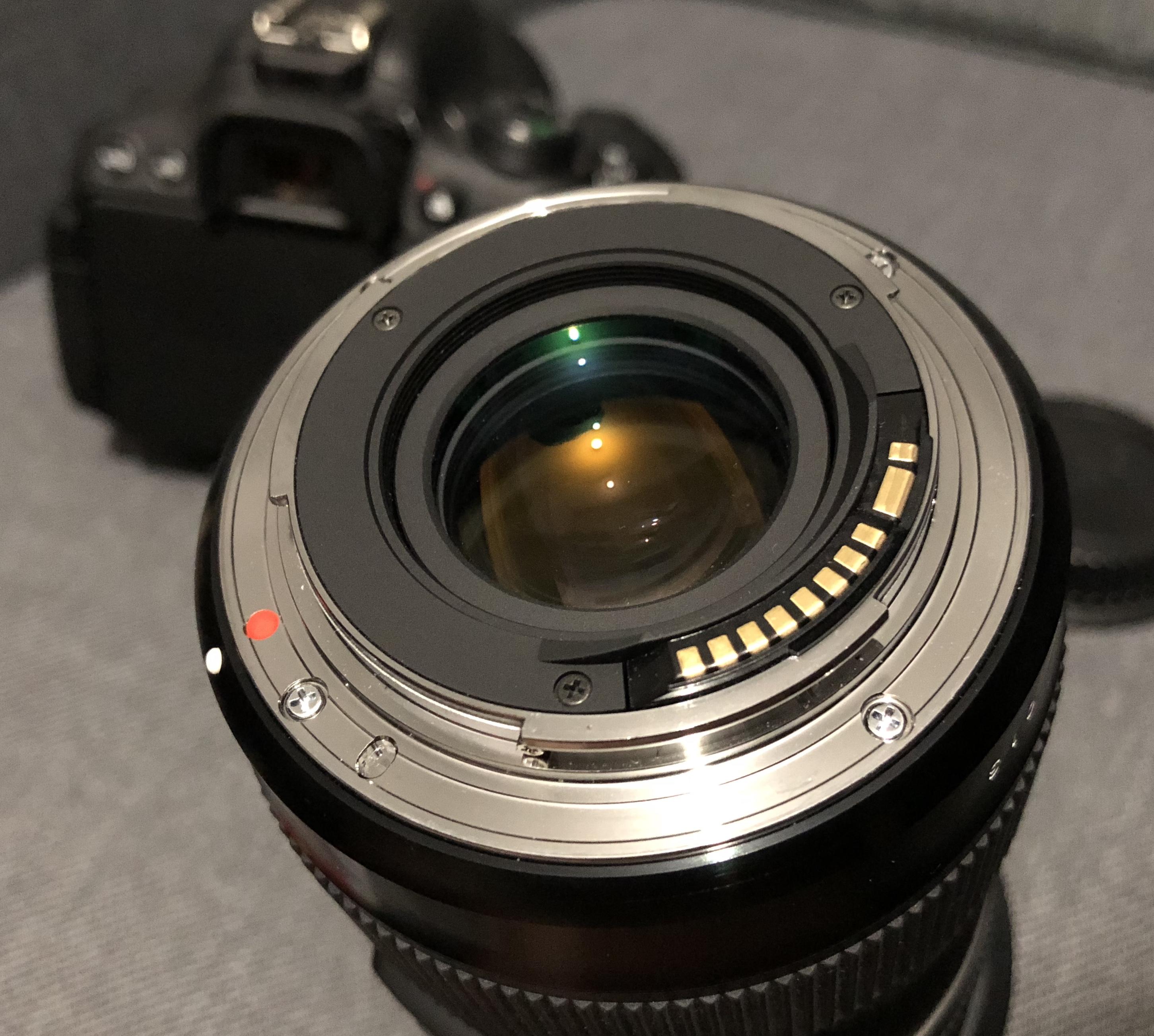
This is the mount for my 18-35... Not sure if that helps...
-
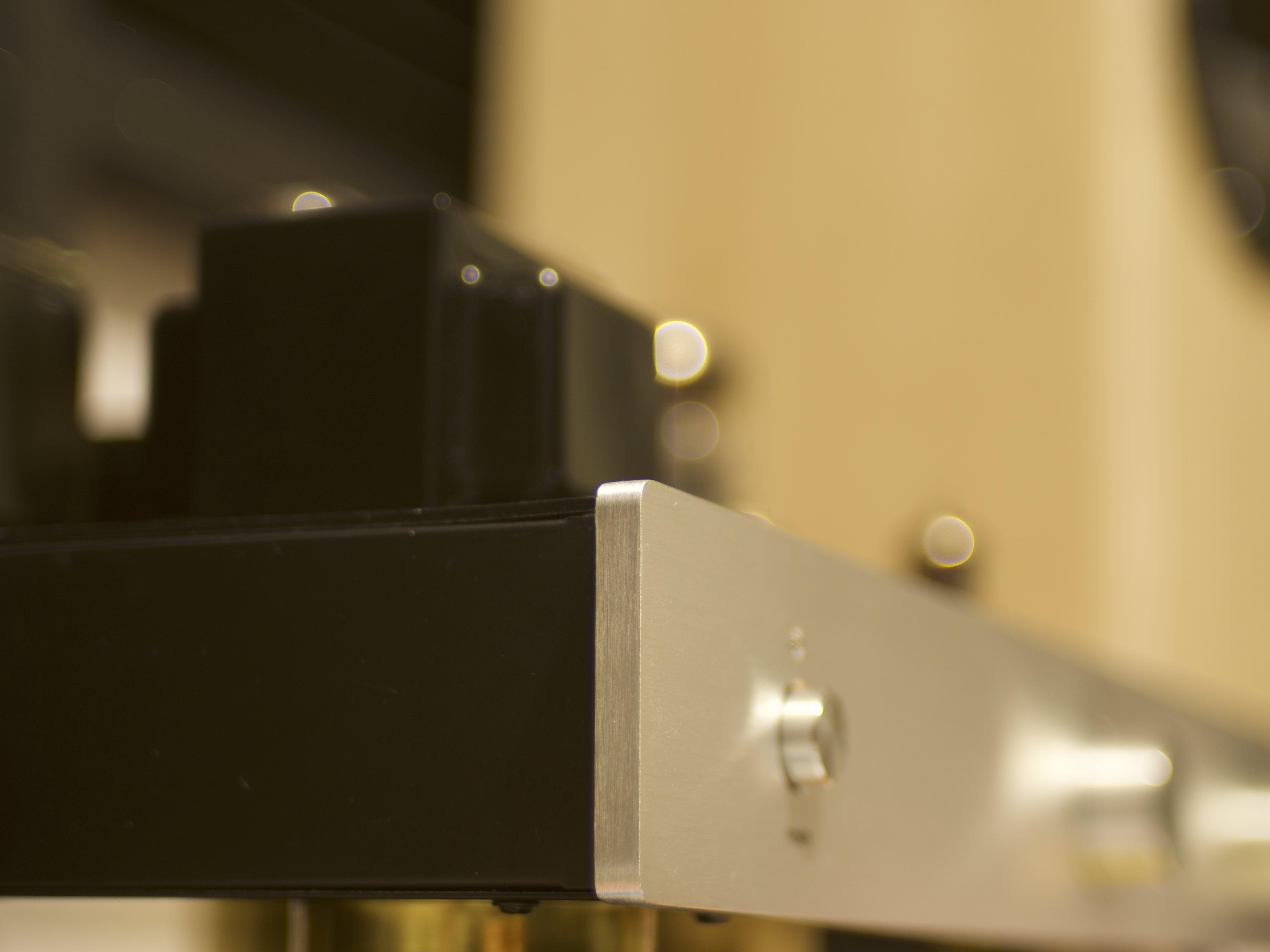
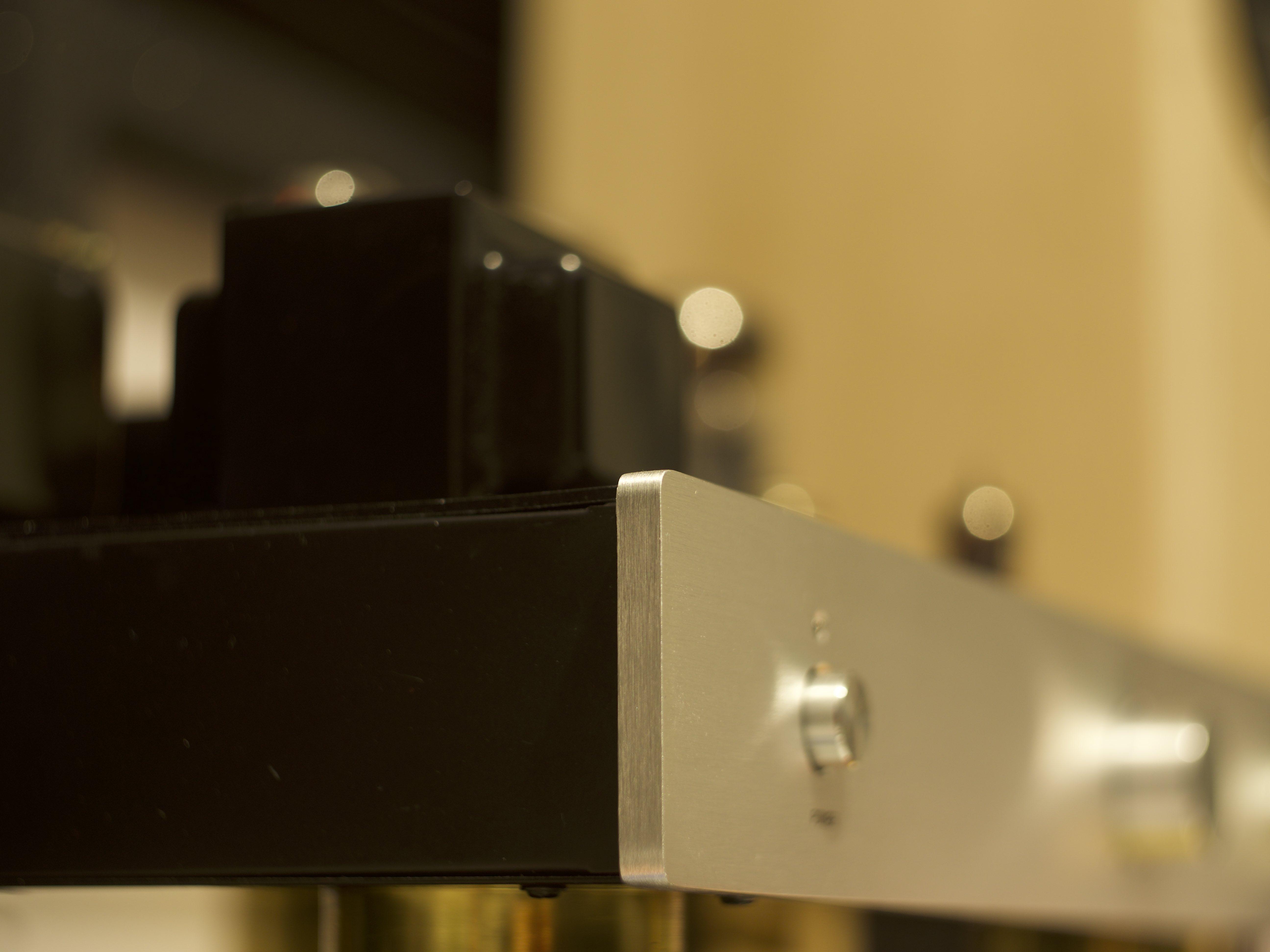
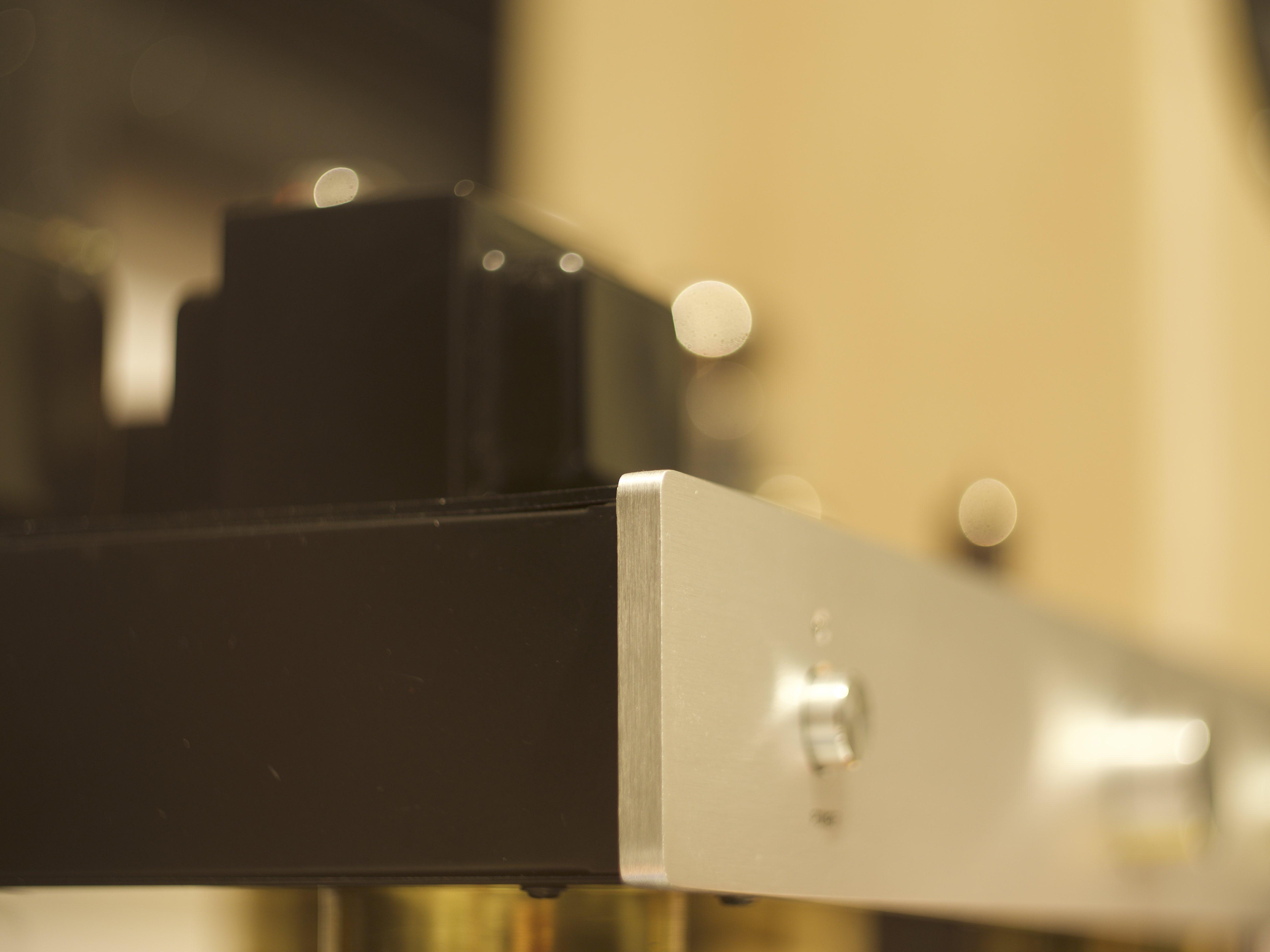
Ah, crap - looks like I had confused myself. I just did a quick exposure test and here's what I found. Konica Hexanon 40mm at f1.8: Helios 58mm on 0.7X SB using aperture to match DOF: Helios 58mm on 0.7X SB at F2: So, it looks like the the 58+SB combination is actually slightly darker when set to match the DOF, but would be brighter and have less DOF at a similar aperture value. I had to move the 58mm back slightly to match the FOV, but that's what you would do anyway if you were using the lens in the field, so it's not a technically pure test. We learn something every day!
-
Lol, neither is mine.. I checked the link before I posted and again on my phone. I failed both tests! ???
-
Interesting technique, and it goes to show that curves can be tremendously powerful. Therefore, I officially announce the... Curves-only Grading Challenge! It's totally optional, of course, but it's a fun challenge, and learning the fundamentals can be very helpful. Rules: You can only use curves to adjust the image The only exception is that you can use a Colour Space Transform plugin to change colour space and gamma You have unlimited nodes, and combined with keys, layer modes, etc you can do many different things I'll definitely be trying it
-
Absolutely. I've bought fast lenses for my GH5 to improve it's low-light just as much as for shallower DOF, but there's limits to the practicality of shallow DOF. I'm attracted to adapting FF or MF lenses because I can get a brighter image for the same DOF, which would make focussing easier for the same levels of noise.
-
LOL, yeah, we might get regular great announcements for some time.. In a world where technology depreciates quickly and there is always a chance that next month will be replaced you have to just make a decision with what is around and when you need it just buy the current best contender. So buy when you need to, but if you don't, then wait. If you buy a tool that does the job then a better one won't make yours worse, after all.
-
Absolutely. I think it also depends on style and taste. Some people are more sensitive to some aspects rather than others, so two people of equal "pickiness" might also have different preferences too.
-
Just for reference, there's a little symbol in the top right of each post (two lines and three dots) that is a link to that specific post
-
One shot no edit... one shot no edit!! Do it! Do it!
-
Pros who run recording studios experiment heavily with microphone placement in relation to the person's mouth and the sweet spot is normally to one side and with some vertical adjustment too, definitely not on-axis! They say that the different elements of the persons voice are projected differently and so by moving the mic around your finding the optimum blend of enhancing the pleasant tones and minimising the others. They say that it makes so much difference that if you don't do it then there's no point being picky about microphone choice either. And if you have the mic off-axis then you may not need a pop filter. I recorded the VO for my 3-hour short film challenge with the iPhone headset and no filter and it was fine. Also, the closer you get to the persons mouth the less the room ambience will be audible because you're lowering the gain to compensate.
-
This joins the rifle grip as a good way to excite the local security contingent wherever you go..
-
I think this conversation should be had when looking at the exported finished film. Depending on what the delivery mechanism is the differences between uncompressed raw and braw are likely to be completely obliterated unless there is a heavy grade or a very high quality master file.
-
Apple are either absolutely cutting edge or are late adopters. They go very early with the tech they want to push their user experience into (removing ports for example) but for the rest they let android market test other features and if they work in the market then they catch up (third party keyboards). I'm more surprised they ever had 10-bit video rather than them not having it now.
-
4K 56Mbps isn't promising unfortunately, even if the sensor and lens are much improved from other models
-
I think there are a few ways to tackle this challenge: A bit of planning, a bit of shooting, a bit of editing, a bit of grading (probably popular) A bit of planning, a bit of shooting, a bit of editing, shoot in standard profile and no grading Very little planning, a lot of fast shooting, a lot of editing Lots of planning, much less shooting, much less editing Huge amounts of planning, one shot, no edit I'm kind of waiting for someone to do the last one.... I did say planning can be done ahead of time, and there's no limit to cast/crew so you could make one of those one-shot pieces nicely for this. That's the one where the BTS would be really great to see
-
The GH5 is a proven workhorse. I'm not sure about the XT3 but knowing Fuji it's likely it's also a well-built product like that.