kye
-
Posts
8,276 -
Joined
-
Last visited
Content Type
Profiles
Forums
Articles
Everything posted by kye
-
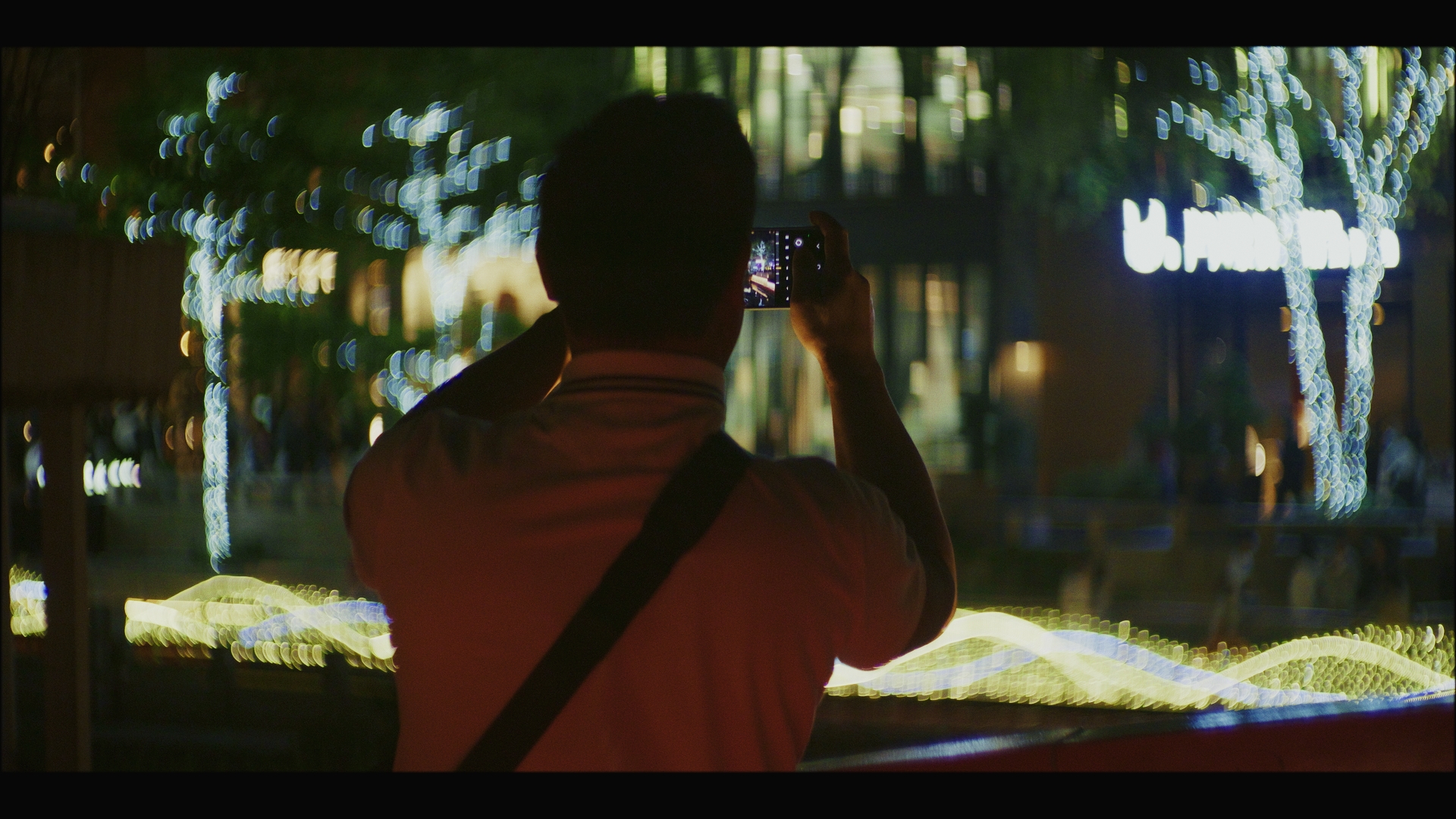
What are you shooting and what lenses are you contemplating? I can't recall what your other normal equipment is, but MFT opens up a Pandoras Box whole world of possibilities with adapters etc too (if you don't need AF) so that can be fun too. I've been shooting street video at night with two combos that work incredibly well.. the first is my 42.5mm F0.95 with the Sirui 1.25x anamorphic adapter on the front, making it an equivalent of 68mm F1.5 and creating beautiful rendering wide open, but the combo is 1.3kg / 46oz so I also got a Takumar 50mm F1.4 on a speed booster, which is equivalent to a 71mm F2.0, which is much more vintage but is tiny and almost a full 1kg lighter. I'm contemplating a native 35mm F0.95 or F1.4 to replace both and have a less vintage but still lightweight for travel shooting. I also rock the 14-140mm for day shooting while travelling, and in brighter places the 12-35mm F2.8 is pretty hard to beat. So many great lenses. If you don't need crazy DOF then MFT is a great option, even with the larger body sizes.
-
I have used several c-mount lenses on my GX85/GH5/GH7 cameras without incident, along with many others on these forums. I have the right adapter that goes in a bit further and gives infinity focus, so there should be enough room. I can't speak for other adapters or OM1 cameras, but it's definitely possible with the MFT flange distances.
-
Getting good affordable 960p would be cool for lots of people. I see the science explainer channels showing bad quality 960p and the richer channels with Chronos setups. Don't get me wrong about them not being cameras that appeal to a large number of people. They're very good for getting the new "EVERYTHING IS AWESOME AND WIDE AND SMOOTH AND DEFINITELY SHARP SHARP SHARP!!!!" style of video that looks more like video than anything ever made before, but as soon as they say it's a cinema camera, there are 27 things they have to change from every other model ever made, and to bet they'll get every single one of them right is a very long shot indeed.
-
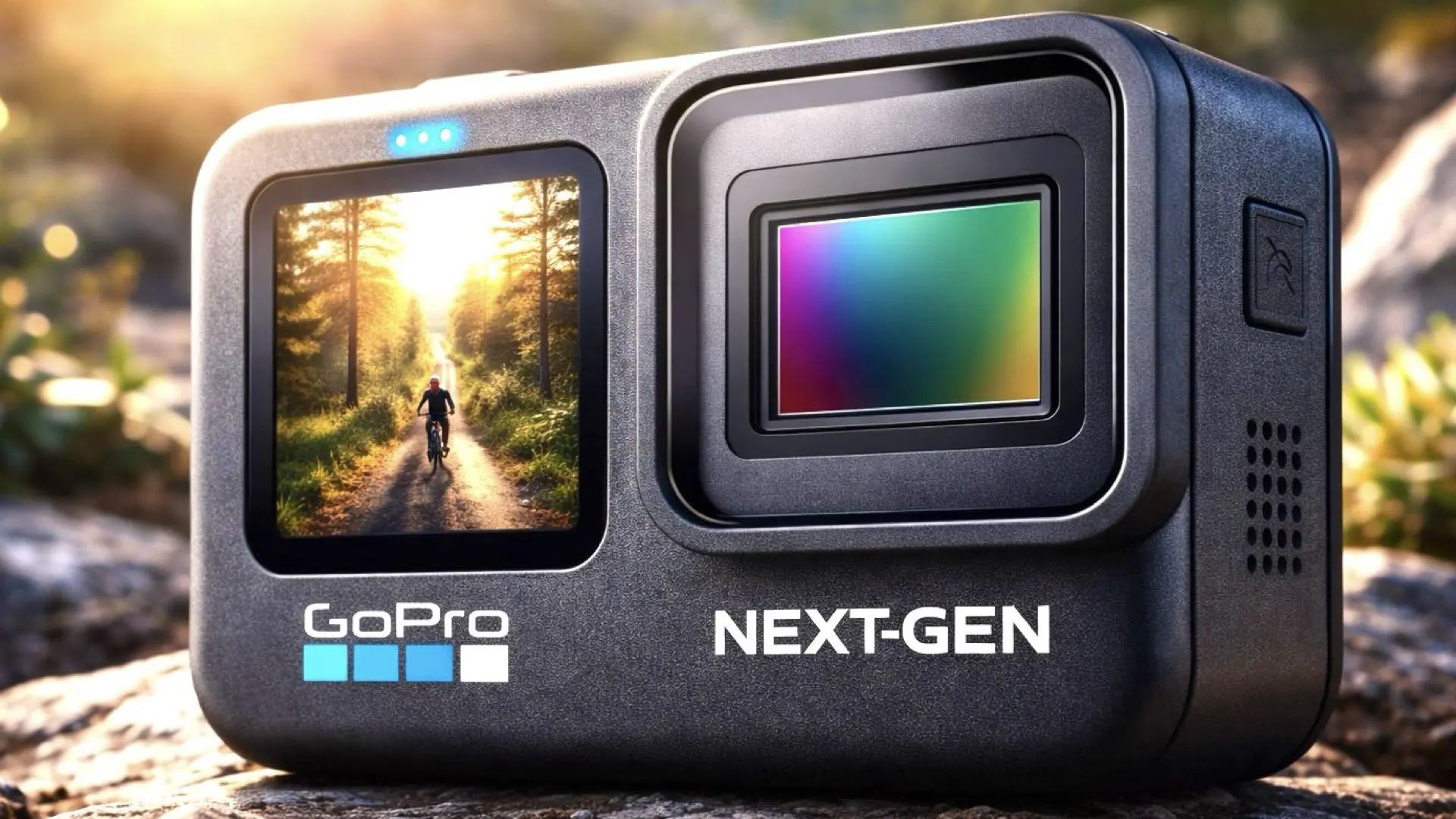
Well WTF - turns out "1 inch sensor" is marketing BS and it's actually 13.2mm wide, making the crop factor 2.73x, and only just a touch larger than Super 16 which is 2.88x. Source Lots of MFT glass and also lots of c-mount options too as already suggested. Ironically, with the lack of electronic contacts you can't control the aperture on most modern MFT lenses, so much of the sharpest glass will be unavailable (making the 8K sensor spec rather redundant!). However getting shallow DOF will probably be more difficult, especially as we have no idea what kind of focus assists it will have, so stopping down might be the best move (focus wide open then stop down to eliminate any slight errors) and that will sharpen up older / lesser lenses. This might end up being the mythical tiny S16 cinema beast that people have wanted (or said they wanted!). It's much smaller than even the BMMCC and that's before you realise the BMMCC doesn't have a screen so you have to rig it up to use it. I am still skeptical though - there's lots of stuff we still don't know about and given GoPros history I have complete faith that they'll include at least one fundamental fatal flaw that will prevent this.
-
Looks interesting with an MFT mount and the claim the Hypersmooth works with any rectilinear prime (their stabilisation is a pretty important feature, especially with how small they are). Of course, if they don't have animal eye-detect PDAF then the internet will skin them alive!!
-
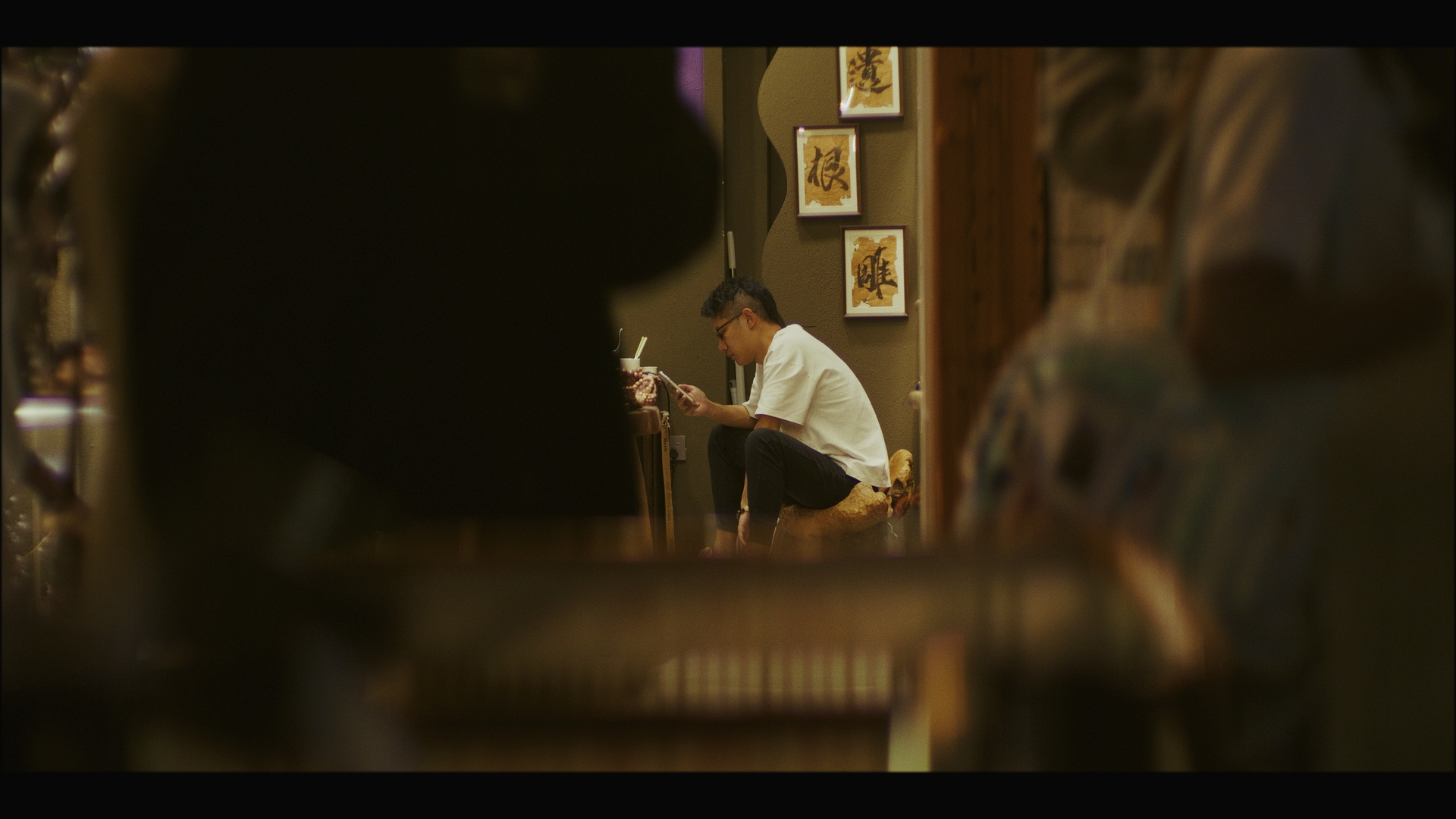
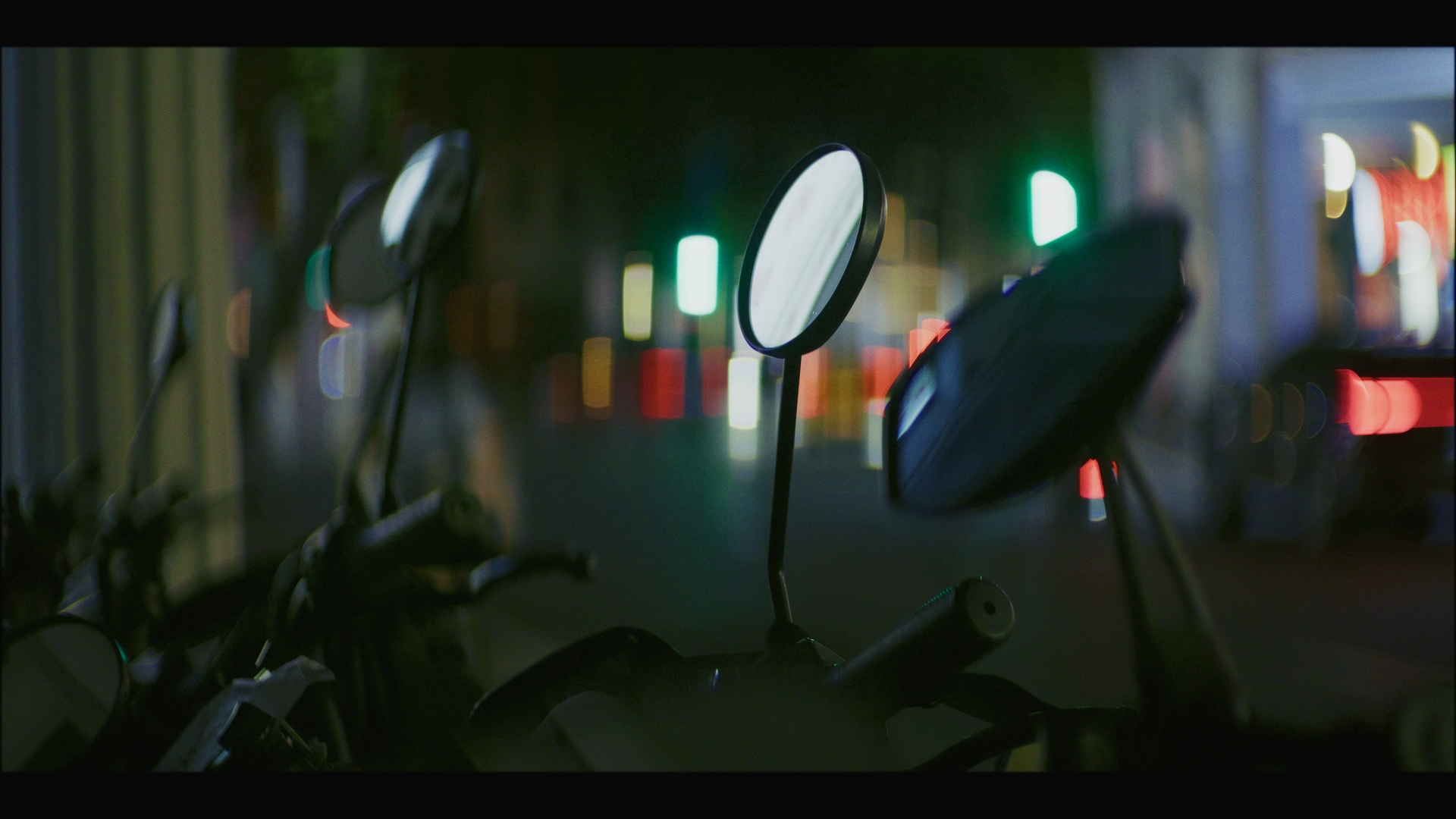
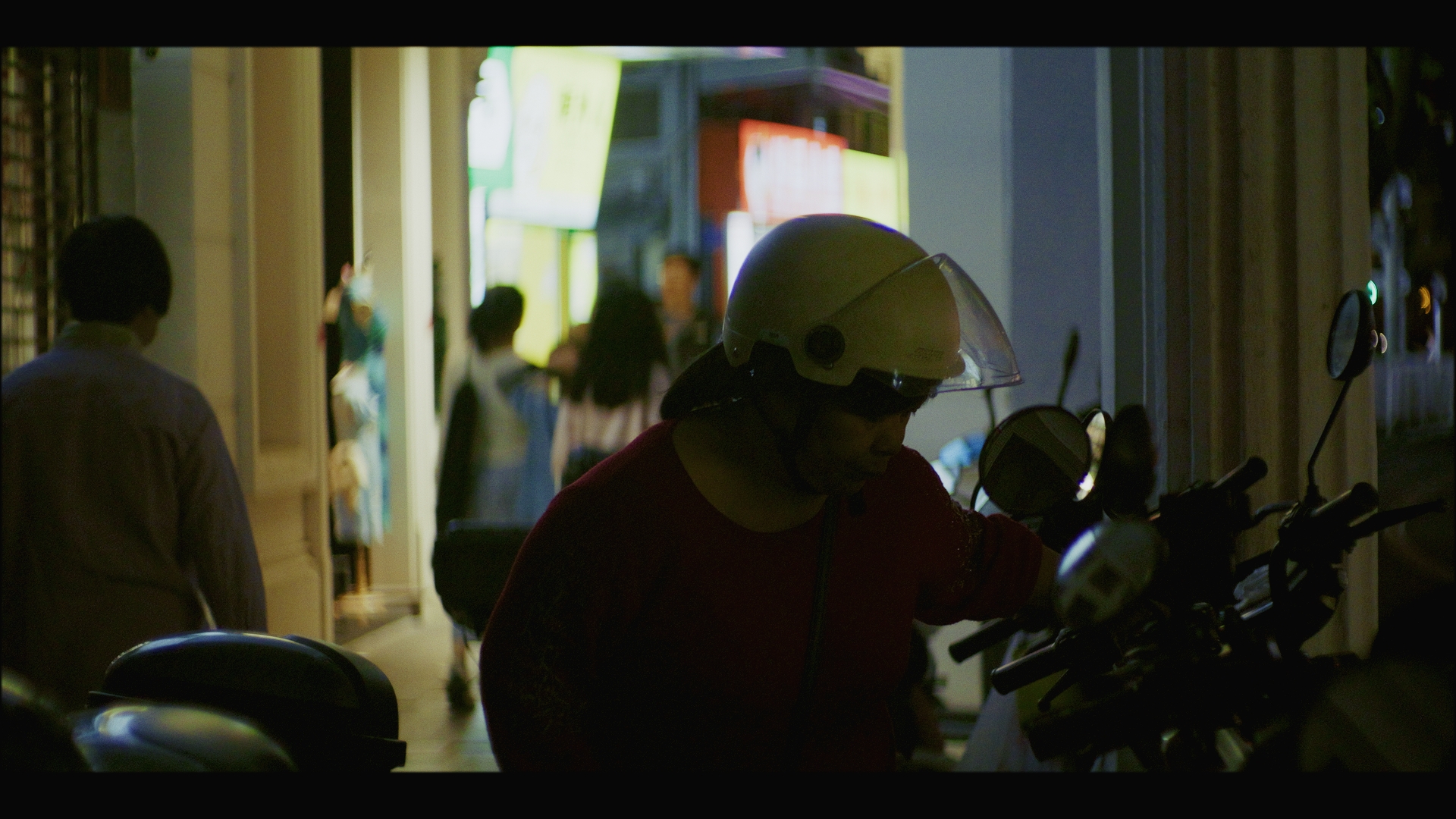
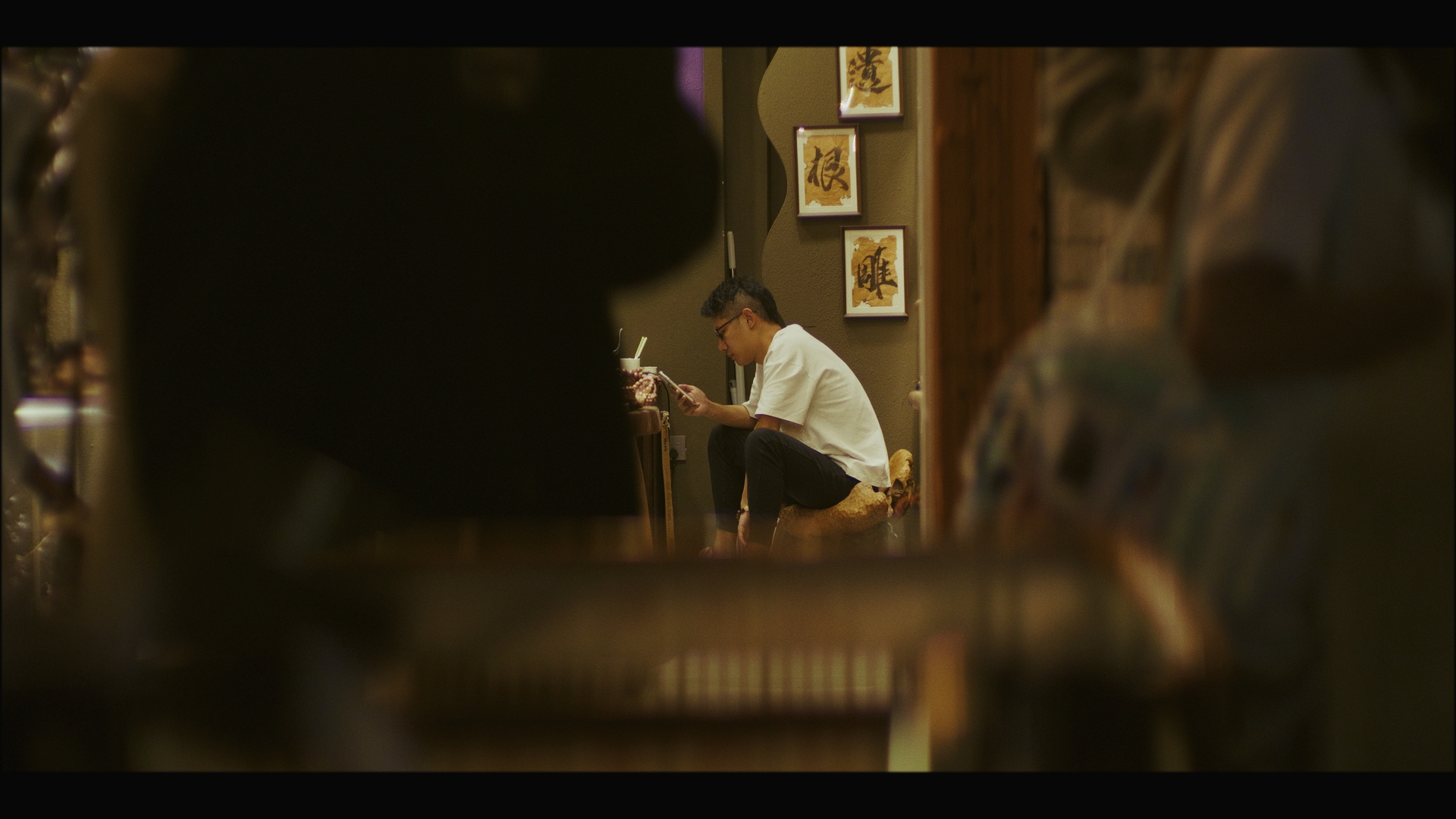
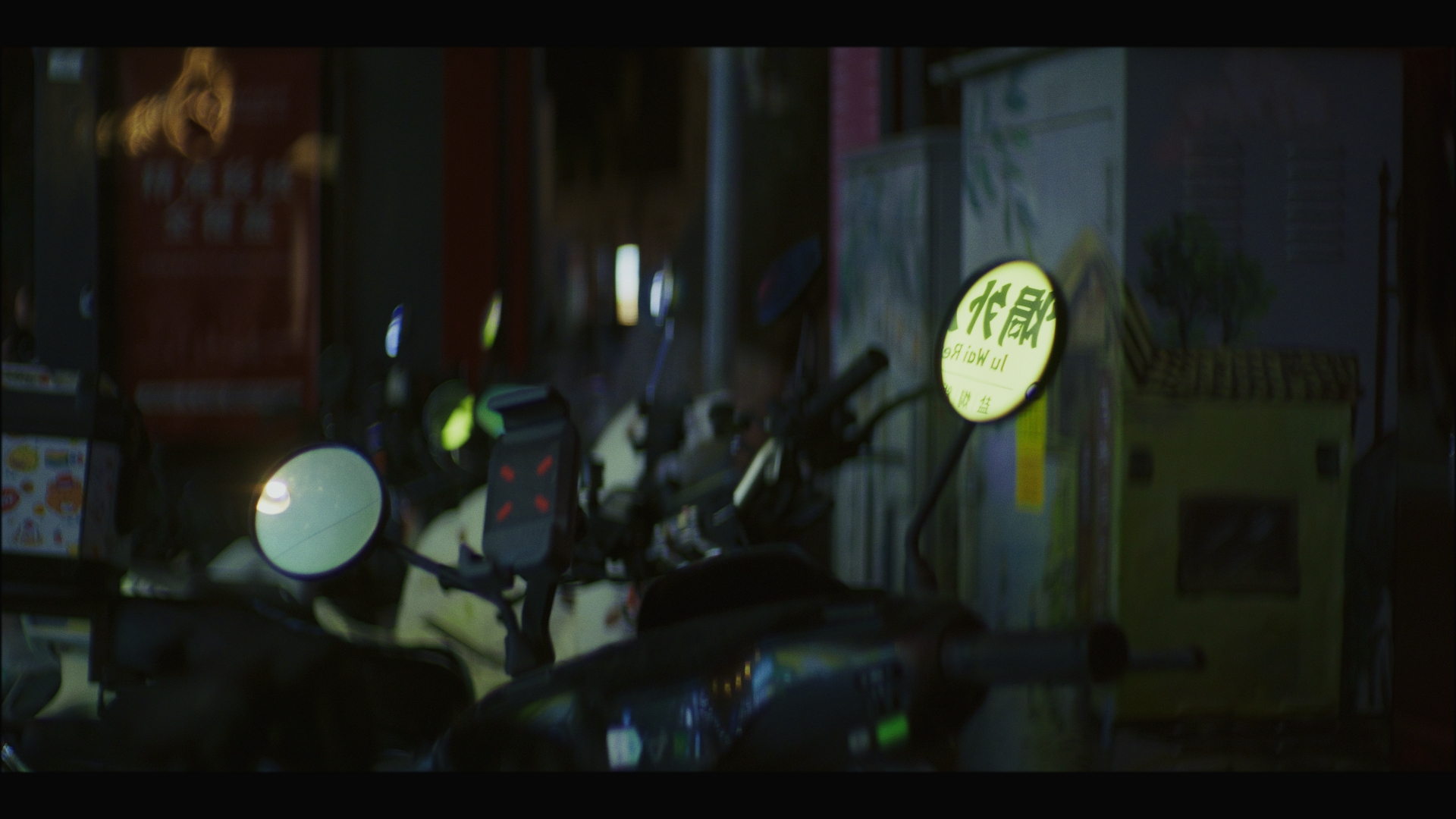
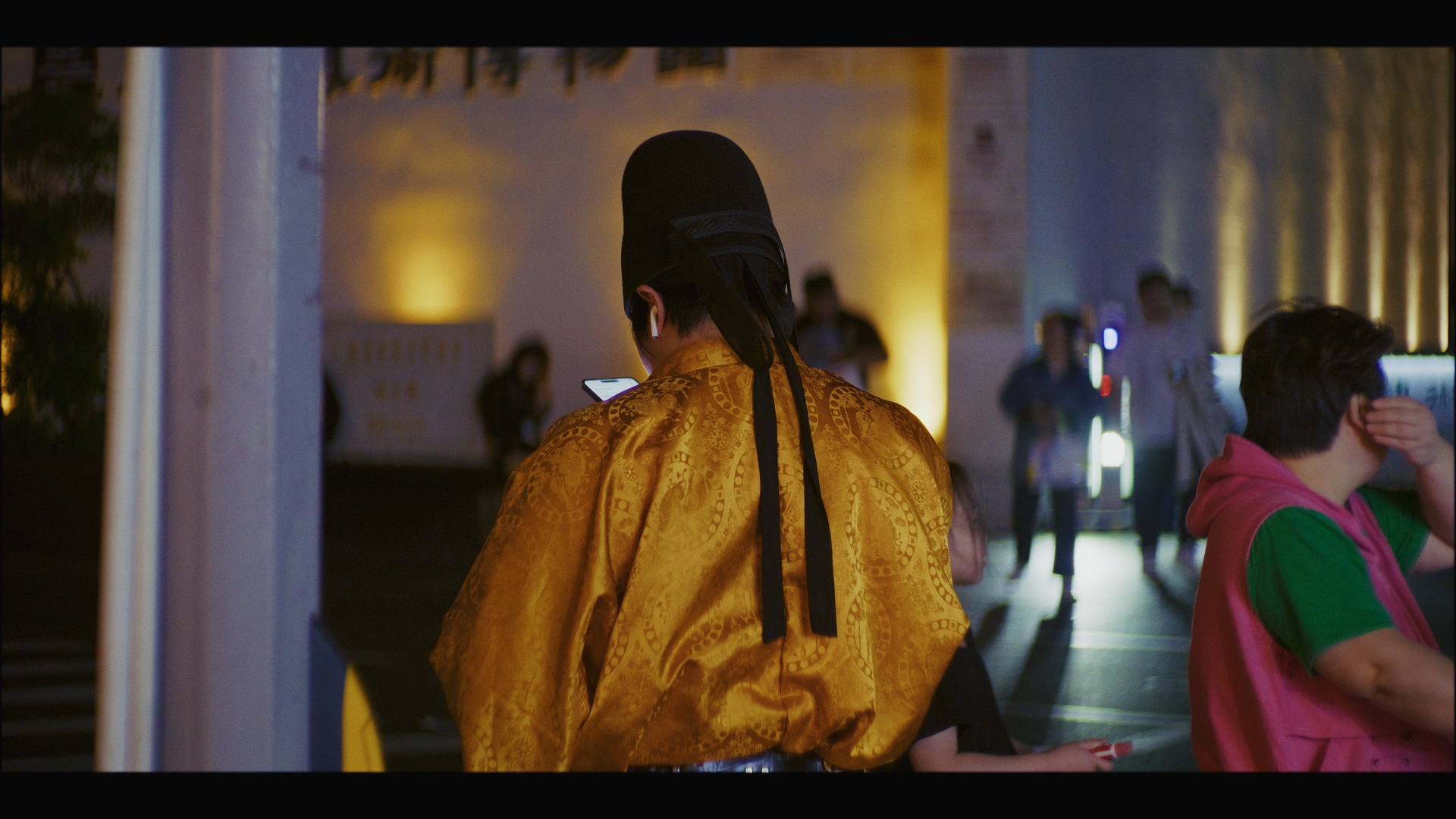
 Even better than that, I have the camera on a wrist strap and shoot with it at chest height like you describe, which means that when I'm walking / standing around the camera is barely visible, unlike a shoulder-strap where the strap and camera are front-and-centre all the time. Lots of other things come to mind.. If there are people standing around in clumps, stand right next to one of them. This way you'll sort-of become part of the group, so people walking by will just identify there's a group of people there and 'see' all of you as one thing and walk around you, and people looking around won't be drawn to you as much as if you're on your own against a clean backdrop - this is sort of like camo clothing where you are trying to obscure your silhouette. Pause a few seconds before showing the camera. If you walk up near someone and stop, they'll probably glance at you to see who you are, what you want, etc. If all they see is someone doing nothing (ie, not a threat or opportunity) they'll go back to what they're doing. Shoot people who are distracted and doing things. Most people who are distracted are just on their phones, but contrary to internet hype people do still do other things, and unless you're working on your doco series "People on their phones - Episode 27" its good to seek out these moments. Shoot through people / things. Be careful how you move and approach shots. I try and be very focused on things that are just becoming visible. As soon as you can see them, they can see you, so it's best to not get closer than you need to. The further you are away the more likely there is to be layers to shoot through too, so that's a bonus. People also have a sixth sense that someone is looking at them, even if you're looking "at them" on your camera screen, so although you can approach someone from the side or even from behind and they'll just turn and look right at you. I'm not sure how to navigate this, but I'm sure there's some way to influence it that I haven't worked out yet. This lady was facing directly away from me when I started filming and then turned suddenly a few seconds into the shot: The guy nearest me suddenly turned around to look at me, despite none of his friends noticing me beforehand: I know people do look around sometimes, but the timing is uncanny, so it's definitely a thing. The old trick of finding the backdrop and waiting for someone to come into shot is a good one too, which is what this shot was. It has the benefit that you're not coming into their environment, they're moving through yours. Any situation where you're shooting through layers has the potential for someone to come into shot too. I was shooting compositions using the bikes mirrors and then a lady came and parked her bike right in front of me. I'm pretty sure she knew I was there, but as I was already standing there when she arrived I wouldn't have triggered that 'a new person just arrived' reaction, and also as she arrived at the situation from somewhere else she was probably quite distracted as the whole situation was new and she was trying to park her bike too, so it's possible she was completely oblivious to my presence. Anyway, that's some further thoughts. There's a lot online about how to stealthily take street photos (e.g. Garry Winogrand pretending to fumble with his camera, etc), but much less about street videography where you have to essentially remain motionless for many seconds while rolling, plus you can't 'drive by' people and freeze them with a short shutter speed either. For one reason or other most of the street photography tricks don't really work. I'd imagine that @BTM_Pix would be deep down this rabbit hole..
-
After digesting my trip to China, I'm now planning the next trip to Japan, where we're mostly in a remote location but we have a few days in Tokyo in the middle so I'll try and spend as much time shooting there as I can (which really means leisurely meandering around shooting and having breaks with delicious food / drinks etc). My equipment lessons from the China trip included: The GH7 is a workhorse and I don't think about using it at all, just on what I'm shooting The 14-140mm is a great all-round day lens for home video stuff The Takumar 50mm F1.4 on speed booster is good, but a little soft on the sides of the frame and the rectangular insert is probably a bit much I also learned a bunch of stuff about how to shoot in crowded situations without drawing too much attention to myself. I suspect that this is an infinitely-deep rabbit-hole that the best shooters probably do unconsciously, but like all things practice makes improvement. One thing I did that I think also worked well was to just shoot as fast and as much as possible. Not only did it lead to more shots and variety for the edit, but I think it also potentially helped me be less in my head and shoot more instinctually, which I suspect will yield more creative and expressive results. I've been thinking a lot (and talking to friends) about what I'm learning and what equipment is appropriate: The 70mm FOV seems potentially universal because in crowded situations you want to focus in on something so the frame isn't just full of chaos (photography is the art of subtraction), but in situations where there are less people you get spotted at a much greater distance and so having the longer lens means you can still get closer shots of people without actually getting close to them If my goal is to make edits that feel more immersive, then it makes sense to shoot with a lens that's roughly "normal" so it has a perspective similar to the human eye, which is about 50mm on FF. Having 70mm is a bit longer and would introduce a slight element of distance between myself and the subject, which is emotionally appropriate as I am an outsider in the places / cultures I visit, so this is coherent and adds to all the other decisions I'll make in what I shoot / how I shoot / how I edit / etc. I mentioned wanting a lens that was a bit sharper on the sides of the frame to someone and they countered by saying that having such a limitation will make my work more consistent (not only from the images themselves but also because it means I tend to compose with the subject nearer the centre of the frame) so this is a reasonable counter-point Despite all this, I suspect that I'll want a wider lens for when I get into the emptier narrow streets where it's more about the location rather than the people in it, and I suspect this is closer to 35mm or so As such, I'm mostly settled on the following lens contingent: 9mm F1.7 - for getting that wide-angle distortion that makes buildings etc really pop 14-140mm F3.5-5.6 - for day-time home video shooting 50mm F1.4 with SB - for that 70mm "night cinema" goodness 12-35mm F2.8 - for the wider "night cinema" duties, and being a zoom it means that I can use whatever focal length works for this task (35mm equivalent is just a guess) but also combined with the AF I can shoot a variety of angles / compositions really quickly I'm also likely taking the following, partly as just-in-case and partly to experiment with: TTartisans 17mm F1.4 - if I find that the 35mm FOV is desirable then this is a fast prime I can swap to TTartisans 50mm F1.2 - obviously I'm a fan of the 70mm FOV and I wonder if this 100mm FOV would be useful / workable, especially as it's super fast with shallow DOF Risespray 35mm F1.6 c-mount - this is about a stop slower than the Takumar+SB combo but seems cleaner wide-open so is a way to challenge my assumption about needing the speed of the Tak I'm also contemplating shooting 24p rather than 23.976p, and also 1080p instead of C4K. Both decisions have pros and cons to them though.
-
Yes, lots of things to trade-off against each other. Thus the arguments about what is best when people impose their own values and priorities onto other people then judge them for doing it "wrong" lol. The more I refine my setup the more that other peoples approaches sound so alien to me. I realised just recently when thinking about my UK/Europe trip that safety isn't something I think about that much when shooting as I tend to go to places that are relatively safe, mostly big cities across Asia. I do find it ironic that shooting in London (the centre of the "civilised" world - right?) is the first time this issue has really made me question how I would address it.
-
As this is a once-in-a-lifetime thing, and you'll likely be overwhelmed with the logistics of using a camera you've never used before + a format you've never used before + a cost per second you've never experienced, my suggestion is to keep it simple and keep it meaningful. My suggestion for lenses.... Go to a rental house and tell them what you're doing and get their recommendations. I'd suggest lenses that are neutral in look, easy to use, reliable, and probably not too heavy / expensive. Perhaps something classic like a set of Zeiss Super Speeds (which were popular for a reason!) etc. My suggestion for shooting..... As this is a never to be repeated thing, I'd suggest shooting people and places and subjects you love. Not only will this be a lower-stress approach, but you'll end up with lots of images that will be relevant for the rest of your life, and perhaps longer for friends and family. Completely secondarily to this, shooting a range of different things will be fun, and it will also be great if you want to nerd out and pixel pee etc, as you'll have a range of different subjects and scenes.
-
Anthony Mann & John Alton /Film Noir tribute runs 3 minutes
kye replied to Aussie Ash's topic in Cameras
I watched a great video talking about Christopher Doyles contributions in working with Wong Kar-Wai (I'll post below) and there's a great line in there where Doyle basically says (when comparing his films to Hollywood blockbusters) "I think we have absolutely opposite attitudes to what's film-making. We make the film we can, they buy the film they think they want" (around 5:00 mark) When talking about small budgets and tight timeframes these films are often a lot more like my own travel videos than a Hollywood blockbuster. In my videos I shoot on-location with available lighting and no control over the scene whatsoever. In some ways I am capturing something that is more authentic, because I'm not constructing sets or rigging lighting that might deviate from the actual location, but this also means I have less flexibility to work around the camera etc (where sometimes cheating things makes them look more normal rather than less), and it requires me to capture things in a way that more authentically depicts the location rather than including/excluding things in a way that's not balanced or authentic. Obviously these lower budget films are still working with lighting, (probably) closed sets and production design, but they're not constructing everything from scratch on a soundstage in a warehouse in Burbank. In the video he talks about how because they filmed in real locations the actors were responding to their surroundings in an authentic way, rather than having to pretend they're somewhere that they're actually not: "The environments that the two worked in dictated the movement, emotion, rhythm, and transformation of those locations into an active force within each film. The physical surroundings were always used to shape psychological states. Hong Kong becomes the central site of this transformation." This idea of filming on location and letting the day-to-day (and perhaps moment-to-moment) shooting experience influence the acting and filming reminds me of what Noam Kroll preaches, which (to me) is really the fundamental advantage of the low-budget film. Wong Kar-Wai sometimes wrote the next days scripts the night before, which means they could adapt to how shooting was going and the weather etc. With the technological advances (film getting faster and not needing lighting / 16mm cameras that were light enough to use without a tripod / on-location sound then sync sound / digital) that enabled Italian Neorealism / French New Wave / British New Wave / Dogme 95 it's all about it getting smaller/lighter/cheaper, so taking these advantages and then still doing a full pre-production cycle then rigidly shooting to that in prod is really just throwing away much of the new potential that technological advancement has delivered. -
Anthony Mann & John Alton /Film Noir tribute runs 3 minutes
kye replied to Aussie Ash's topic in Cameras
Not even in 4K! It's like they've never watched a single YT tutorial on how to make their footage cinematic. -
I think your criticisms of Resolve are quite relevant and justified, and perhaps the most significant thing (apart from the overwhelming user experience when first learning it) is the workflow. If you want a straight-forward experience then I think it's all about workflow. Depending on how you are thinking about it, I think there's two overall philosophies you have to choose from: Make it work the way you think things should be done, and don't support other ways (or even be openly hostile to them) Try and make it as flexible as possible so people can choose their own workflows I have had significant issues with the way that Resolve limits things, which are stuck in the workflows that began in the days of celluloid. It's not that it doesn't let you do things your own way, as mostly it does, but 'their' way will involve a single shortcut key that is mapped by default, and 'my' way often involved seven functions and perhaps some of them couldn't even be assigned to a shortcut key at all. If that's a thing that you do per-shot, or per-cut, then that's game over for that workflow - they may as well have not bothered. If you're going for the latter, then you'll need to reach out to people with vastly different workflows and mindsets and then let them use your tool and see where the limitations and faffs are for them. I have a lot of experience in IT and the only thing you can really count on is that some users will do things that seem completely bananas to you until they are given a chance to explain things (which often requires them explaining what their world looks like). Even if you're going with the first one, if you are then I'd suggest be clear about it and don't get distracted with anything else. Half-supporting a different workflow won't do either you or the people who work like that any good and is just a waste of time.
-
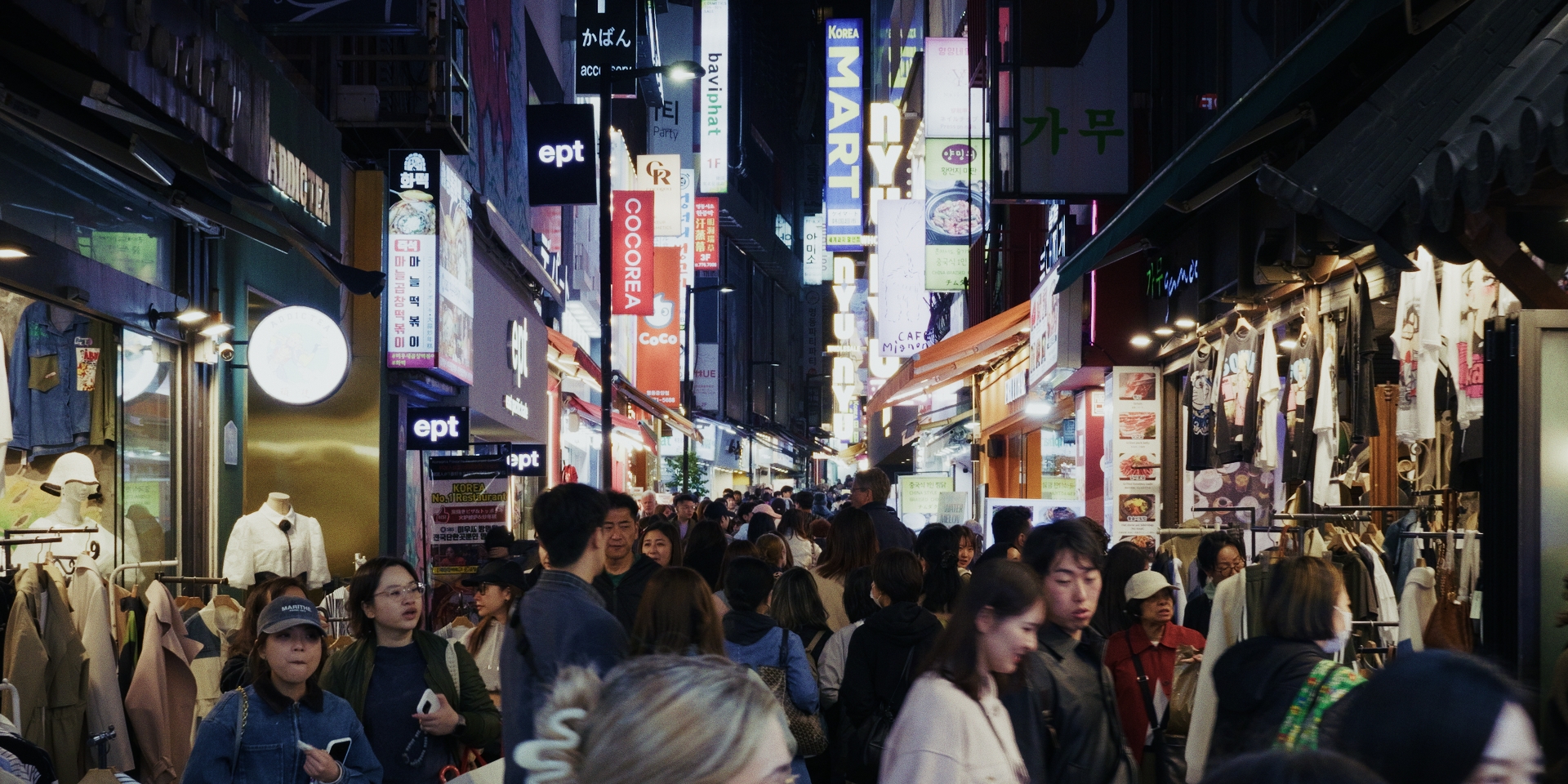
Not the CN-E 31.5-95mm T1.7 zoom? 😆😆😆 I suspect that I'd likely want to go as clean as I can afford, because the situations are amongst the most brutal possible with huge DRs from strong light sources in frame and the associated coma/smearing/etc that happens. Almost every lens I have used looks controlled in normal high-DR situations (ie, daytime exteriors in direct midday sun) but start to look 'vintage' when out in the streets at night. I don't generally take stills of frames with lots of issues, but this starts to hint at the territory I'm describing - the below is the 12-35mm F2.8 zoom on the BMPCC. This has no promist filter on it, this is just the lens itself. It's not the most clinical lens in the world wide-open, but if it performed like this on normal scenes then people would have cancelled it as being unusable, yet here the bloom extends half the height of the frame! The images from the Voigt 42.5mm F0.95 + Sirui combo seem to be pretty good across the frame, like this one where the text seems pretty clear even on the edges of the frame: but even in shots that don't have high DR, the Takumar 50/1.4 doesn't do a good job on the extreme edges: Maybe the woman posing bottom left is slightly behind the focal plane, but even then the softness looks like lens aberrations and not just being out of focus, even with my crazy rectangular / moon-shaped bokeh. Using the Takumar I found that I was composing images with the subject at the centre (or near to it) whereas I don't remember feeling like that with the Voigt+Sirui combo. I'd certainly like to feel more free to compose how I want. I hear you on the character of the bokeh, I find some lenses to have quite objectionable bokeh, and in my tests with the Tak I found it highly variable actually, with the character changing depending on the focus distance and distance to the things being blurred. I realise I'm really pushing things here to the limits, which is pretty much normal for me, but I feel like there's a lot of experimentation still ahead, once I can justify the investment required. Plus I can always dirty things up in post if they're too clean, the Film Look Creator really changes the game in that sense. I'm also looking at shots like this of Myongdong in Seoul and thinking that maybe this is too crowded for such a long focal length and a wider lens might also be useful:
-
I could even sacrifice a small amount of aperture and go with the Sigma 50-100mm F1.8 zoom (equivalent to a 64-128mm F2.3), which would have all the benefits of a zoom. It's a pity there isn't a mid-range offering in that series so I could go both wider and longer than the 50mm mark. There's always the Canon CN-E 31.5-95mm T1.7 zoom, which would be perfect if it wasn't 7.8lbs / 3.5kg, enormous, and USD24,000!
-
Thanks for the info. They're definitely not for everyone, but I'm more than comfortable using them and all the associated math. I'm even a fan of the in-between focal lengths. I discovered that I absolutely adore shooting with my 42.5mm F0.95 lens paired with my Sirui 1.25x anamorphic adapter, and that's equivalent to a 68mm F1.5 lens on FF. 50mm would be too wide and 85mm too long - so the fact that FF lenses are exactly 50mm or 85mm on FF is actually a disadvantage for me. The economics of it are also pretty straightforward, I can get one of these for half of what a Panasonic S9 or OG S5 would cost, and it means I don't have to carry around two bodies etc either. I think focal reducers and adapters and front anamorphic adapters all provide a myriad of potentially interesting options, which I brought up in the Adapters are BACK.. and better than ever! thread. The main candidate would be a 50mm F1.4 to be a 64mm F1.8 equivalent lens for shooting "night cinema". This would be to replace my M42 Takumar 50mm F1.4 + SB combo (which is very vintage and has distracting bokeh and isn't great on the sides) and the 42.5mm F0.95 + Sirui 1.25x combo (which is heavy and also isn't great on the sides). Between Canon and Sigma and Zeiss I'm sure there will be a range of lenses that are as pristine as I'm willing to pay for. I've found that the 65-70mm range is really great for crowded street work like markets etc where you can shoot a range of compositions from wides to portraits to macros, and is also great for shooting wider shots on the other side of the street. I'm also wondering if a wider fast prime might be useful too, so maybe a 24/1.4 (which would be a 31mm F1.8 equivalent) or a 28/1.4 (which would be a 36mm F1.8 equivalent) might also be interesting but I feel like I'm just getting started with this style of shooting.
-
I'm idly contemplating buying a Metabones Ultra 0.64x speed booster for my GH7. This would take me into the world of EF for the first time. I'm completely familiar with speed boosting and crop factors and all that jazz, with years of experience from my 0.71x M42 to MFT speed booster and (many) M42 lenses. What's the deal with speed boosting to EF? Is the Ultra 0.64x worth it over the normal 0.71x adapter? (they seem to be similarly priced used). Is there a different one I should consider (other than Metabones)? Essentially I'd be getting it to shoot shallow DOF (like I do with my M42 Takumar 50mm F1.4, etc) but with more modern / cleaner results as M42 lenses are quite vintage and far dirtier than fast EF glass, especially when shooting wide open. AF is of little importance to me, so I'd be expecting manual focus.
-
Like almost everything of value! Seriously though, one of the best reality checks you can do is to find the all-time best examples of whatever you're doing and study them. When I did this it basically took almost every one of my previous references and relegated them to below 5/10, and made the 'most recent' on YT and streaming platforms look like toddlers playing with crayons.
-
100% - I'd assume that this was the best image that an expert with all the other associated equipment was able to get with a decent travel budget and after a decent period of having it. I've always maintained that there are three useful references for a piece of equipment: The best images that anyone is able to create This shows the upper limit of its potential The images that competent reviewers get This shows the type of images that people of moderate skill are able to get in non-ideal conditions The worst images You never get to see these until you get one yourself, but in theory this would show how fragile/flexible the camera is (for example you can expose an Alexa pretty horribly wrong and still get a half-decent image from it, but try that with a camcorder and it's a complete disaster) The promo is only the first category, and the fact there are only a few shots in there is a statement in itself. I think the 15mm is a lot better than people make out, but of course most discourse online is from people who think that a Zeiss Otus is the ideal lens and that Michael Bay doesn't use large enough apertures. To be honest, when reading / listening to most opinions now I am just hearing that the person hasn't been to the cinema for years, hasn't watched any/much classic cinema, and isn't even familiar with the saying "F8 and be there" let alone thinks that it is the cornerstone of almost all the important photography in the history of the field. I was always interested in the 9mm but as I bought the SLR Magic 8mm F4 as one of the first lenses I bought, then upgraded to the Laowa 7.5mm F2 lens later on, the selection of slow wider pancake lenses was never really justified for me. Right, I guess that makes the moon shot even easier then. If you have enough light then almost any camera will look pretty good. Looking at the mount again, there doesn't appear to be any visible mechanism to attach the lens.. I'm wondering if this might be a magnetic mount of some kind, like MagSafe perhaps. If that's true then it might just be a matter of pulling the lens off and snapping another one on. That would certainly fit with the GoPro ethos of it being a fast no-nonsense experience.
-
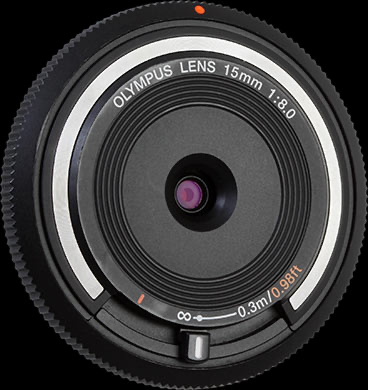
Could do, I guess there are options. One thing that comes to mind for the vlogger crowd is having a small manual focus that goes between two useful focal distances, like vlogging distance and normal infinity focus. This is how the Olympus 15mm F8 MFT pancake lens works, and it's surprisingly functional. It sort of sits in that middle-ground where you need to adjust focus because you can't get 30cm to infinity in focus at the same time (like a normal GoPro), but the DOF is still deep enough that you don't really need to have much control over it. In practice it's sort of like a switch where you're either at one end or the other. Looking at those GoPro sample shots, both the shallow DOF shots are relatively macro, so that doesn't need a large sensor or super-fast lens, but the moon shot might actually be the more difficult one requiring both a long focal length and also a larger aperture to get enough light. I don't really do astro-photography but the moon is approaching higher-ISOs I would imagine. Seriously though, there are probably 5-year-old android phones that could replicate both those images, so I'd suggest that most of what we're seeing is the hype and that GoPro shares the same definition of cinema that most YouTubers do.
-
All true, but the sample images from the promo video all have shallow DOF, so that means another kettle of fish entirely with AF and/or focus guides (peaking etc). I'd question if it might have lidar rather than PDAF etc, but it's a GoPro, so let's just assume it's 95% marketing and only 5% actual specs, like almost everything else about their cameras (no proper log profile, barely-passable bitrates, etc).
-
YM Cinema did an analysis of it: https://ymcinema.com/2026/03/18/gopro-next-gen-large-sensor-action-camera/ This image shows the sensor.. If we assume it's the same size as a normal GoPro (at around 70mm) then that looks like the sensor is about 20mm across, which is a crop factor of about 1.8, so very slightly larger than MFT. If the camera body is larger then it looks somewhere between MFT and APSC. Based on how far Apple has pushed its sensors with Apple Log and how far things like the GH7 etc are, there's the potential for genuine image quality. What there won't be however, is the potential for GoPro to go "oh, we'll just provide an adapter for you to mount any other manufacturers lenses on this bad boy!" and not cash in by providing an entire line of overpriced lenses to keep you locked in their 'ecosystem'.
-
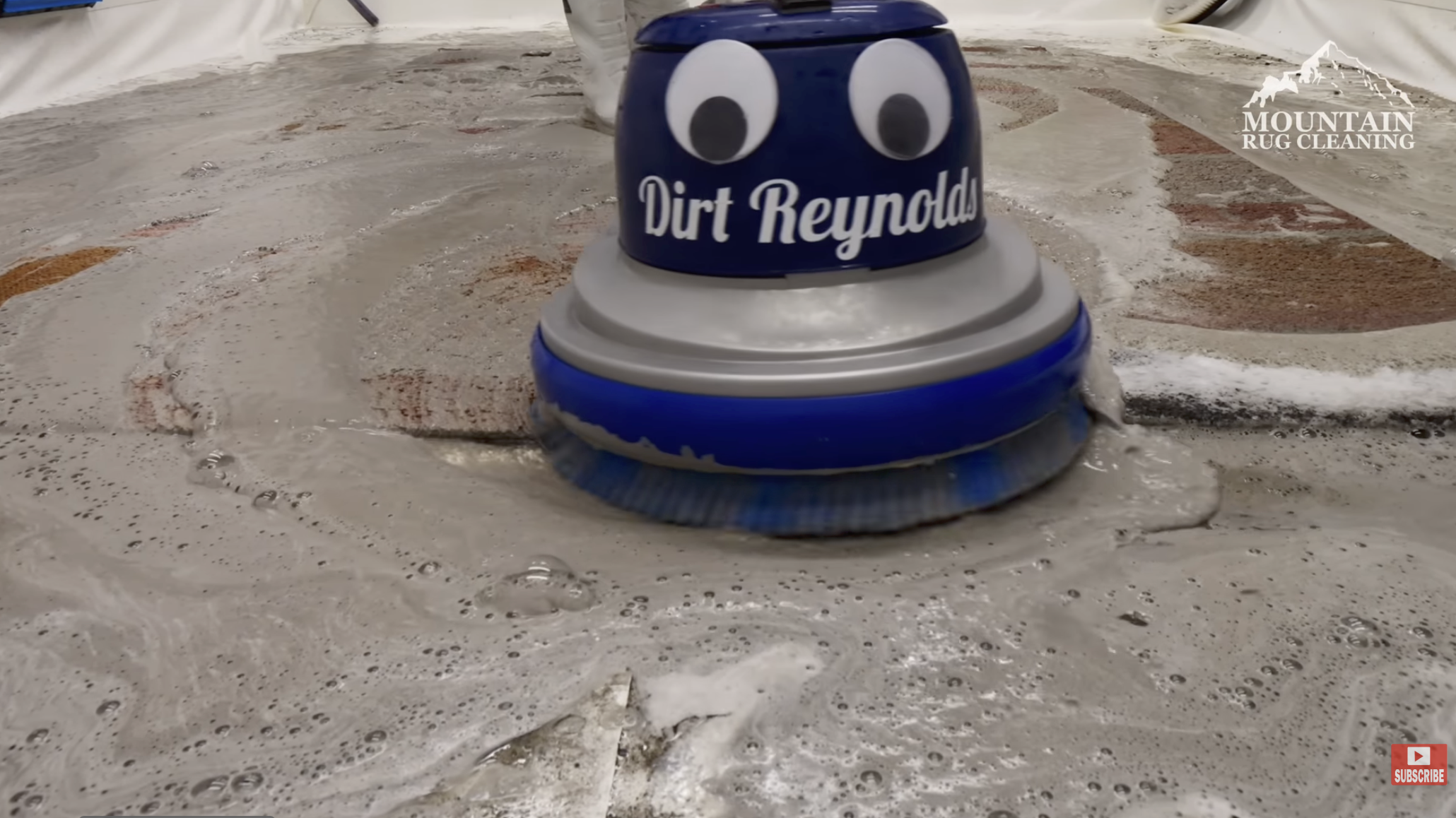
It reminds me of how the people that do rug cleaning videos name their cleaning equipment. My favourite is this:
-
Ultra wide lens used to shoot "Poor Things" 4mm , 8mm Nikkors & 10mm Arri/Zeiss
kye replied to Aussie Ash's topic in Cameras
Wides are a completely different thing depending on the circumstances. If you're hand-holding and moving around for video it's a completely different beast than doing stills or doing video but on a tripod with very careful camera placement and subject movement etc. I also think it's pretty difficult to make wide angle lenses look professional - that demo from ARRI showcasing their ultra-wide zoom had more "amateur with an action camera" vibes than a shallow-DOF 85mm portrait shot from the standard video mode on a 5DII. This is the elephant in the room for amateurs - the pros choose equipment in support of the vision of the project whereas amateurs choose an aesthetic and then use it for completely inappropriate projects. -
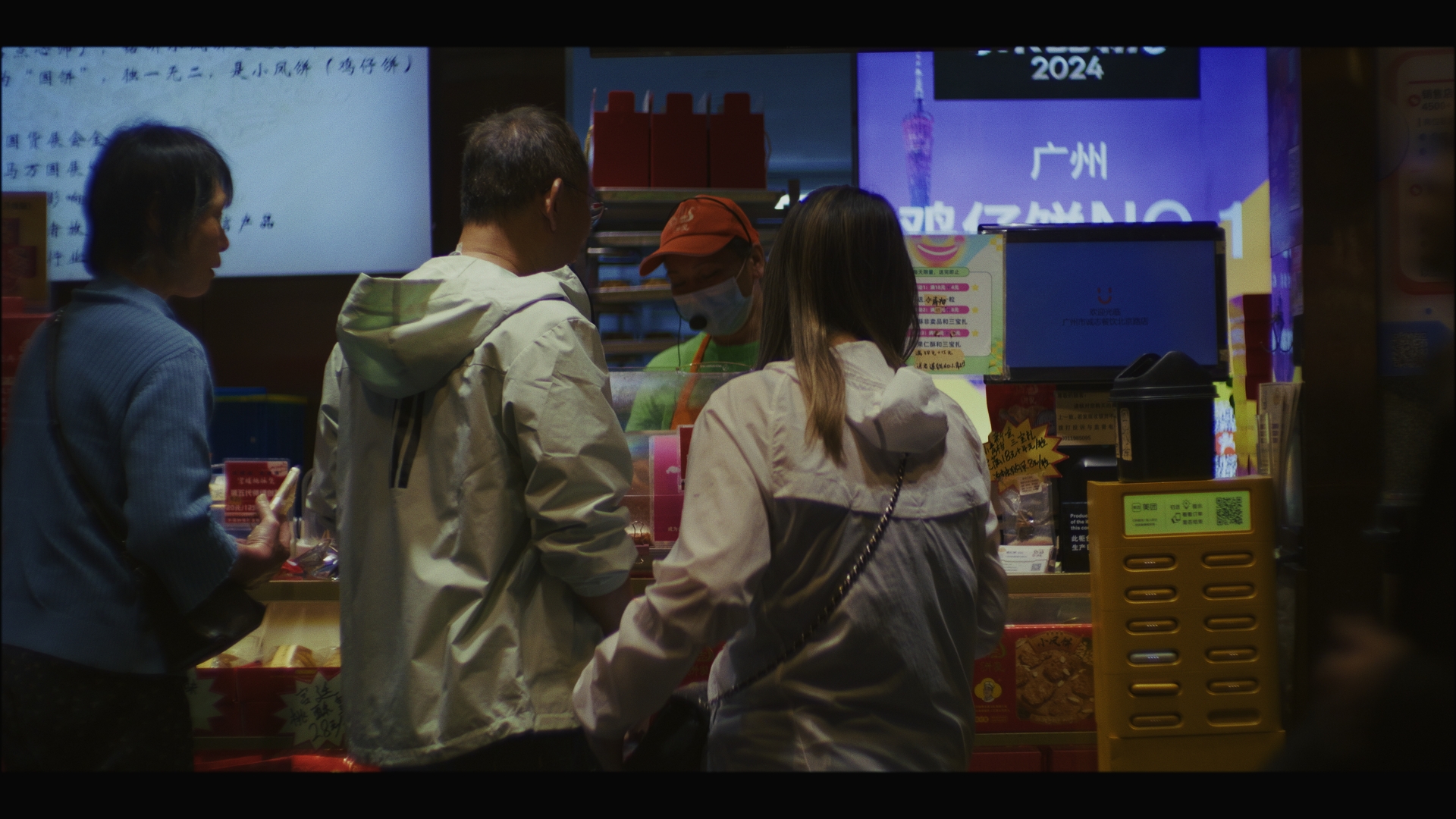
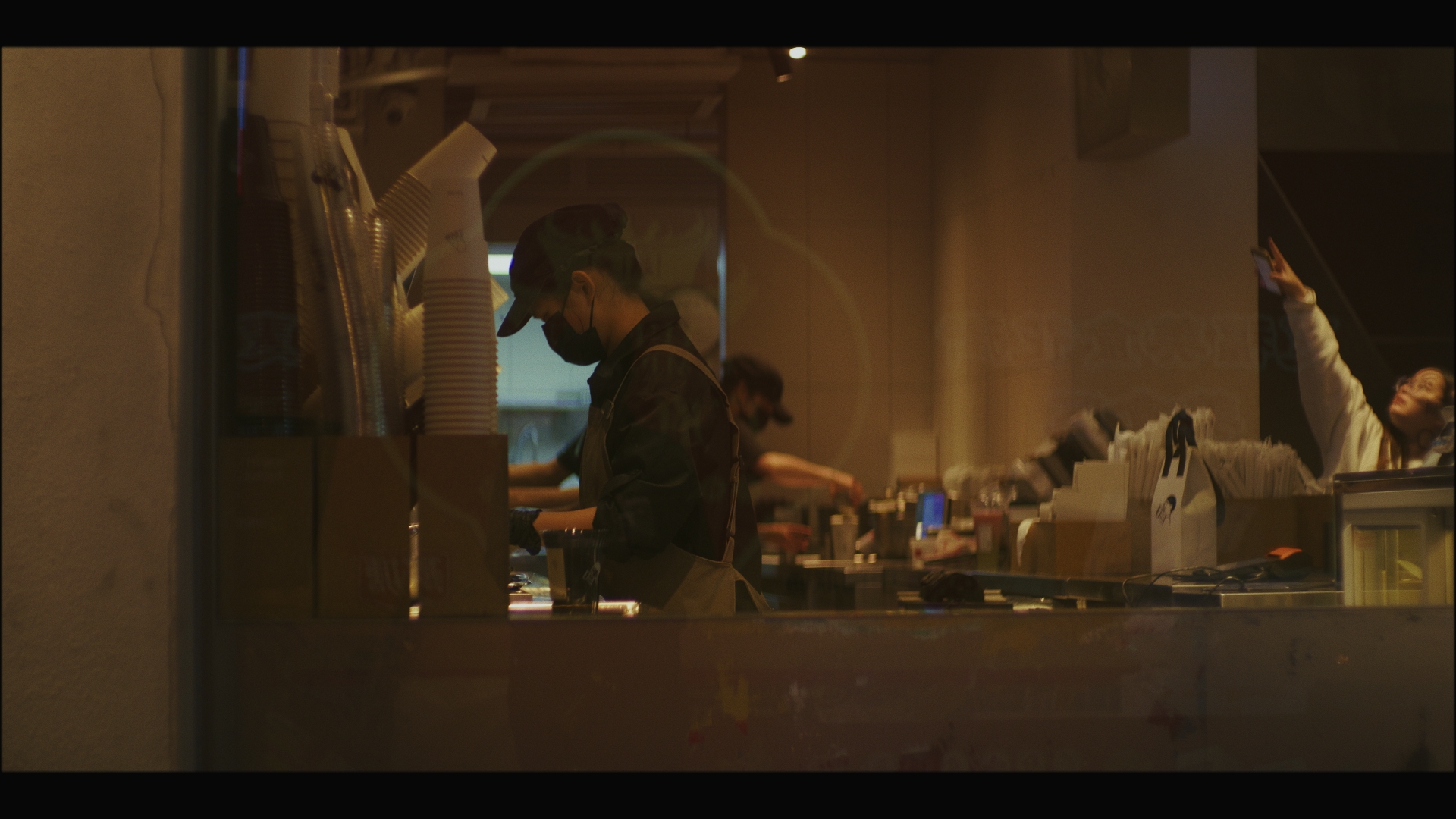
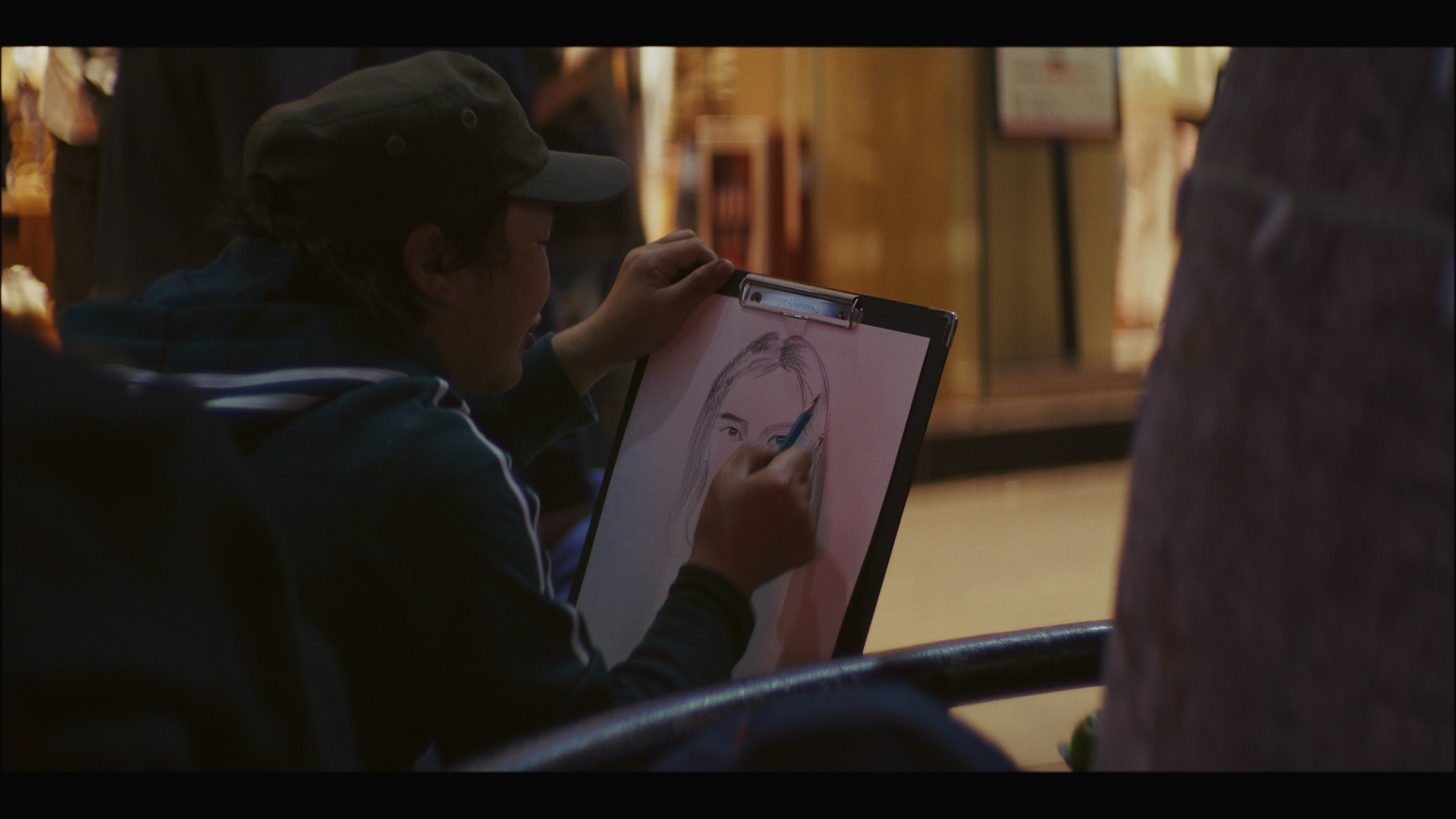
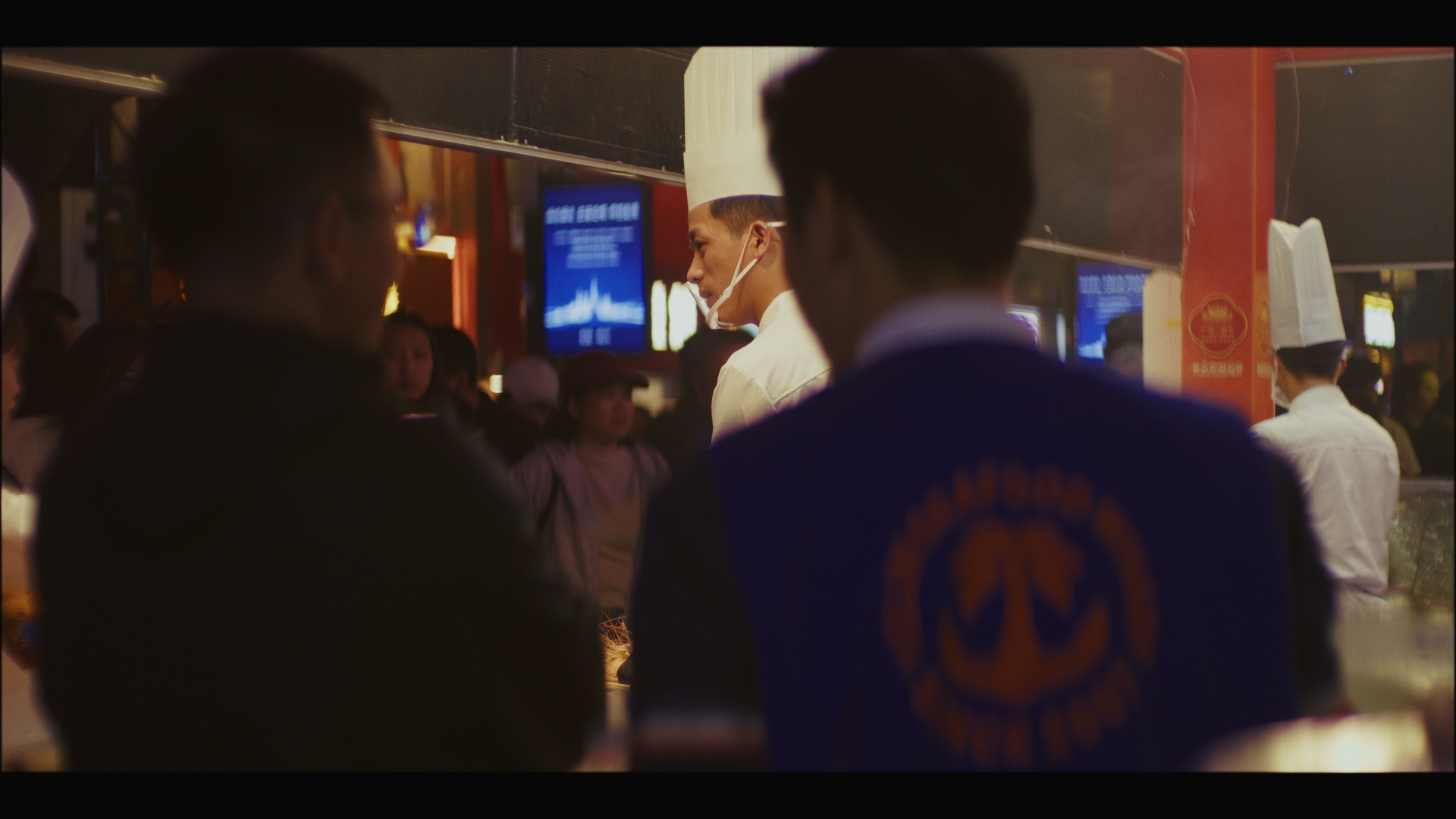
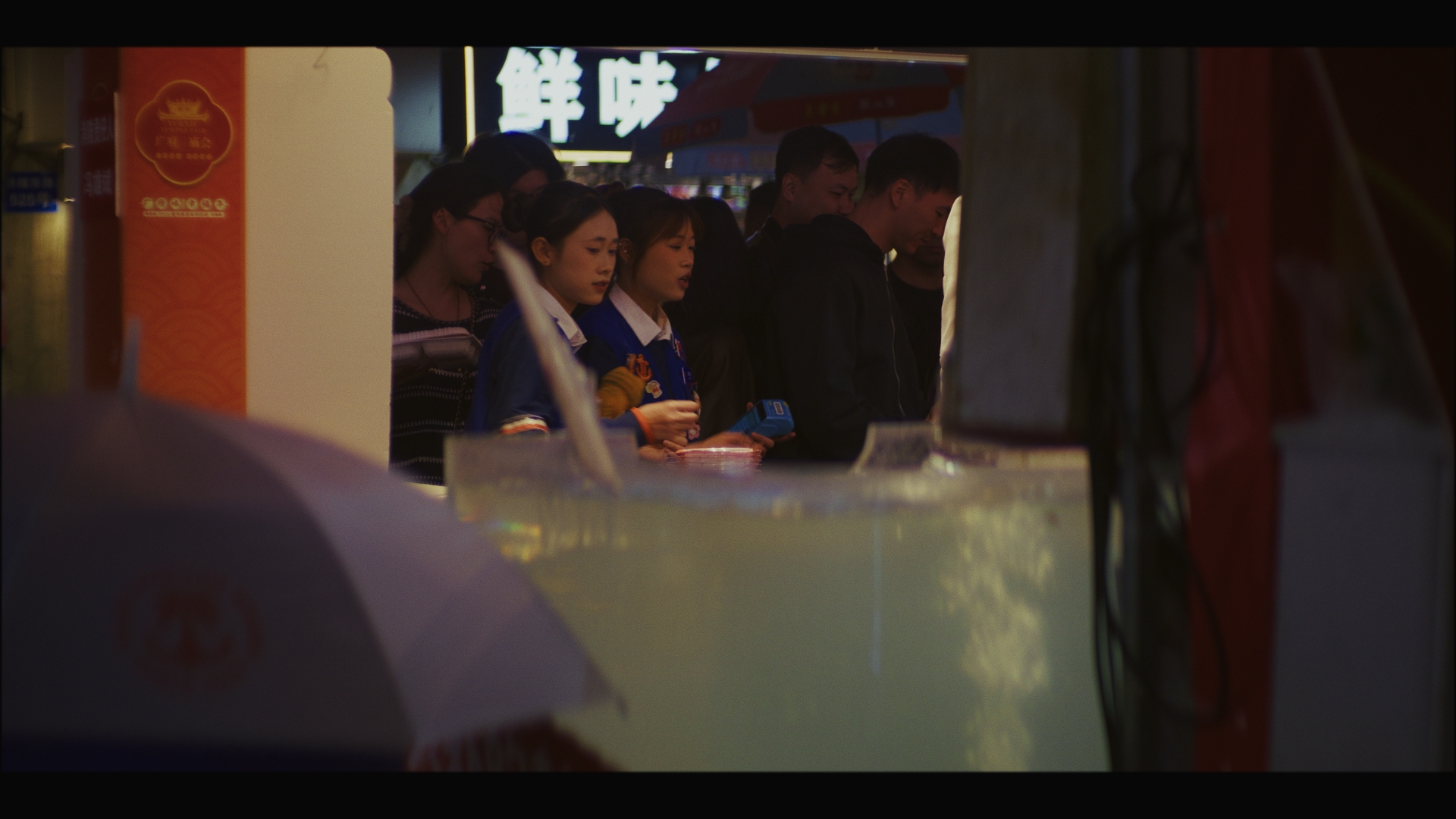
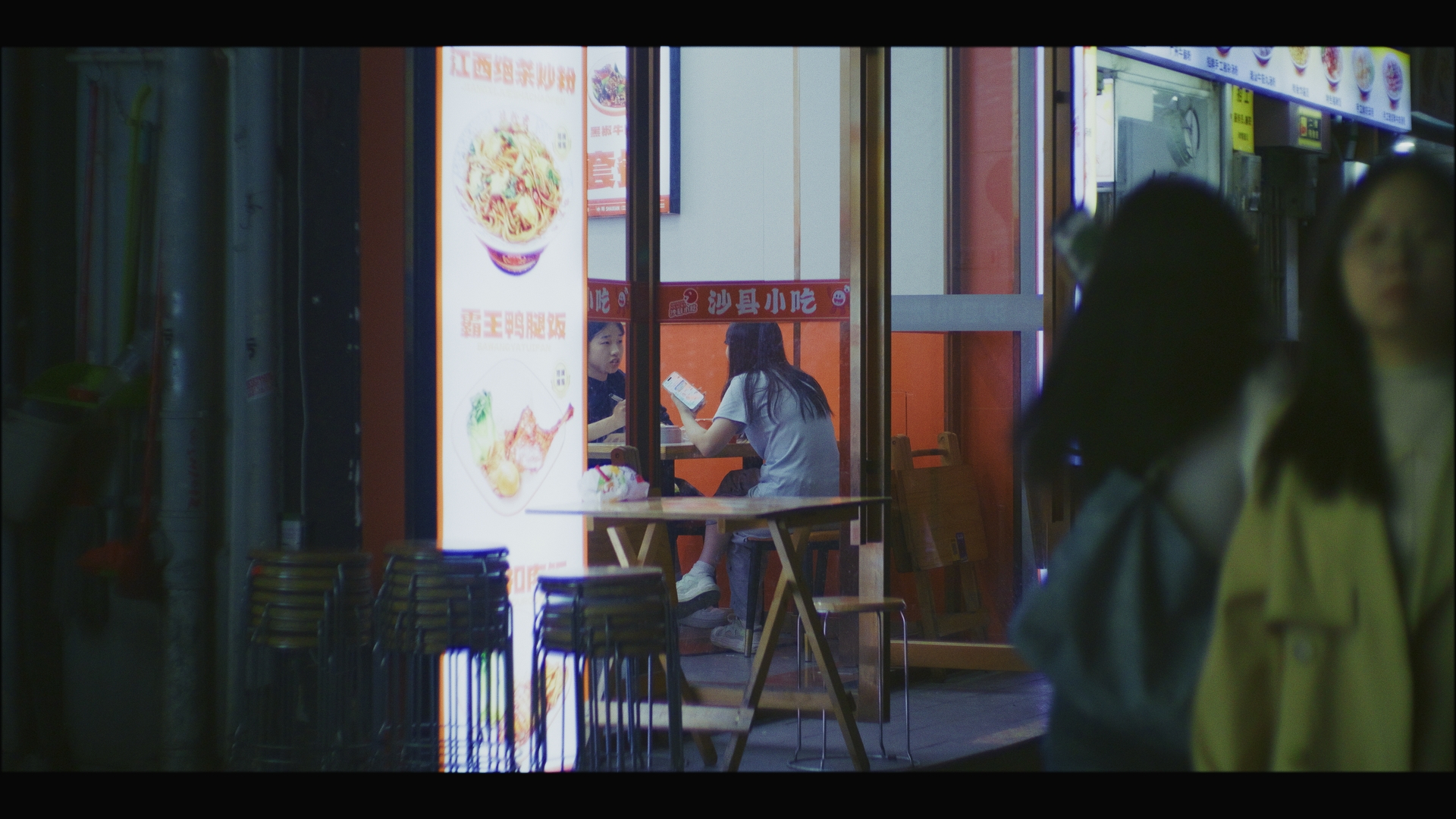
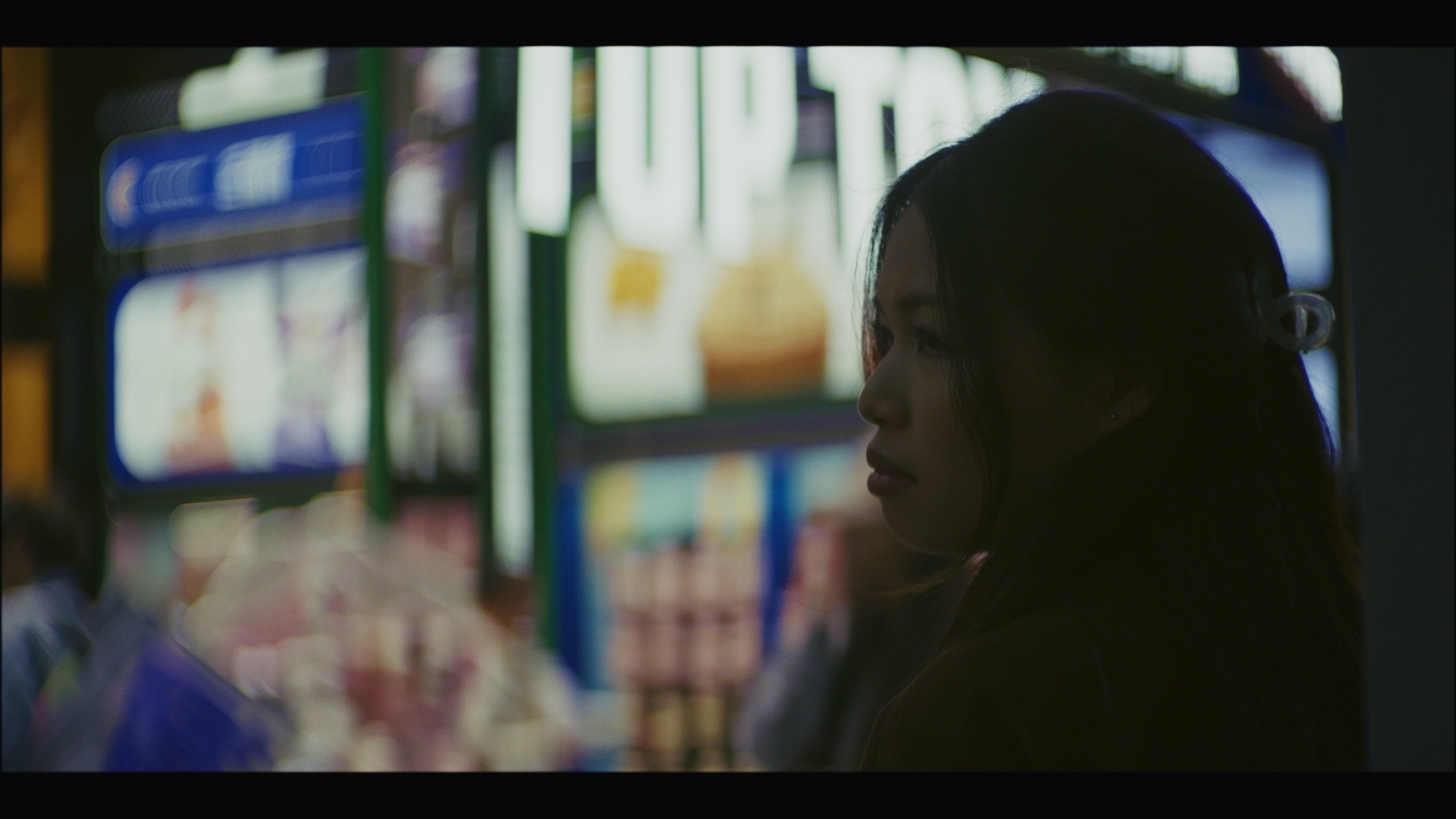
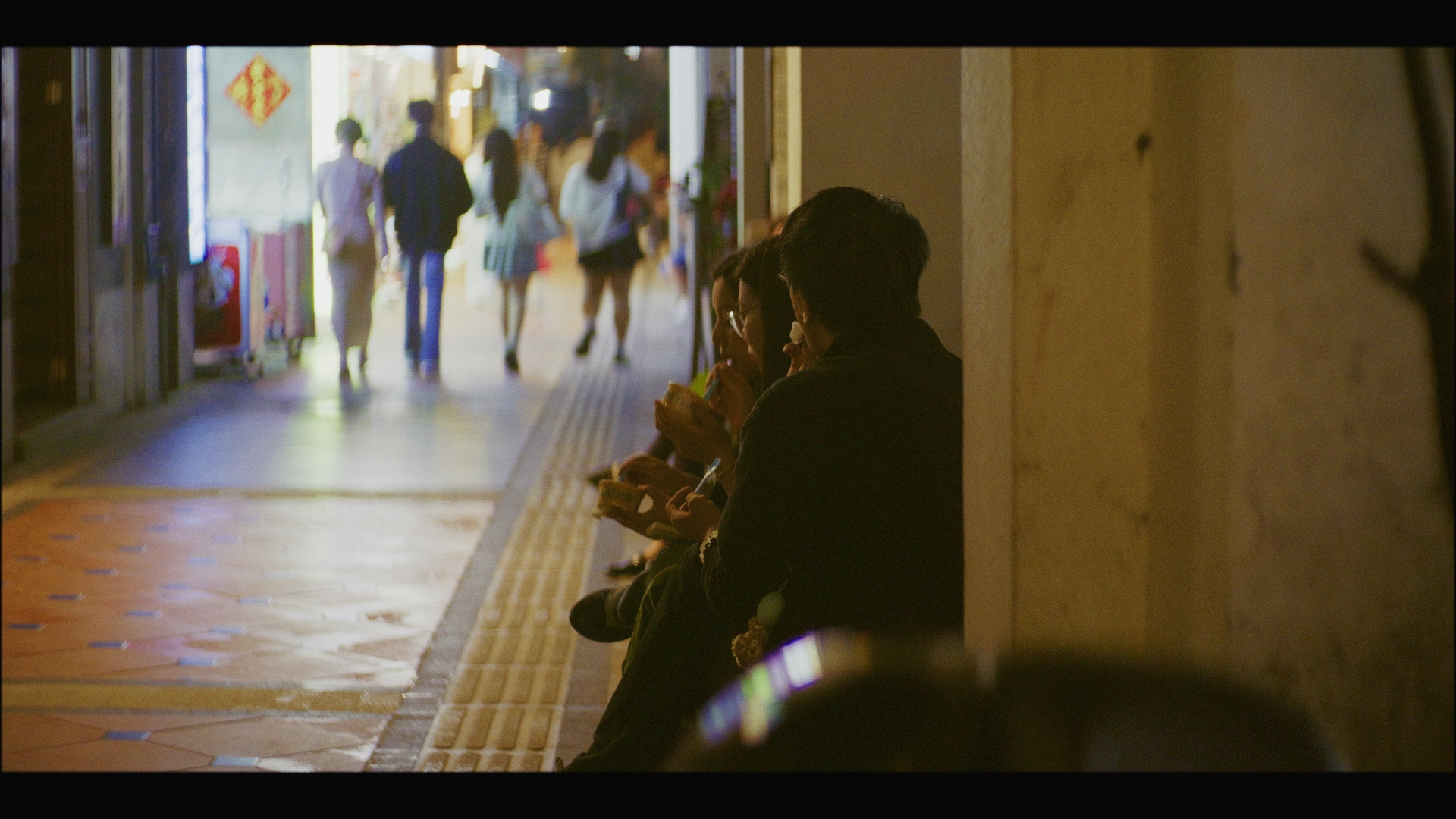
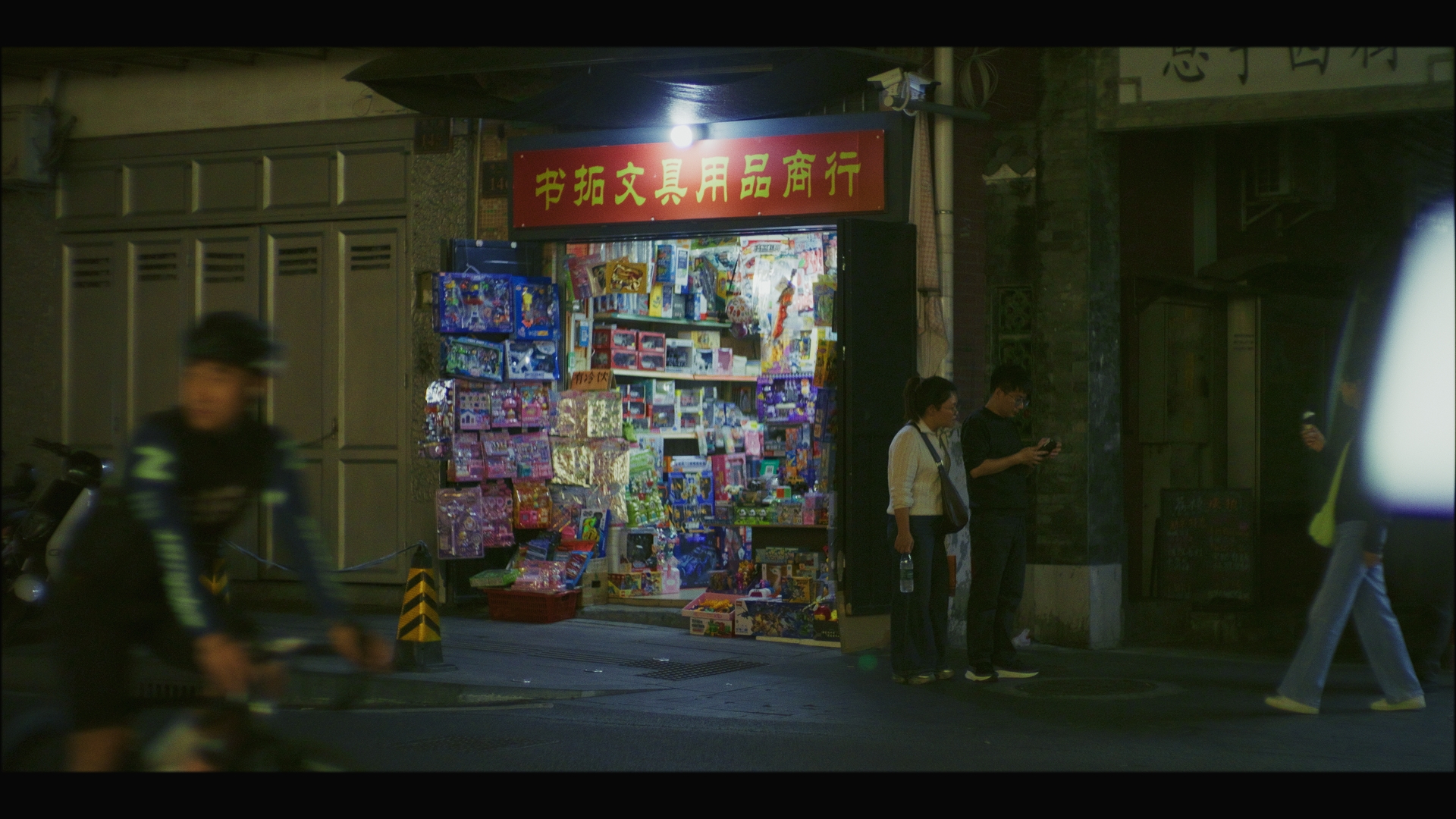
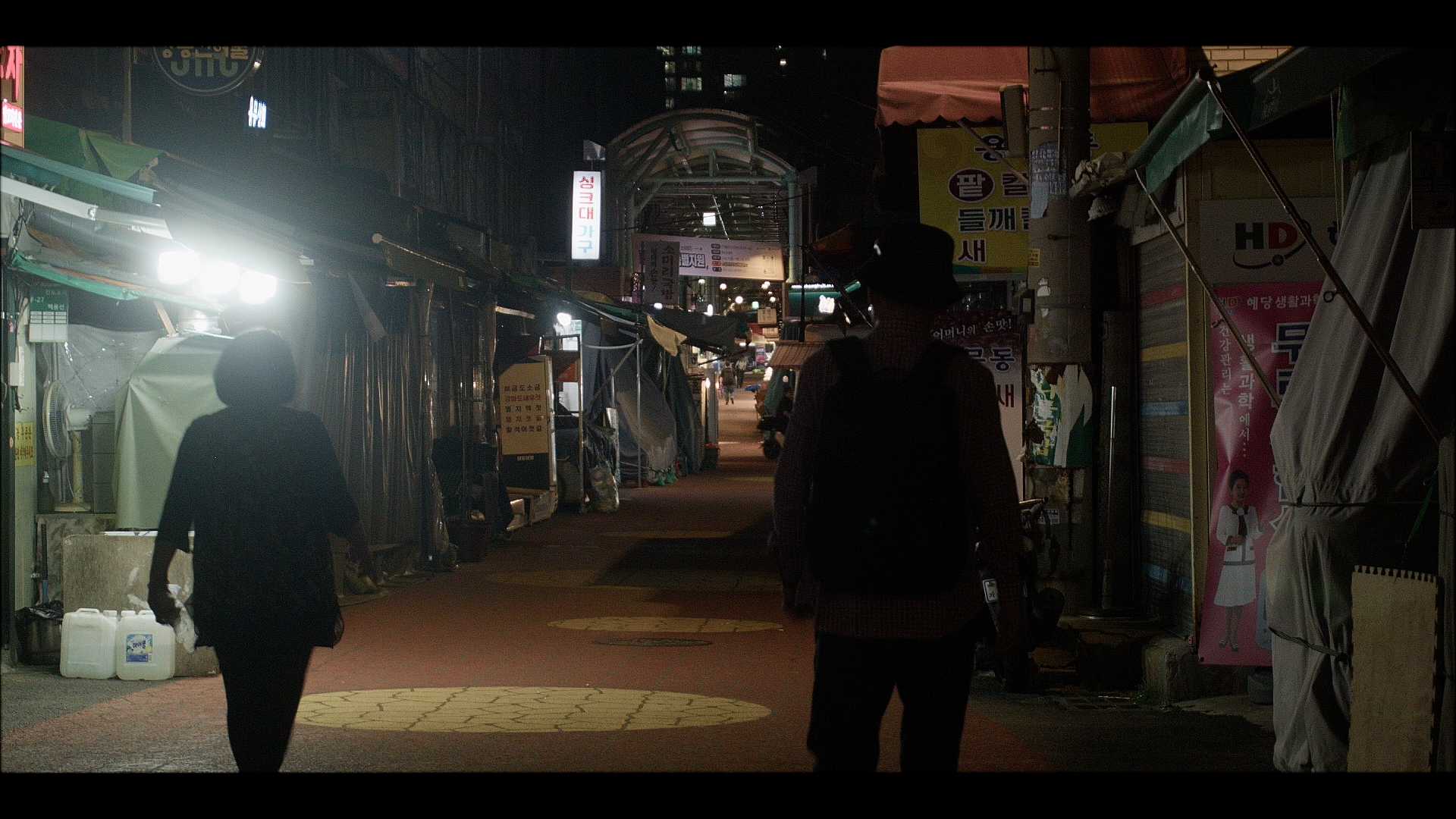
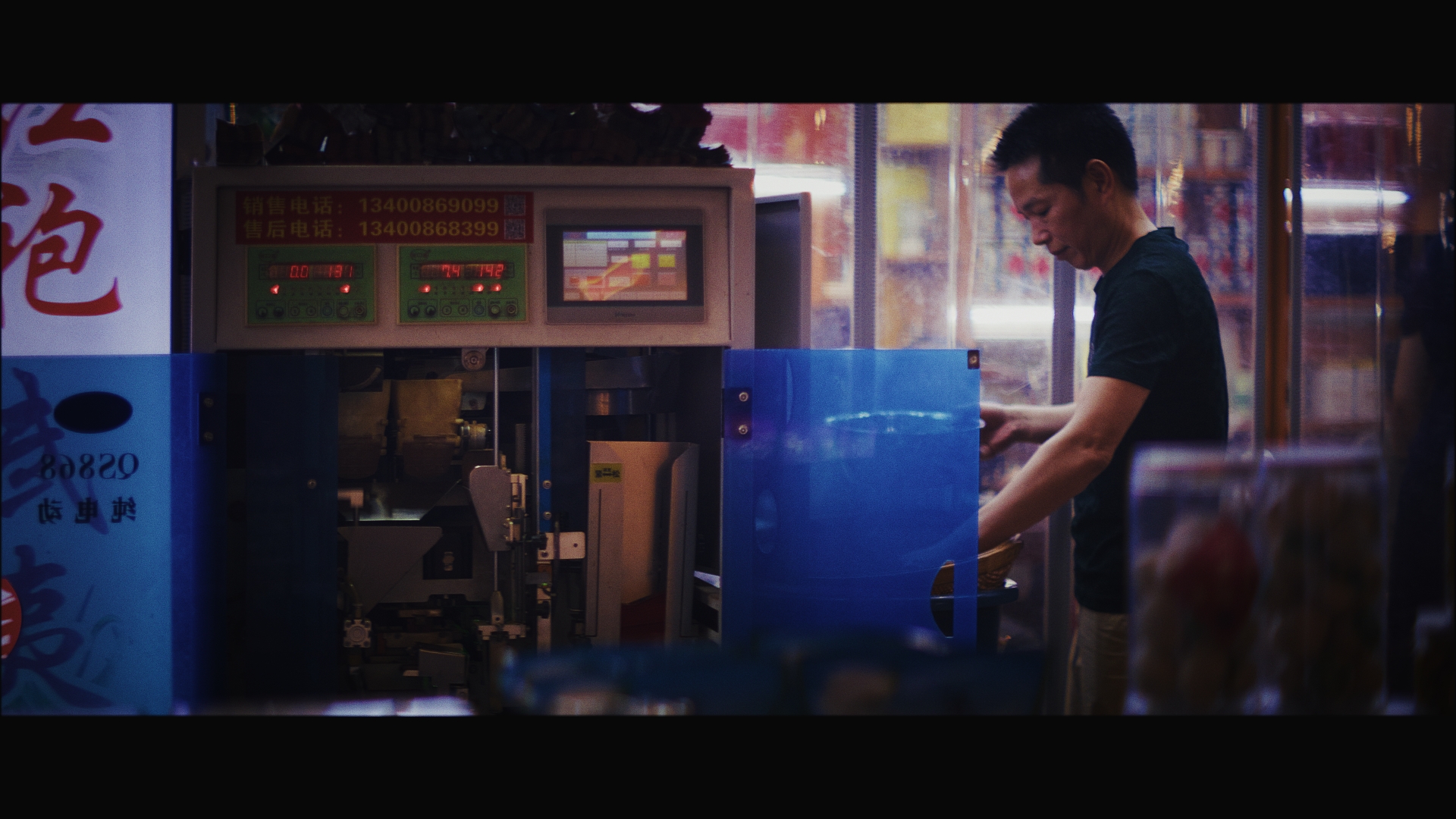
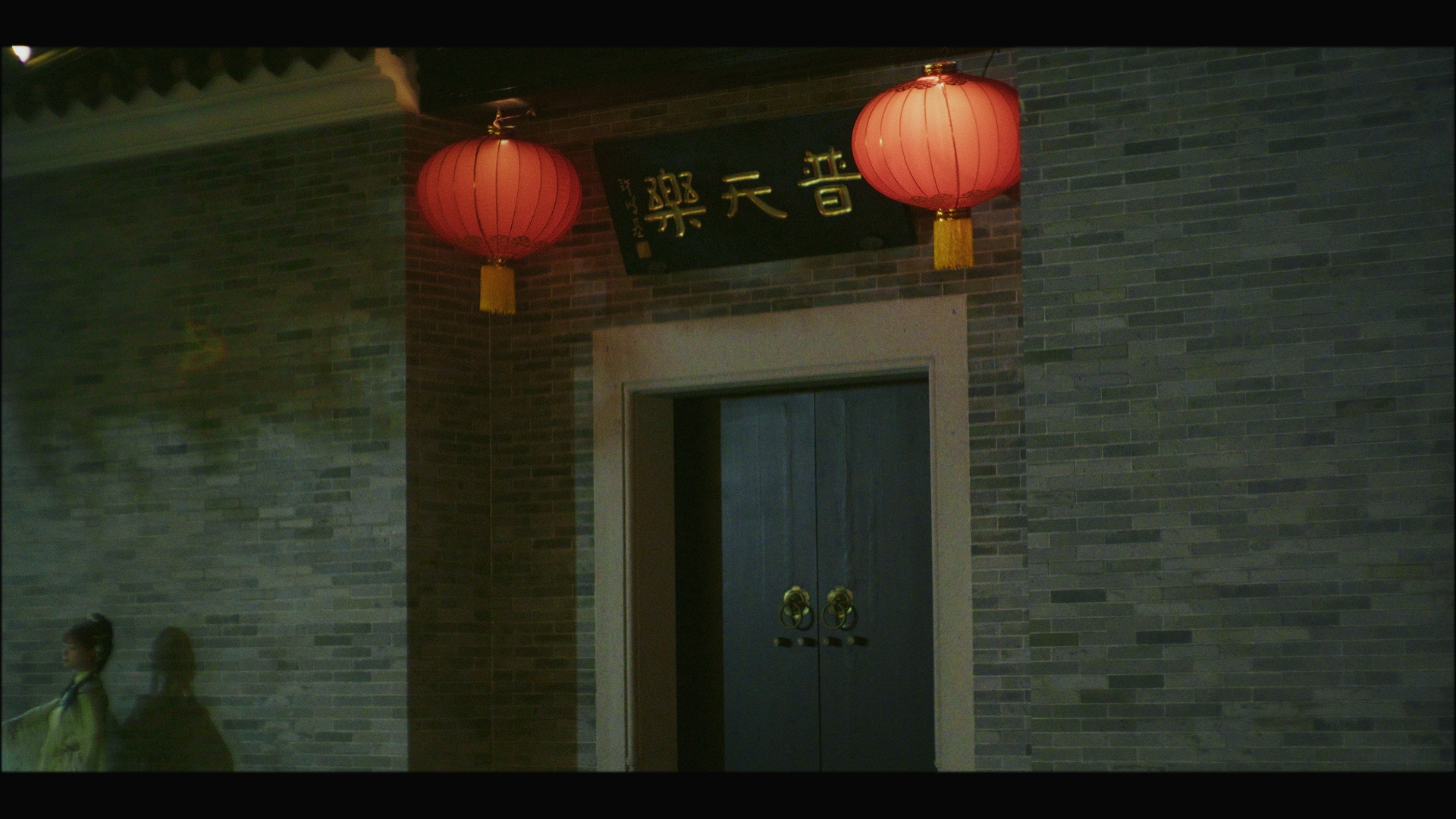
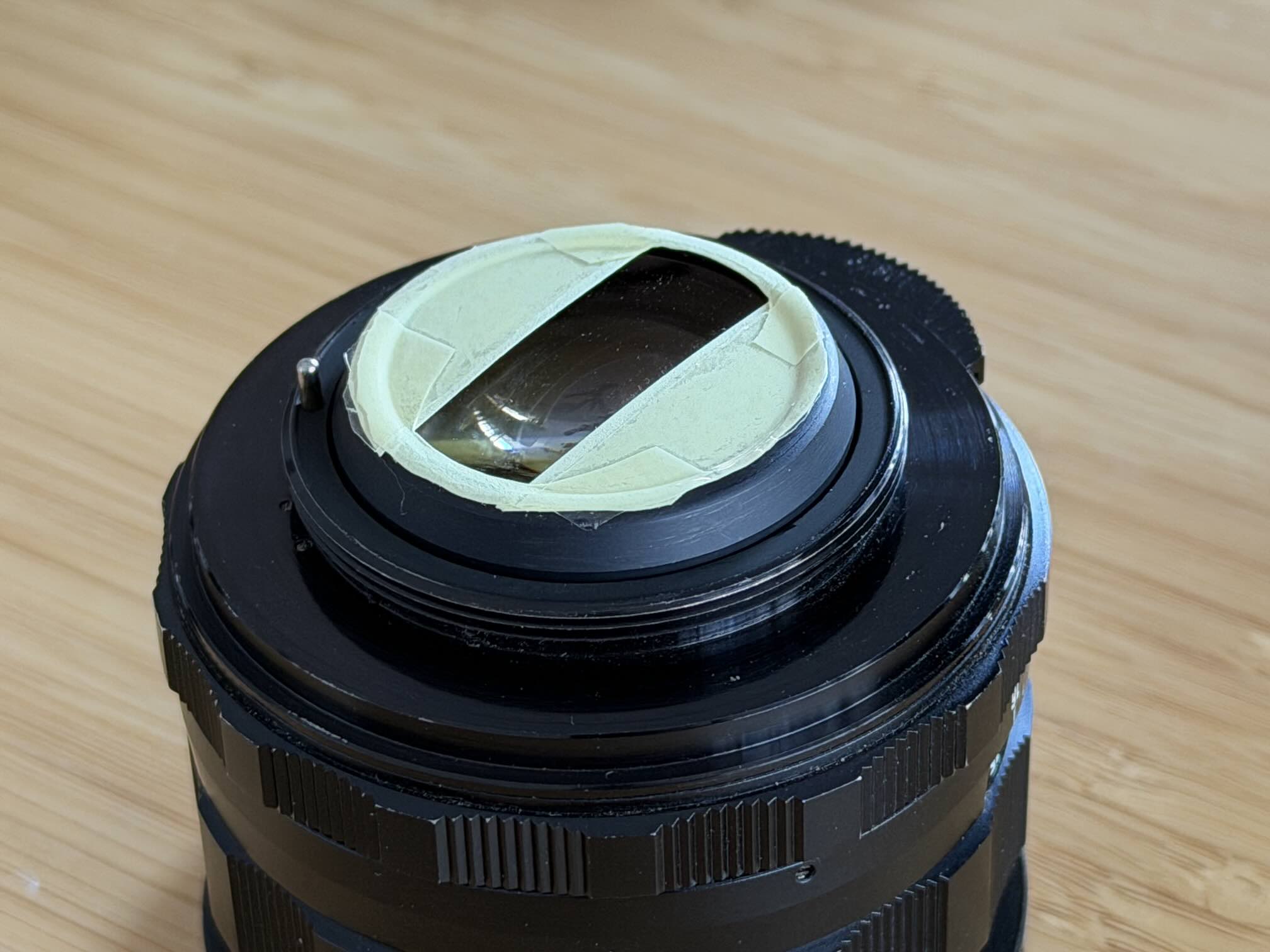
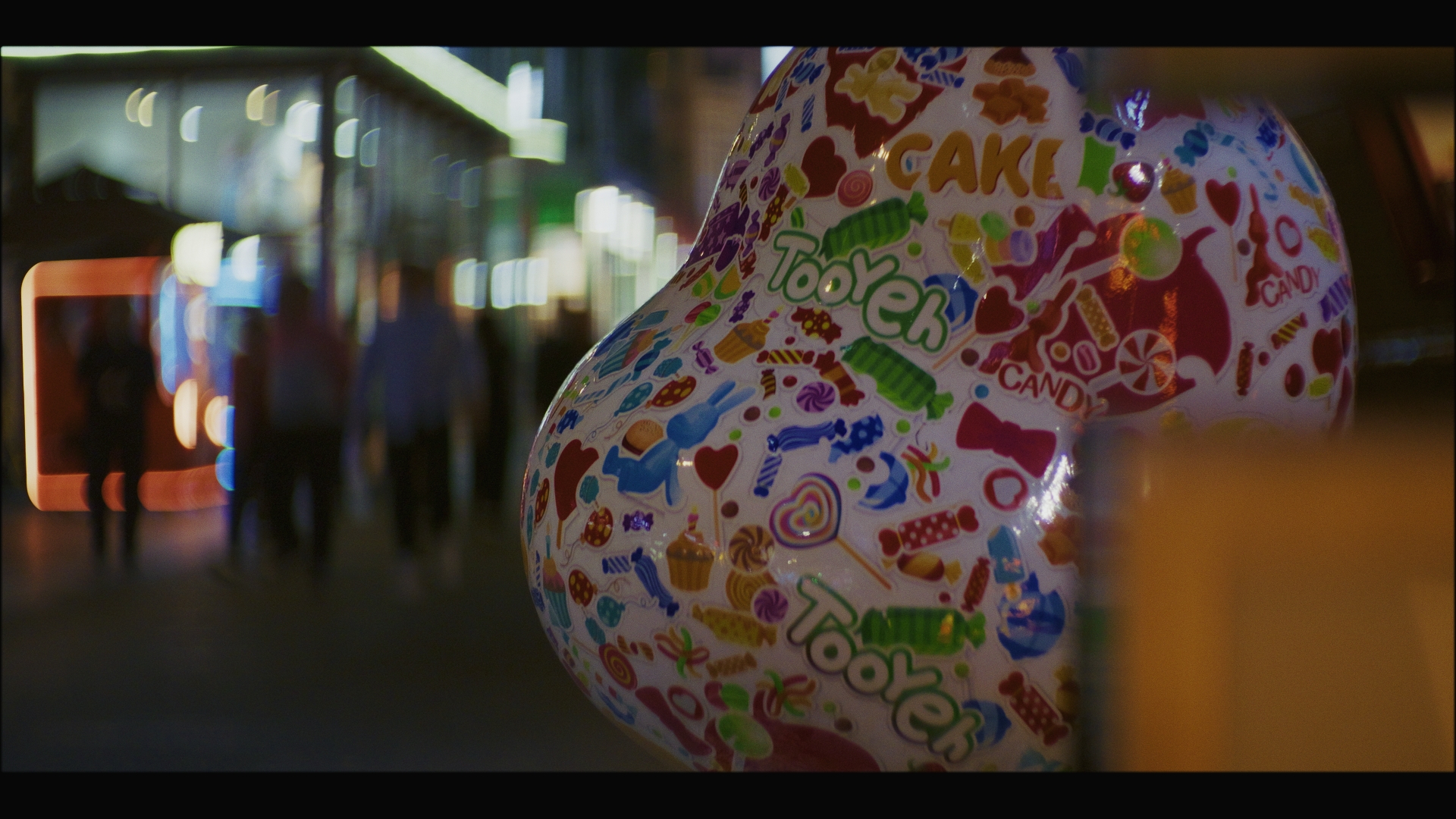
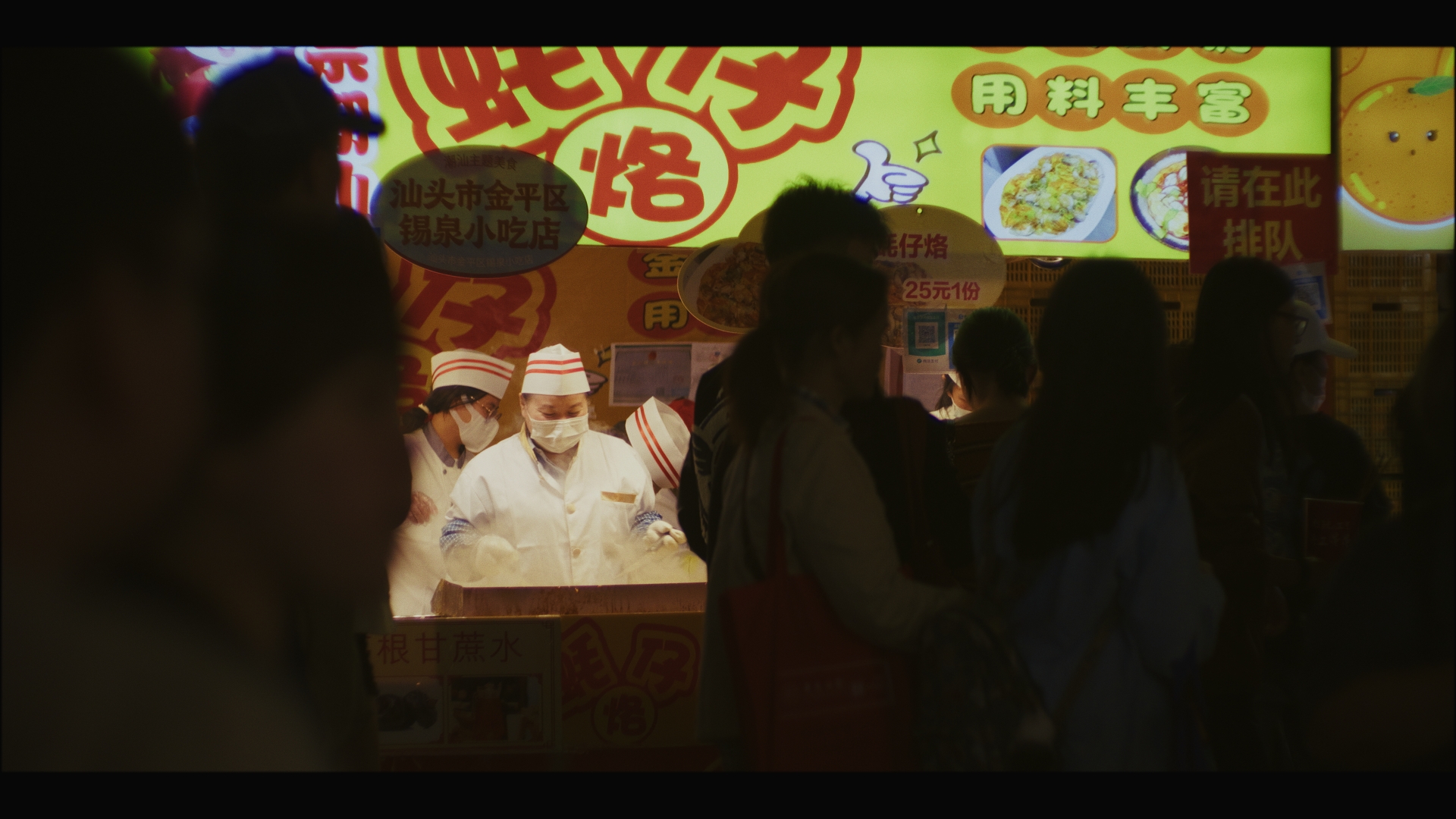
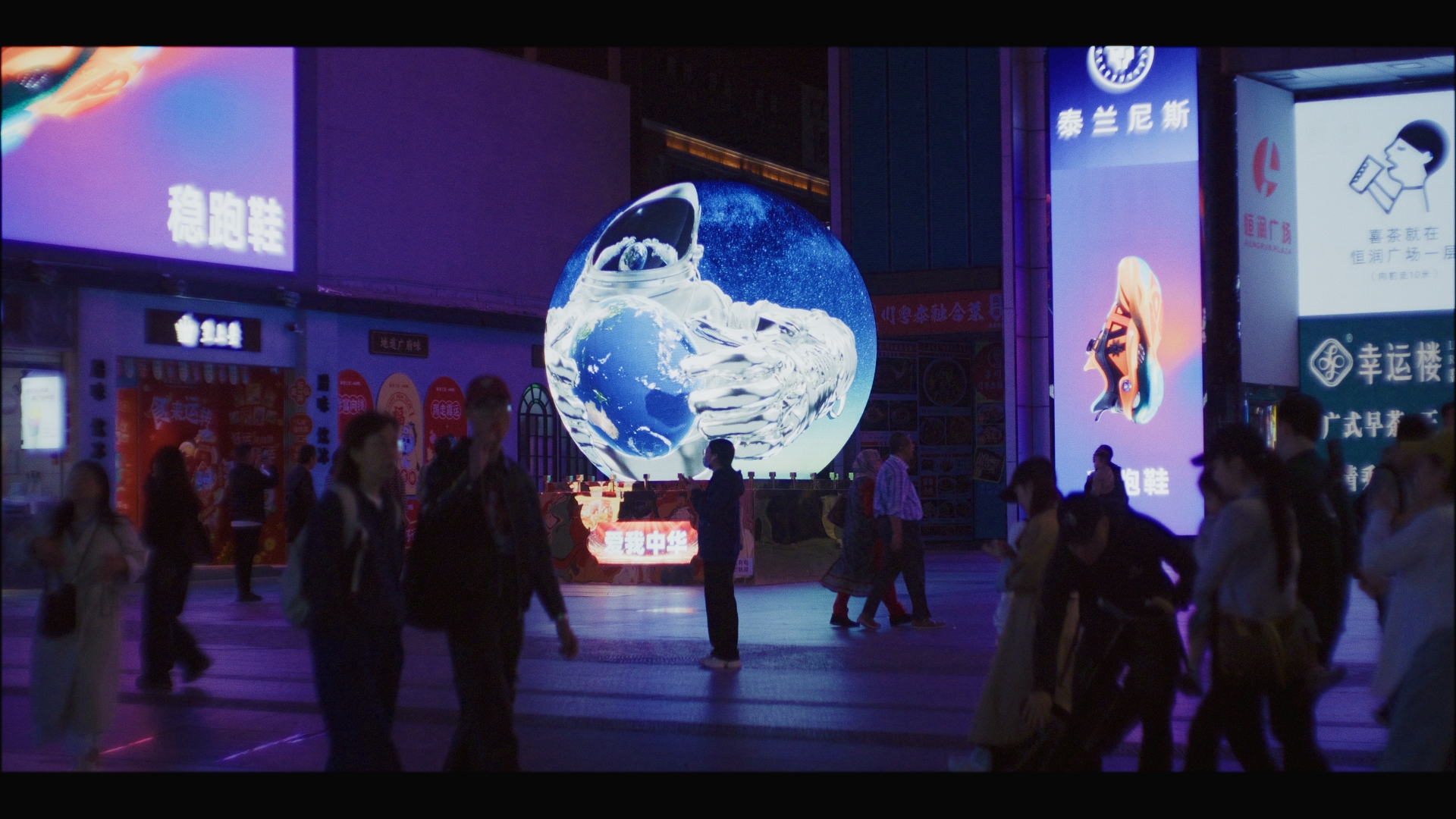
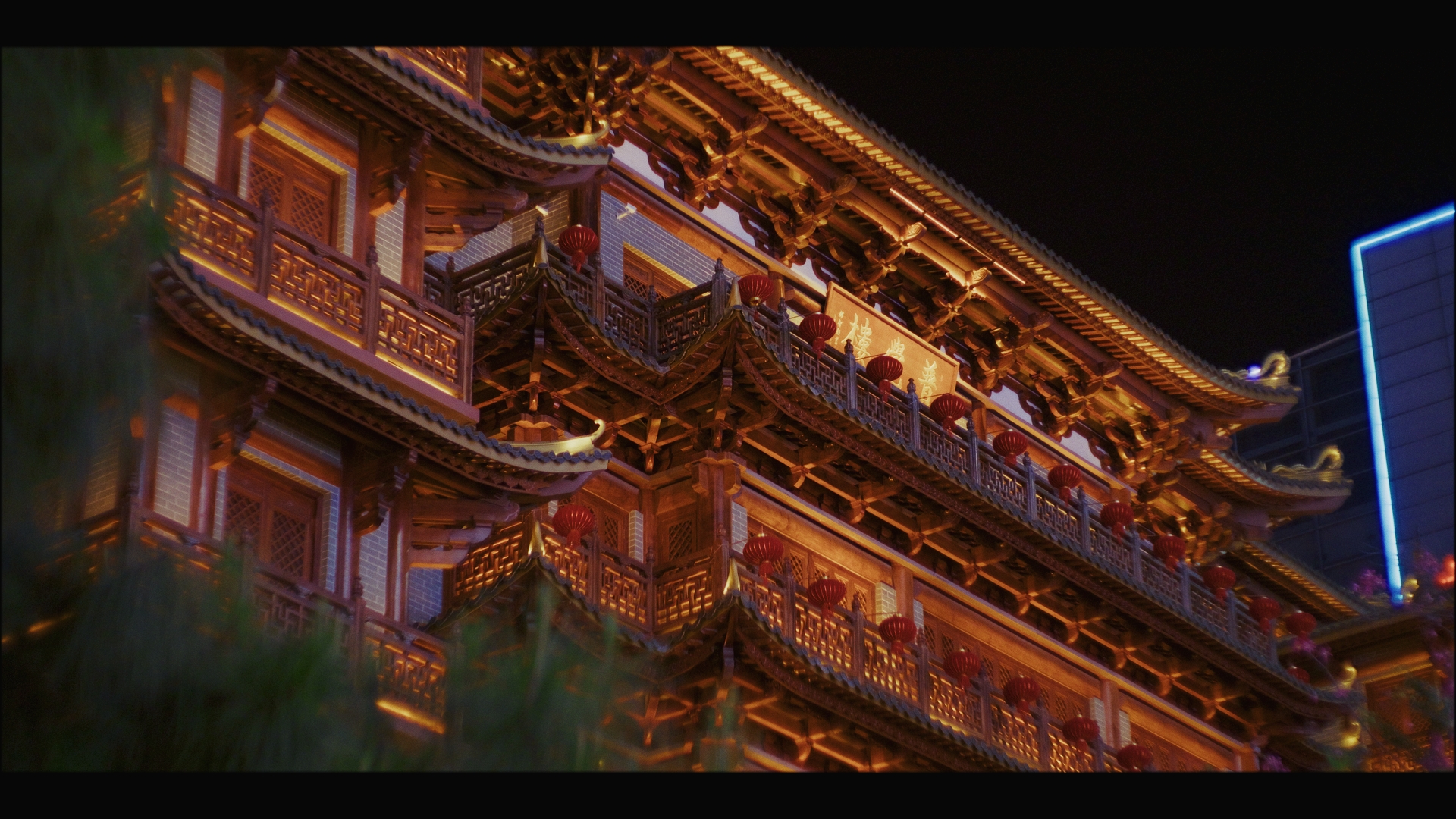
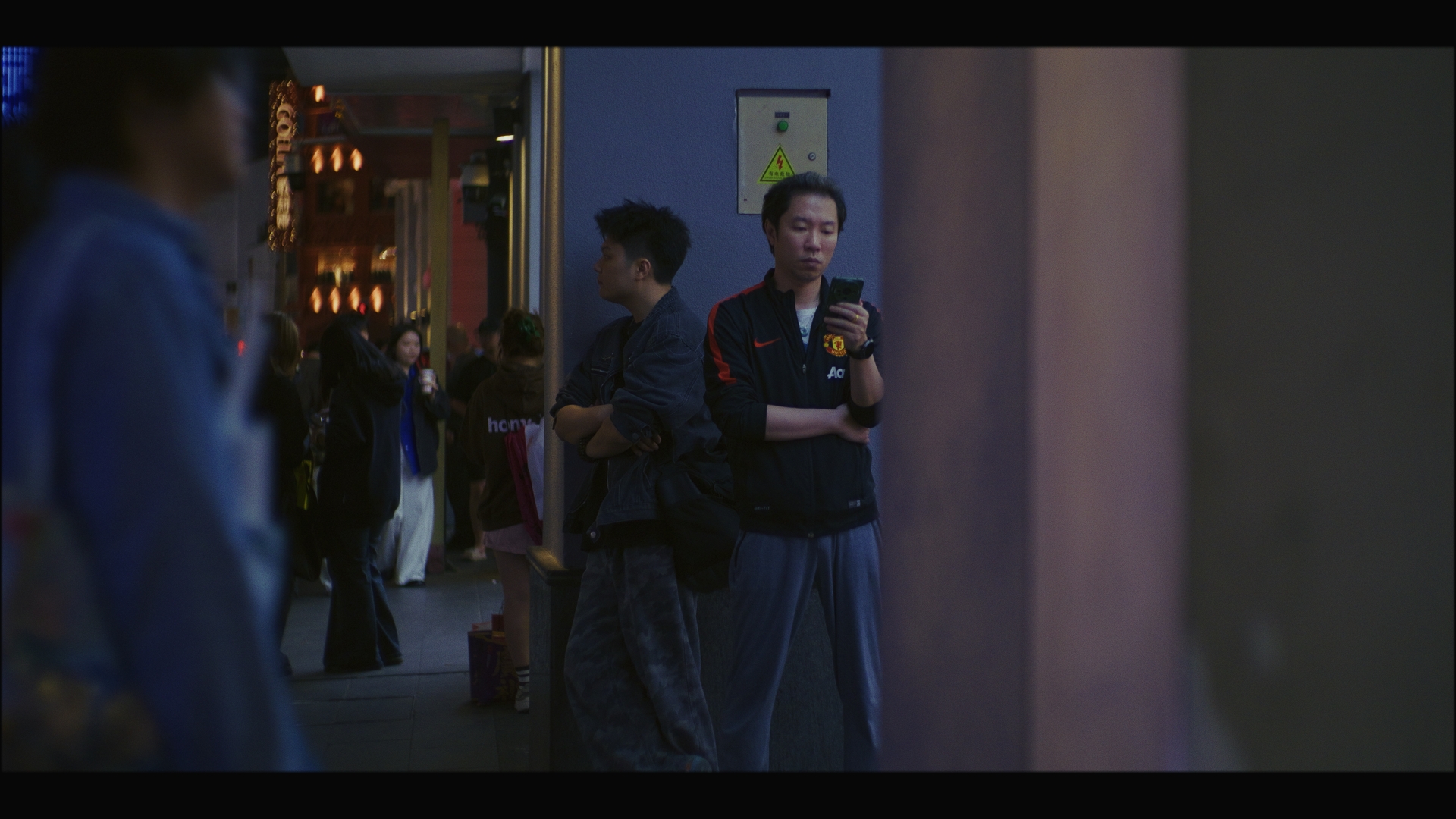
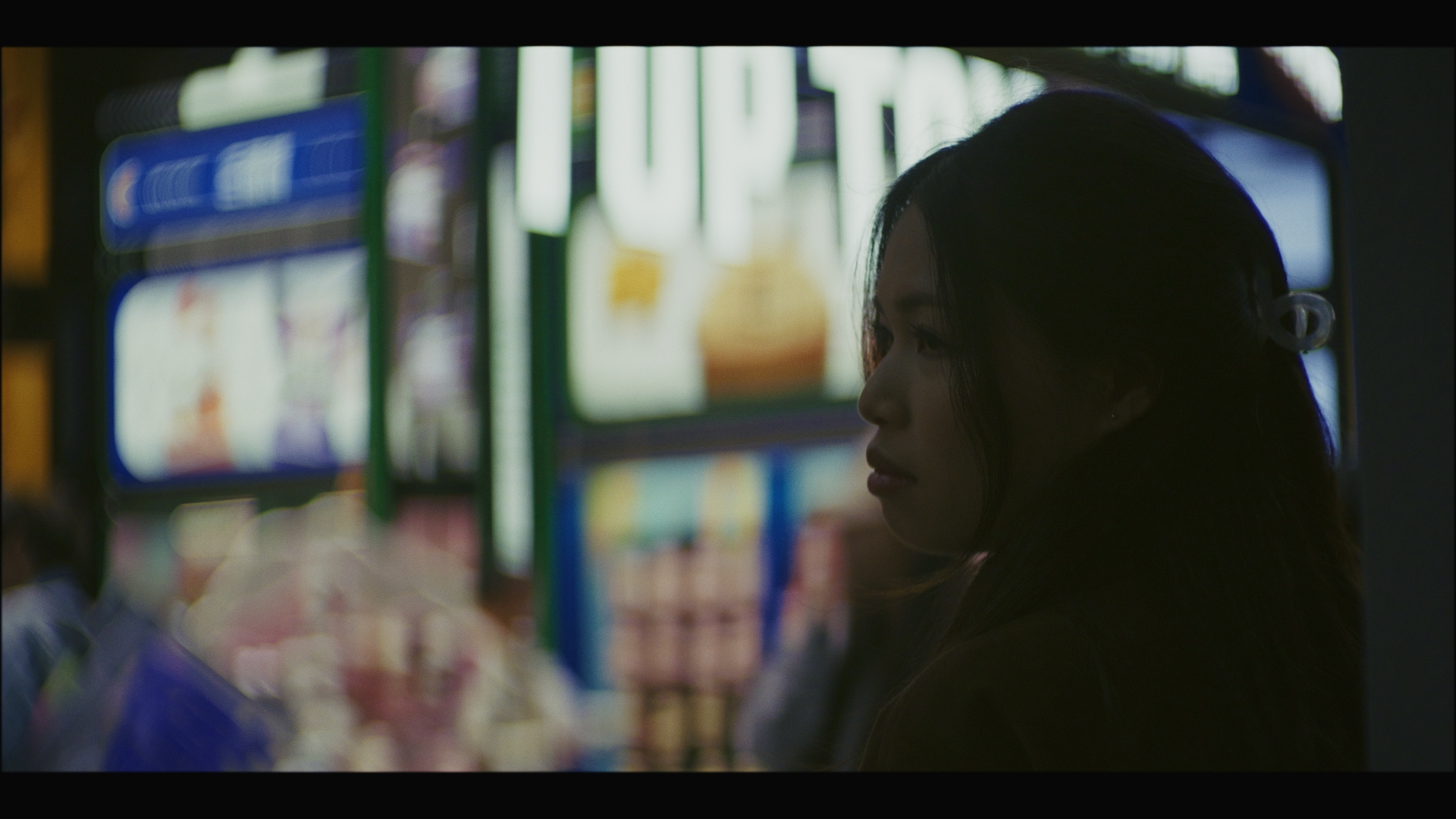
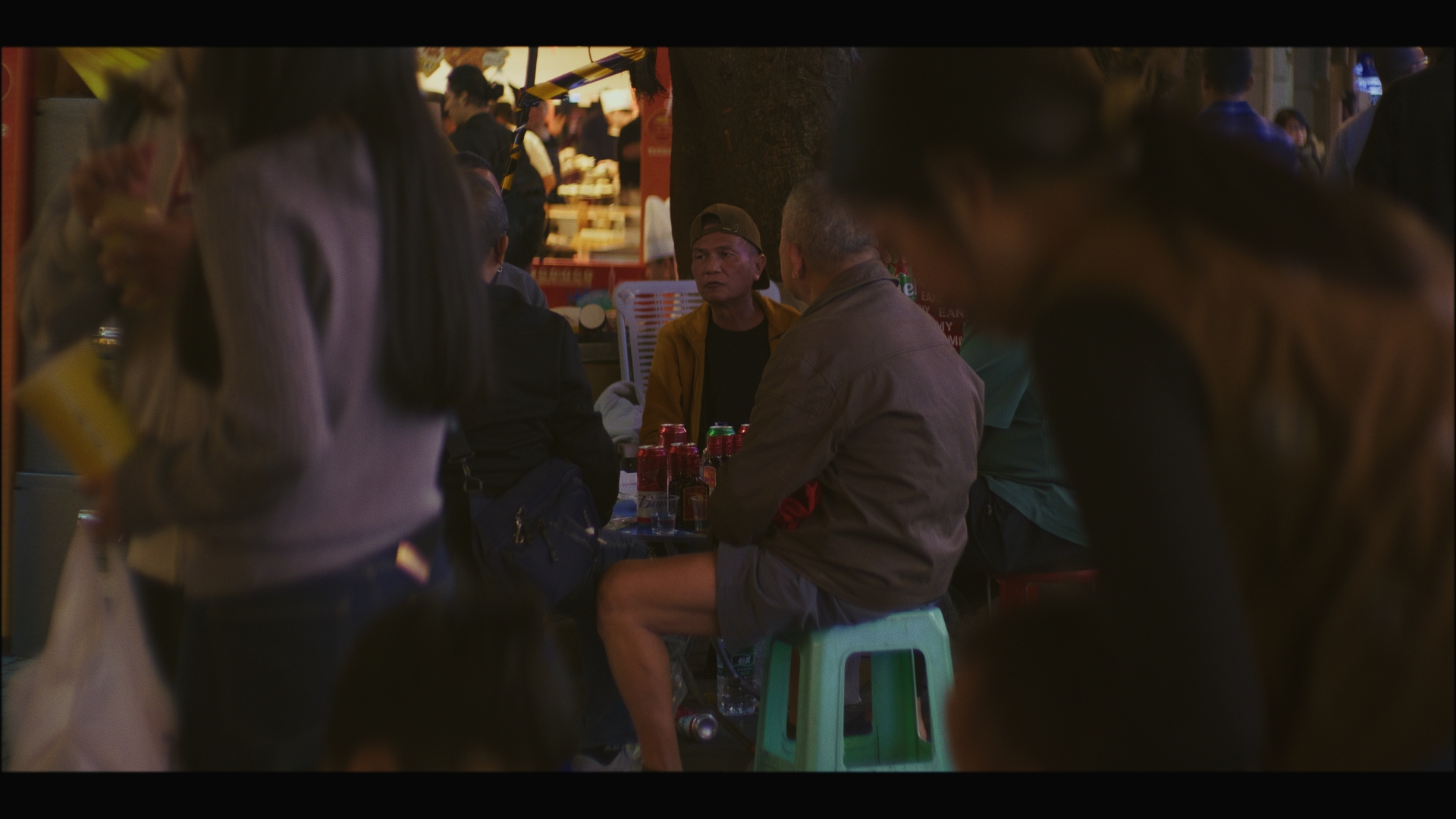
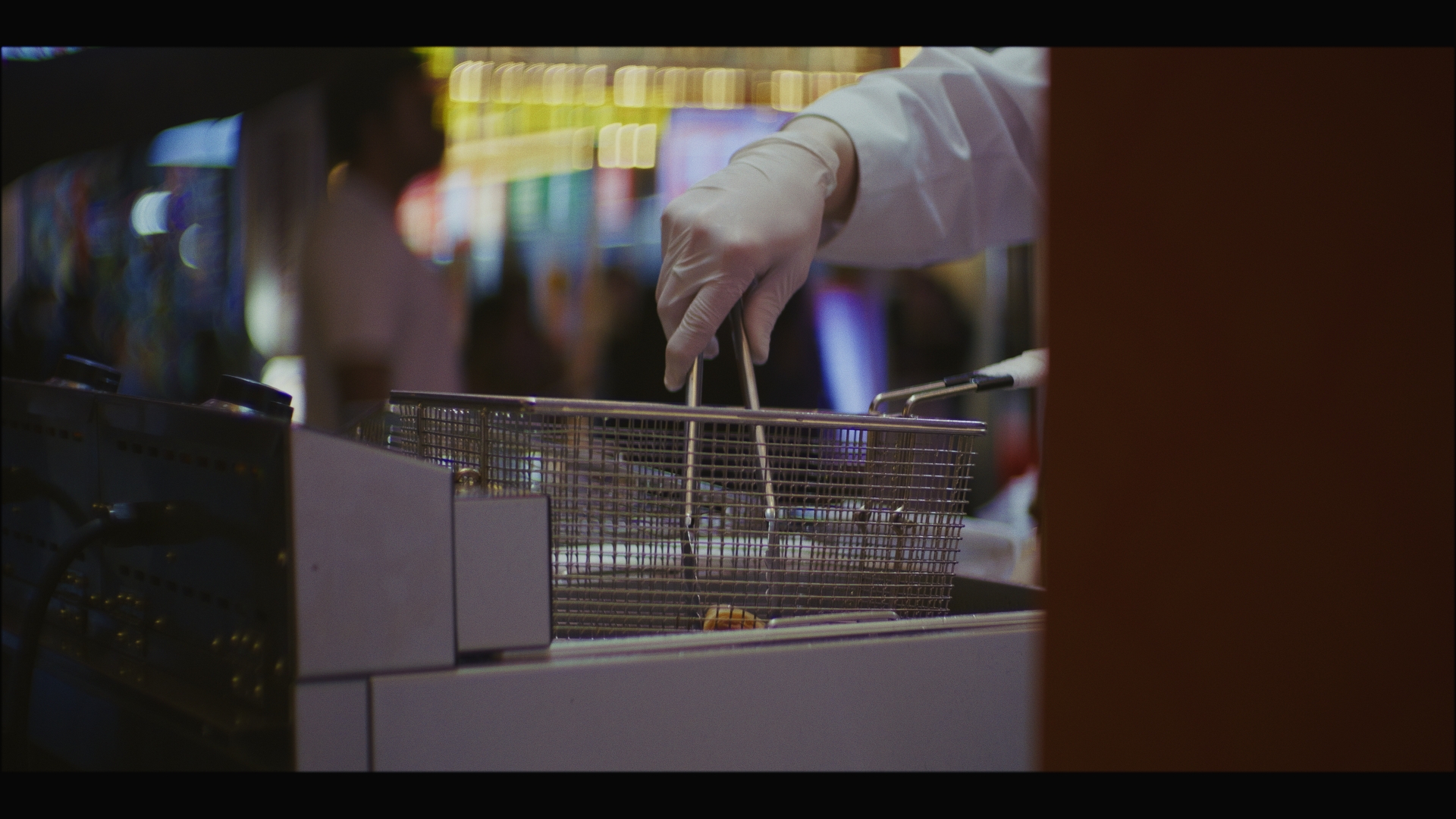
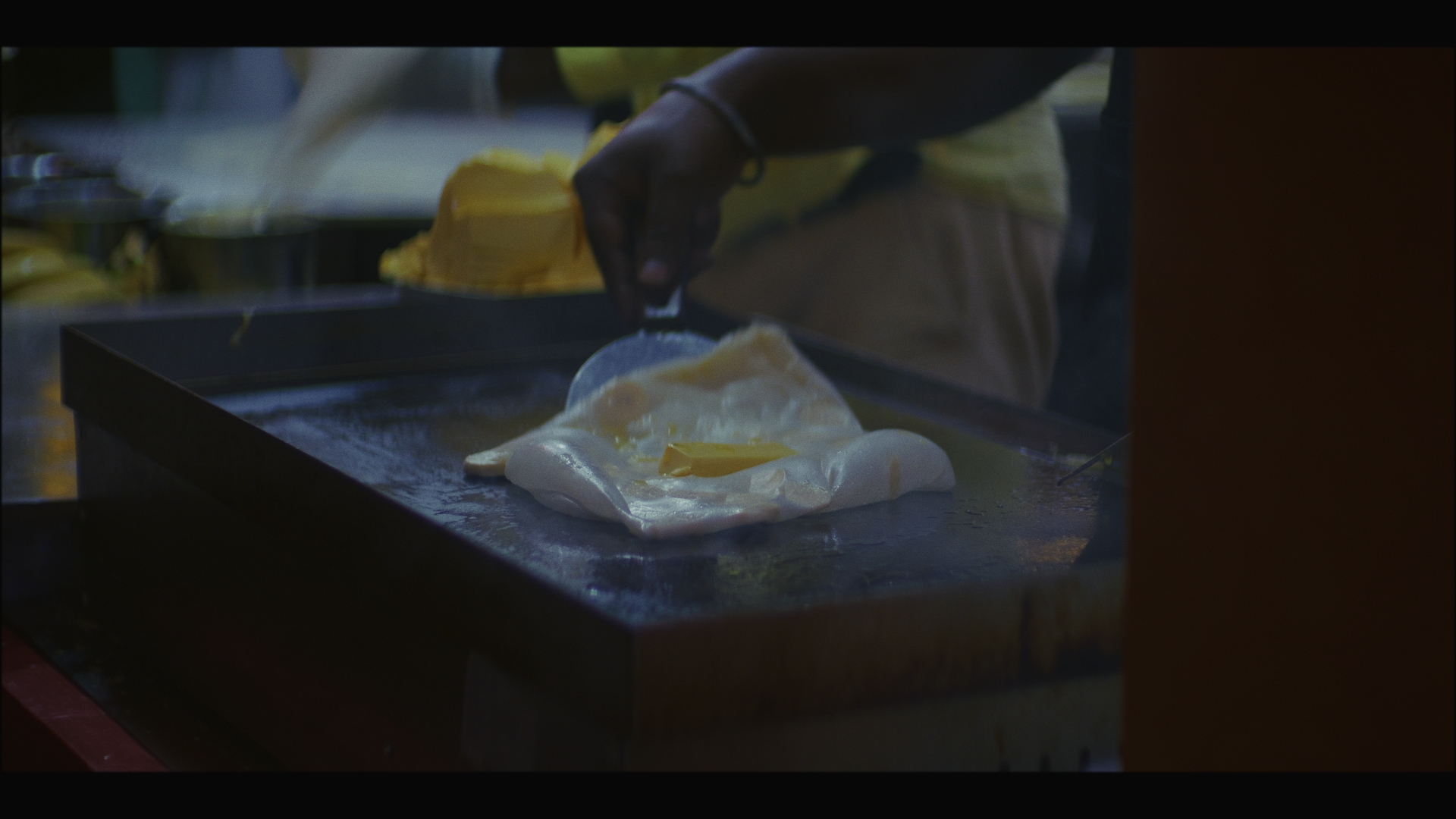
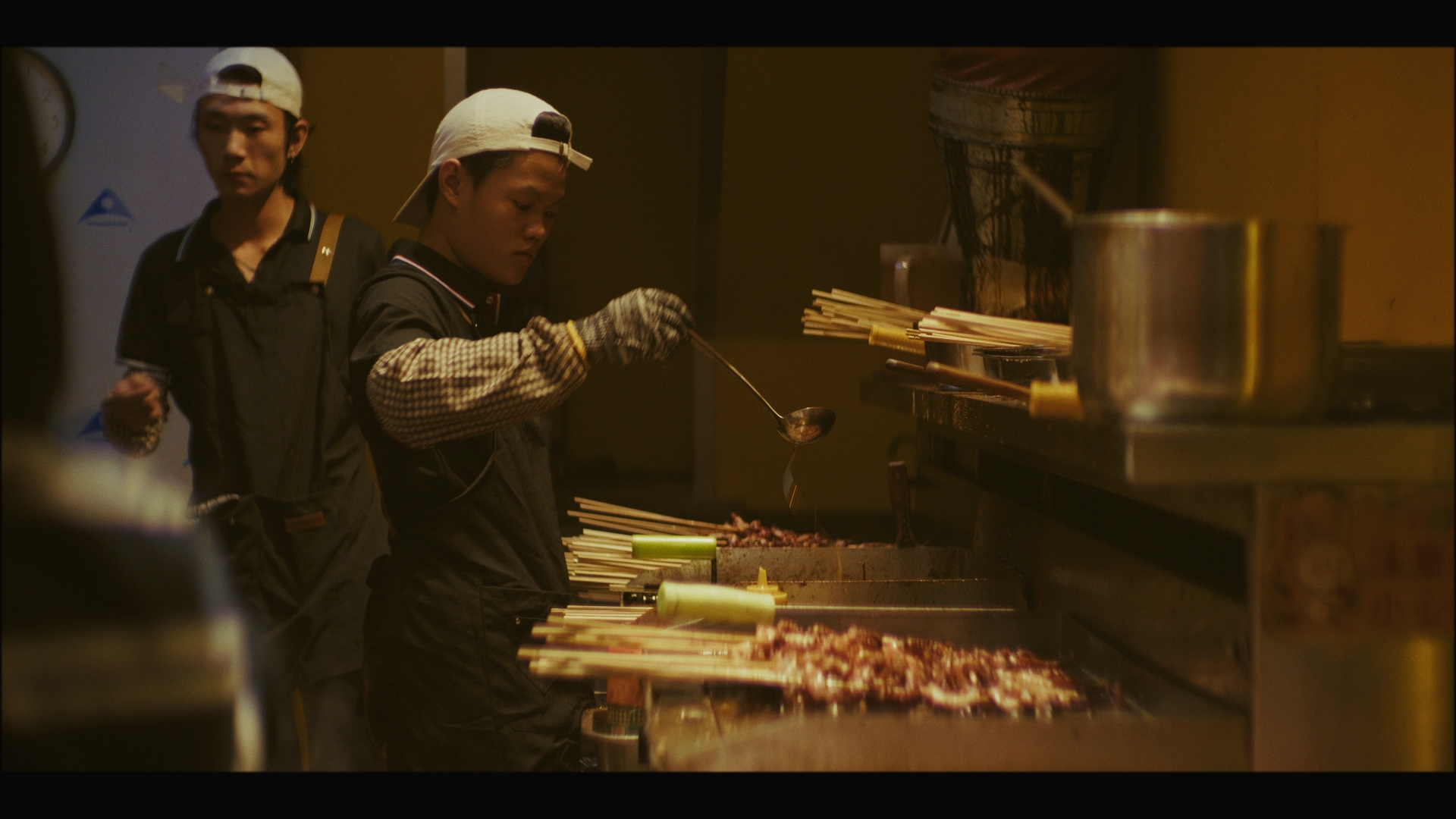
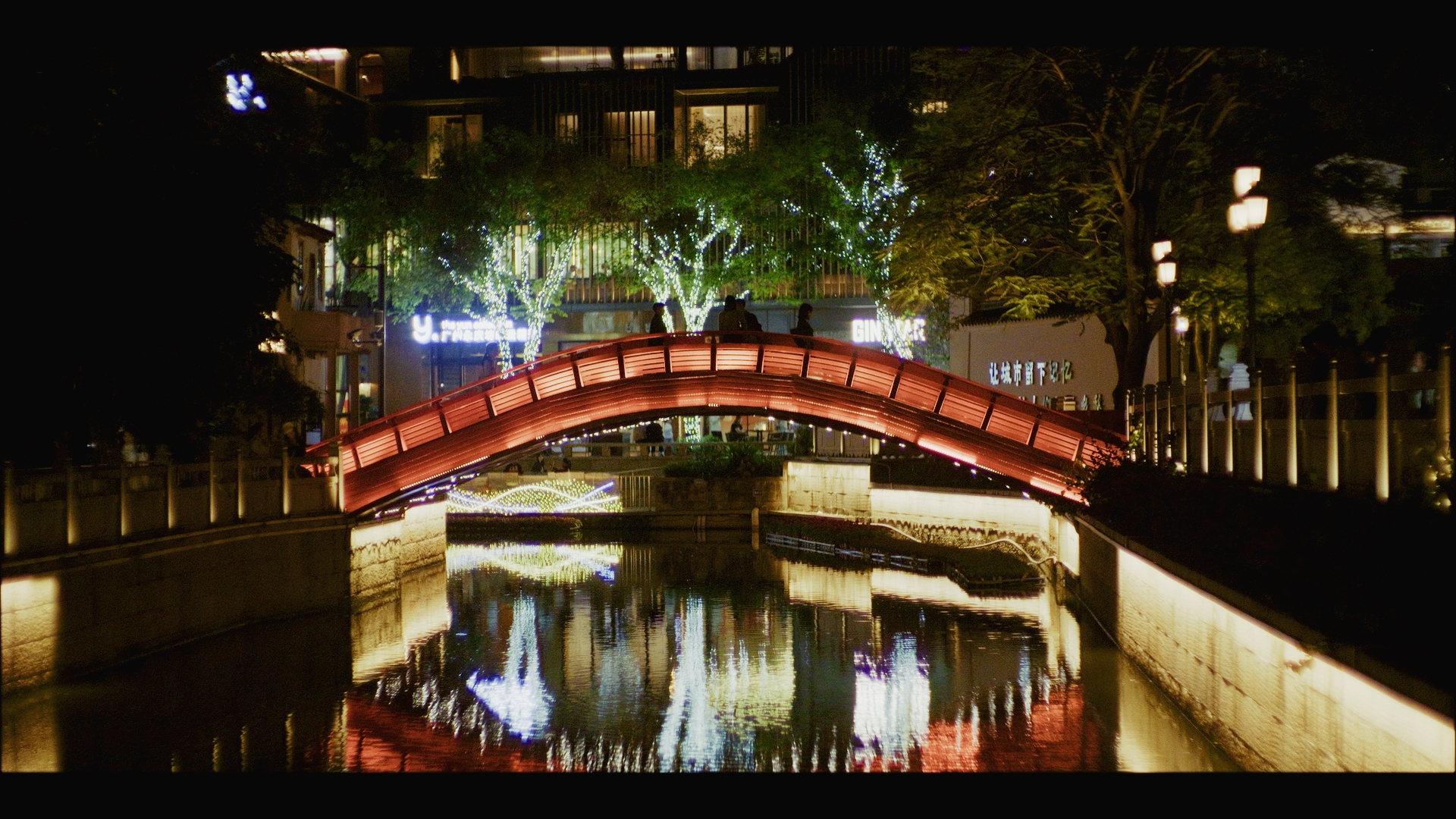
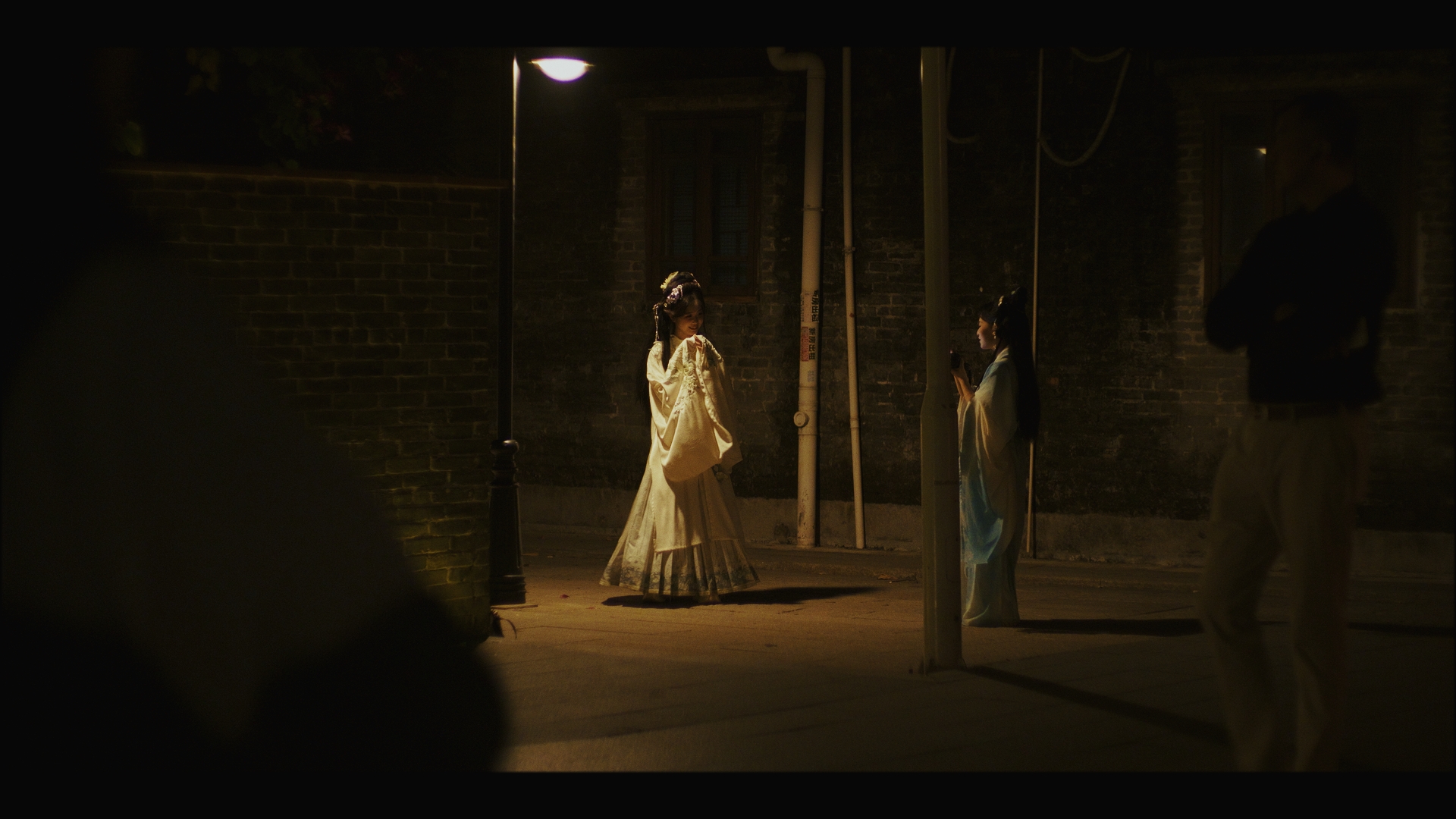
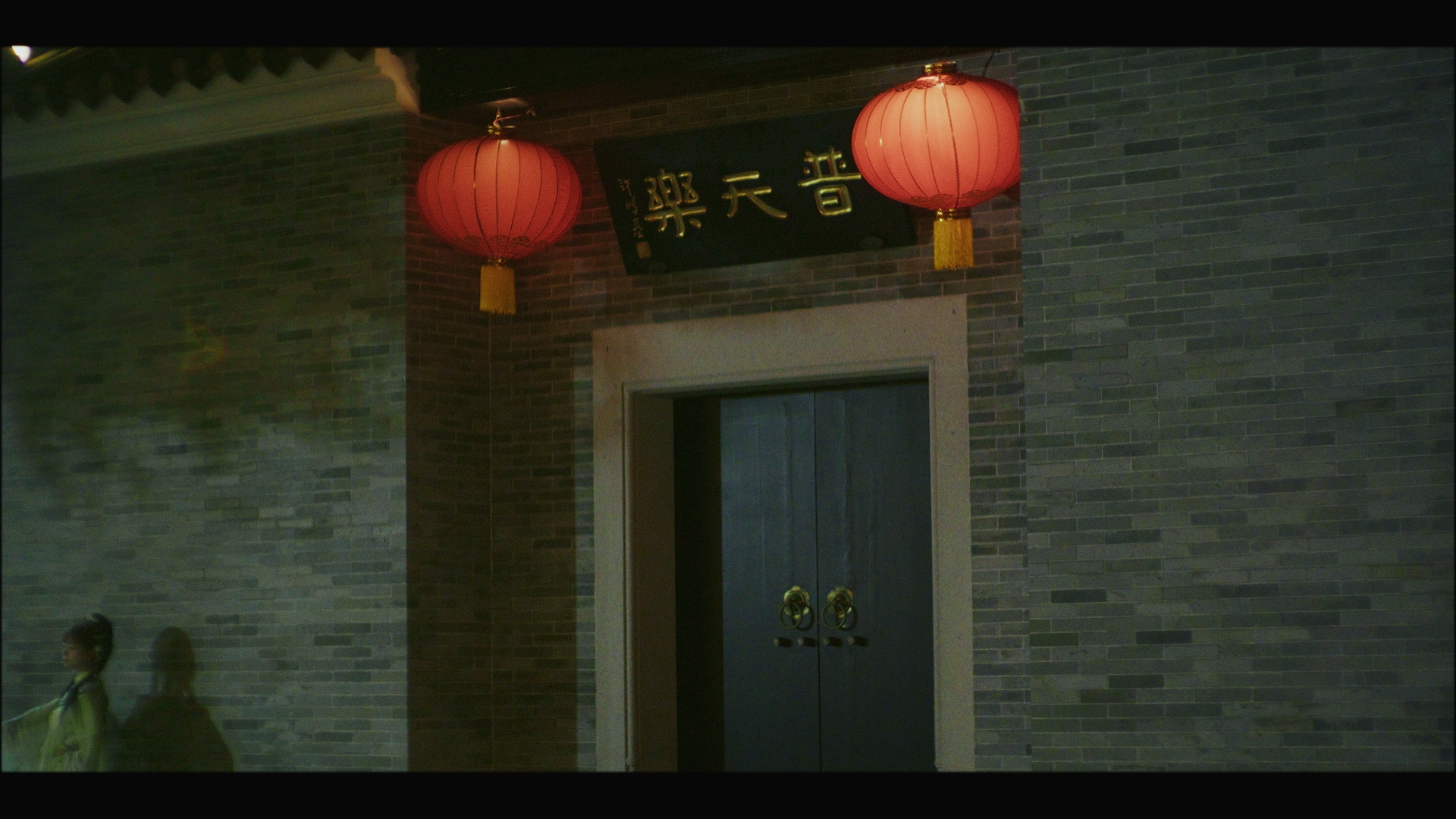
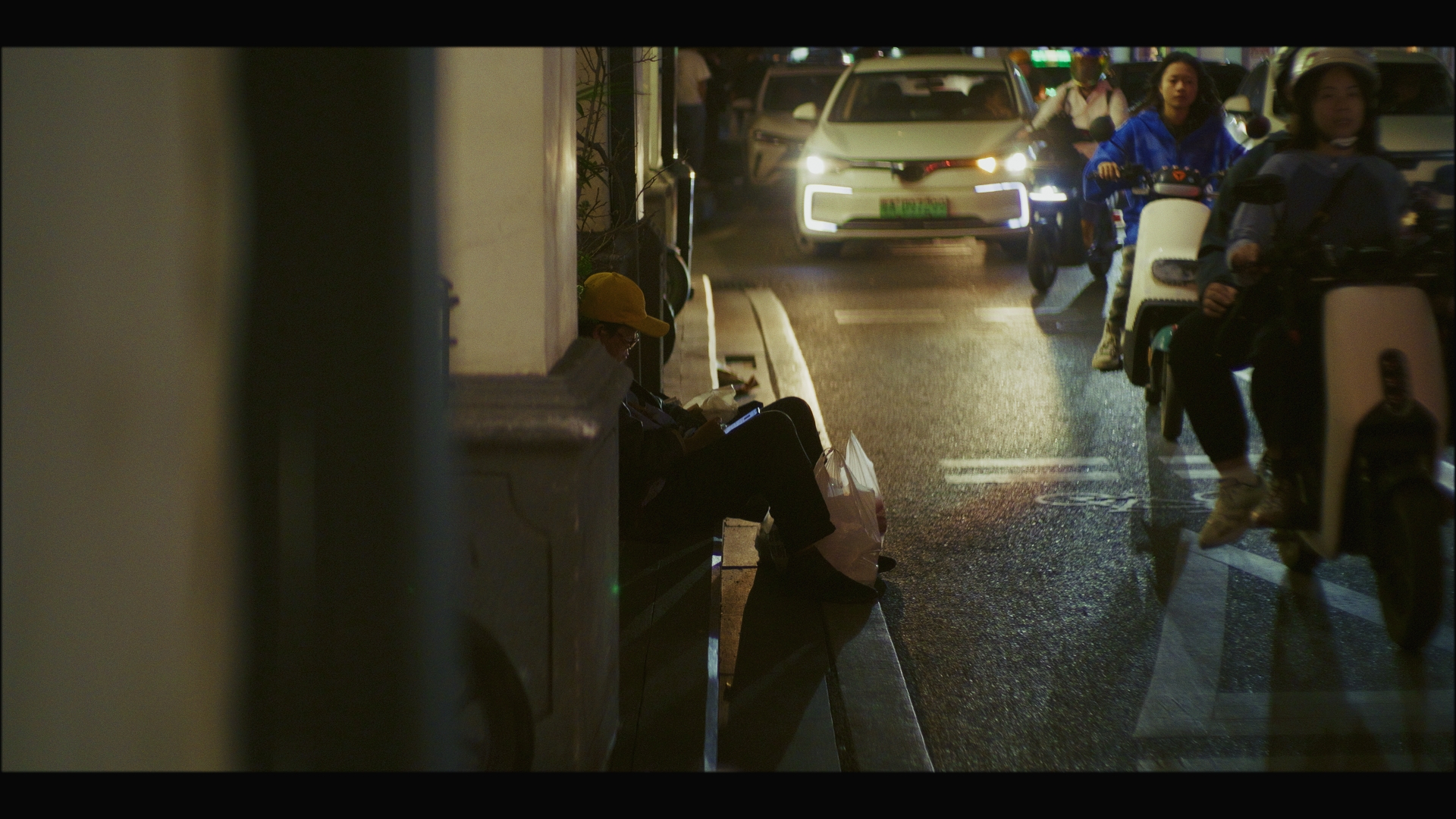
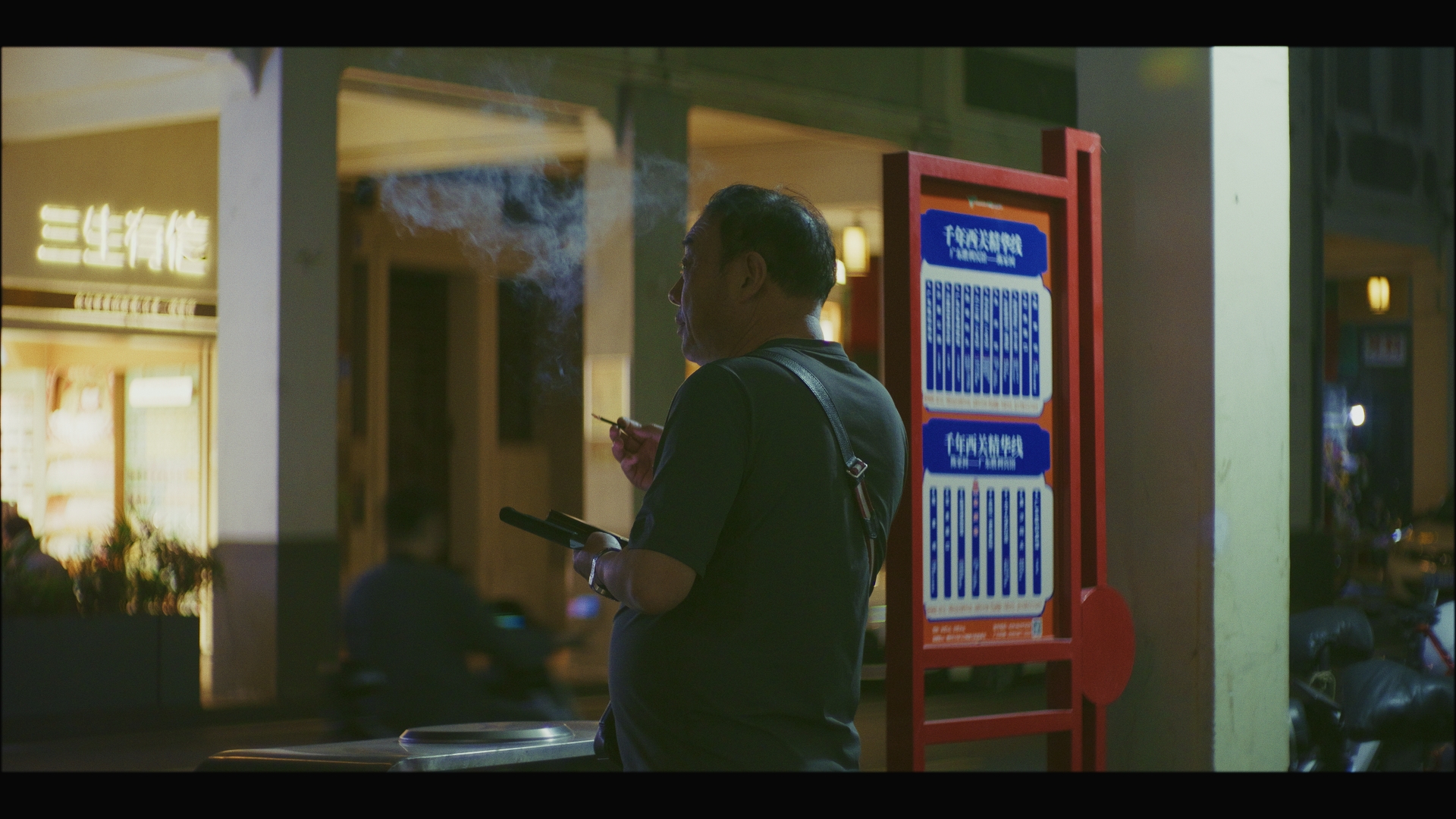
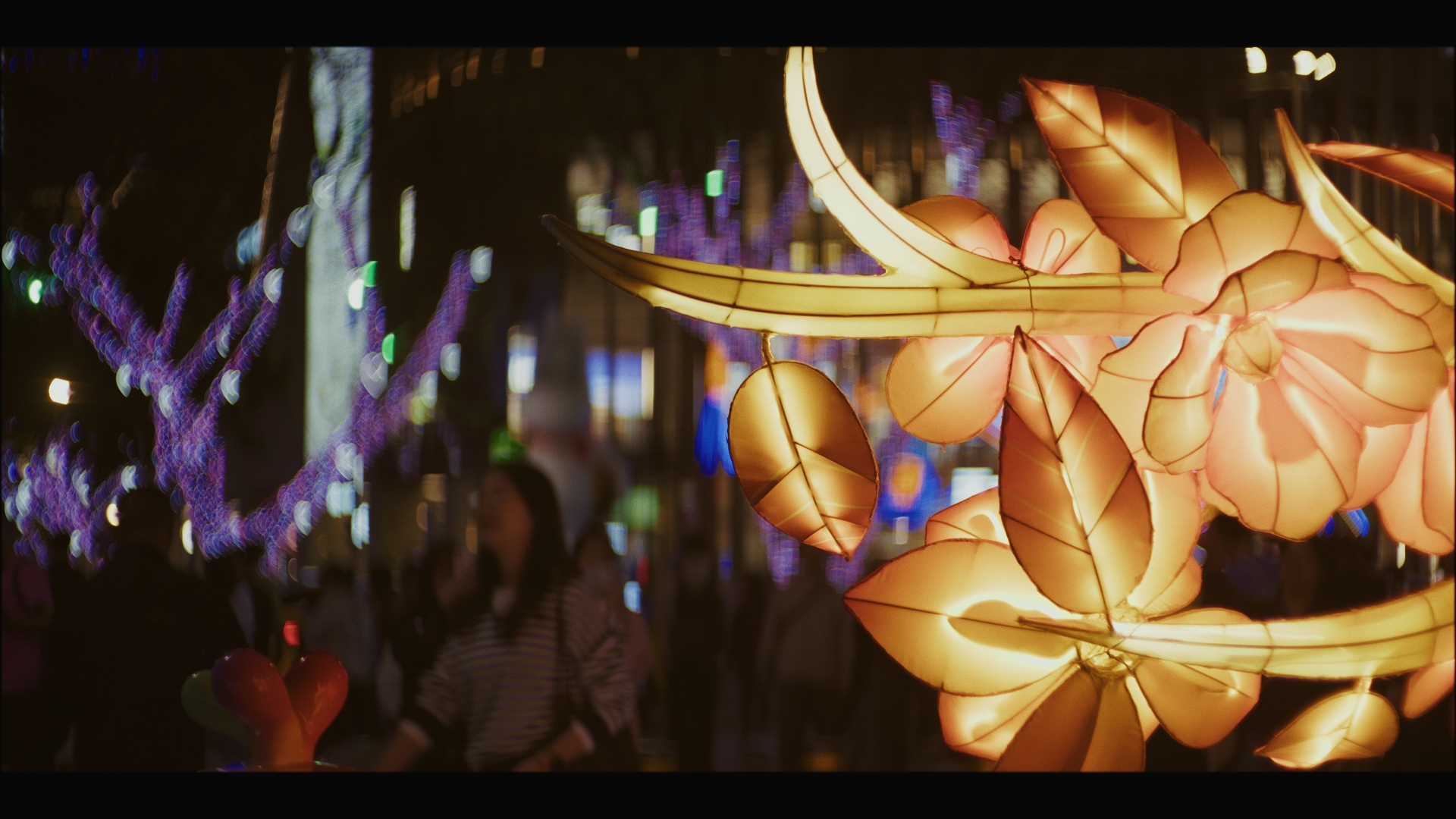
I'm back from Guangzhou China, and starting to evaluate the footage, especially my modified Takumar 50mm F1.4 with the custom "insert" made from post-it notes and sticky tape. I managed to get out and shoot with it on a couple of nights. One in Beijing Road and the other in Yong Qing Fang. Some images from Beijing Road... these are all wide open, and lightly graded with Resolve and Film Look Creator. Overall, I'm really liking the aesthetic, which reminds me of mid-budget Hong Kong cinema, which I have a soft spot for. I mostly exposed to protect the highlights and then adjusted exposure in post under the FLC, and the GH7 has just enough DR for this, despite the scenes being quite challenging. The lens has a shallow enough DOF to be able to direct the viewers attention by choosing what is in focus, and the FOV (equivalent to a 71mm F2.0 on FF) is great for these type of scenes where the scenes would mostly overwhelm a wide lens with pure chaos. Some images from Yong Qing Fang.. same as above but with a touch of sharpening. This was a lot darker and I needed to push the ISO to get more levels in some scenes. It was also a lot higher DR, so some shots will be limited in post for how I grade them and I'll probably reach for NR in places. The lens is actually quite sharp in the middle, but the sides are more distortion than I'd like with quite a bit of bokeh distortion and coma from bright sources. The experiment with this "insert" was how strong a look it would be and I think it's probably too strong because the bokeh shapes are too distracting due to the sharp corners. It's distracting on frames with a clear subject (where you want the background to get out of the way) and on other shots its pure chaos and completely negates the idea of directing where the viewer will look. Getting DOF this shallow on MFT isn't easy, so I'll have to think about it more for future trips.
-
I found an interview with the person who shot the under-water sections of a GoPro promo video (IIRC it was for the Hero 3 or 3+), and the level of effort they put into it was simply incredible. He had a team of about 5, three crew and two cast, and they had a week for production. He was an independent DOP and had done some pre-production as part of his 'pitch' to GoPro to get the gig, but I think they did detailed pre during the week as well as camera tests and lots and lots of shooting. This was only for the underwater shots (the bikini girl diving beneath the waves). If we assume that each of the (maybe half a dozen?) locations each got 5 people for a week, then that's ~7500 hours just to film the 1-2 minute promo video. The level of cherry-picking is extreme - professional DOPs pitching projects, travel to the most exotic locations, testing of all modes with all manner of equipment, everyone in cast and crew are professionals, long shooting days at the best times (golden hour, etc), dozens of hours of footage just to make a short promo. Then people set it to auto, hold the tiny camera in their hand and film their family at the beach with whatever lighting and weather happens to be there at the time and then we wonder why it doesn't look like the promo videos... Having said all that, if GoPro make an interchangeable lens camera with a half-decent bitrate and a colour-managed LOG profile then it might be the tiny camera we've been wanting!