Jump to content

Leaderboard

Popular Content

Showing content with the highest reputation on 10/16/2026 in Posts

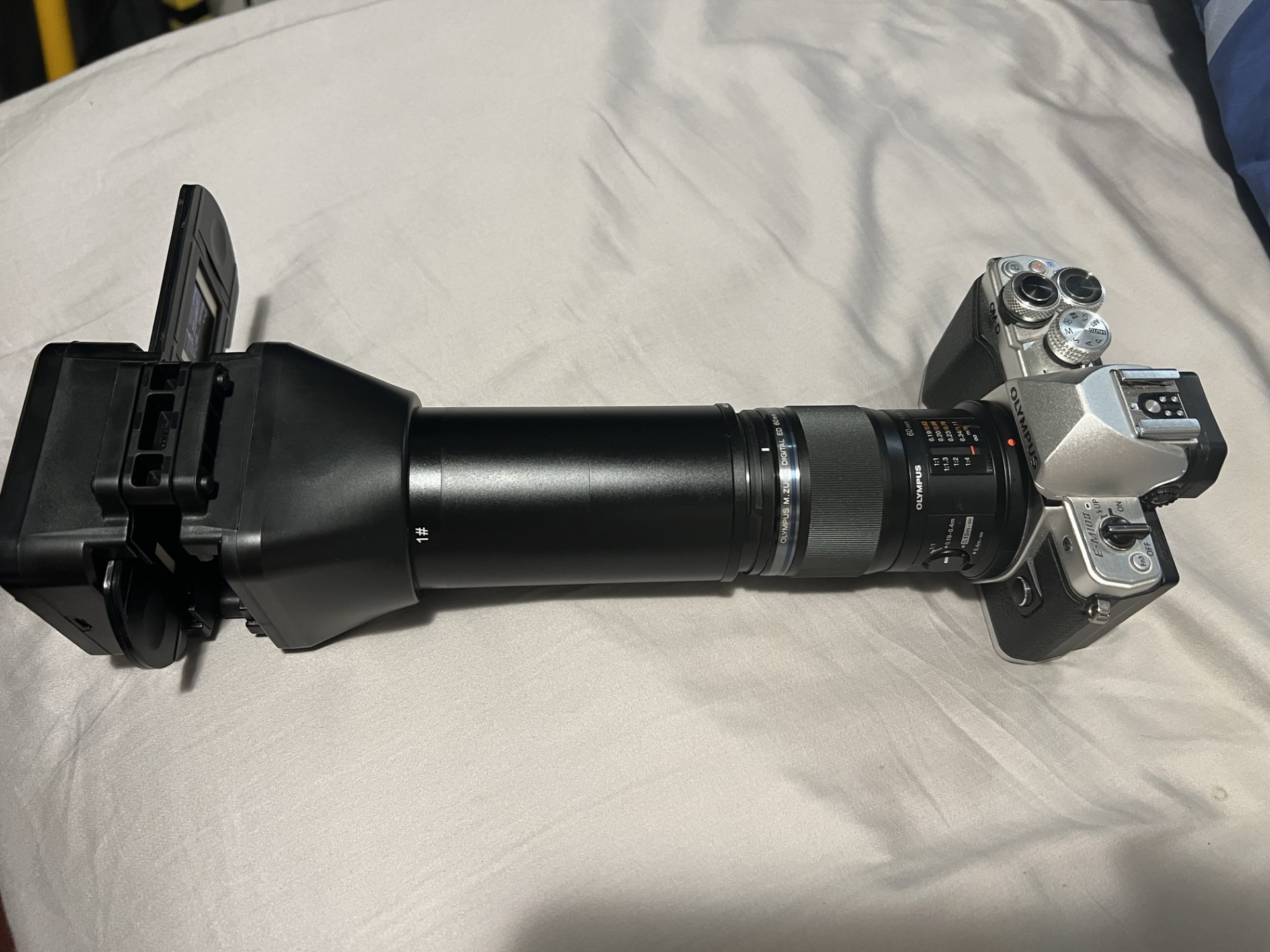
  1. Apparently the Metabones SB accepts USB power in, it can be powered by the camera itself, and it can power a lens and has a wheel that can change the aperture of the lens.. and because it has power that means lens OIS will work too! @newfoundmass this isn't a MFT solution but it does allow some electronic lenses to be used - not sure if you have a metabones and other lenses lying around perhaps?
    2 points
  2. Benjamin Hilton

    Log is Boring

    Yeah we've taken a lot of time to create a film look that gave good color, but also just kind of works. When using footage in a doc from a lot of different cameras, archive stuff etc. a lot of film looks can break easily. We also wanted something that while invoking film, was also not too strong. Below are some side by sides, the images on the left are the look we developed, and the versions on the right are a standard CST:
    1 point
  3. Thank you very much! That video was actually meant to be longer. It’s literally cut in half. I just got tired of the editing. My day job I’m filming and editing for a popular news outlet in the states and I just couldn’t do anymore to my video. The other half I show examples of bigger and unwieldy manual MFT lenses in my collection. The VO is there and the clips I want to use, so I may just finish it over the weekend.
    1 point
  4. eatstoomuchjam

    Log is Boring

    In the last year or so, I've been switching to having my projects default to ACES in Resolve with rec.709 set for the output color space. It's pretty slick. Most footage is automatically transformed into the color space by Resolve and a lot of cameras look pretty simple, even without cienmatch. One bummer is that FilmConvert doesn't support it, but Spektrafilm and Dehancer both do and both are pretty great for finding a base look to work from. Anyway, if the goal is to have a specific look, even across cameras, it would probably be a decent jumping-off point.
    1 point
  5. Sounds like a capable setup! I'd imagine you just setup the camera with the right codec and frame rate and exposure time, then you're just using the lens and filters to expose and focus? That was how I was shooting with my BMMCC and it was great, not having to navigate camera menus or anything. I bought a bulk lot of drink can holders (which are just fabric covered foam) and found they're great for putting lenses in to protect them from each other, so if you want to upgrade your paper towels that might be an option. You could super-glue them together if you wanted to make something with a bit of shape, sort-of a very DIY custom camera-insert.
    1 point
  6. Benjamin Hilton

    Log is Boring

    It's all just a workflow thing really. We shoot everything in log and it's easy. We have film simulation grades we've developed in post that we input to the camera as a reference LUT. Then in post that same grade is automatically dropped on in the edit. This means we get a pretty consistent look all the way through the process and grading time is minimal. But I agree if we were just dropping a cst on the footage there wouldn't really be a point to shooting log.
    1 point
  7. Framed_By_Dan

    Log is Boring

    I only use Log for situations which are relatively consistent throughout the whole shoot. It's not a good profile for run and gun filming. My commercial work I can keep pretty consistent so it can be shot in Log, my other work is weddings, I ideally need access to the full ISO range on a camera, I need to work indoors and outdoors, variable colour temperatures and lighting conditions. My wedding clients won't know or won't care if I shot Log or not. I use a tweaked Natural profile on my Lumix cameras, using 10-bit where possible which makes a huge difference in post if my WB is off. The files are still thick enough to push and pull. Yes I might only have 9 or 10 stops of DR to play with as opposed to around 12 if I shot in Log but at least it's much less stressful to work with on the day and easier to manage in post. I have a PowerGrade with my signature look ready to go in Davinci which I slap on and Adjustment layer then make minor final tweaks to clips where necessary.
    1 point
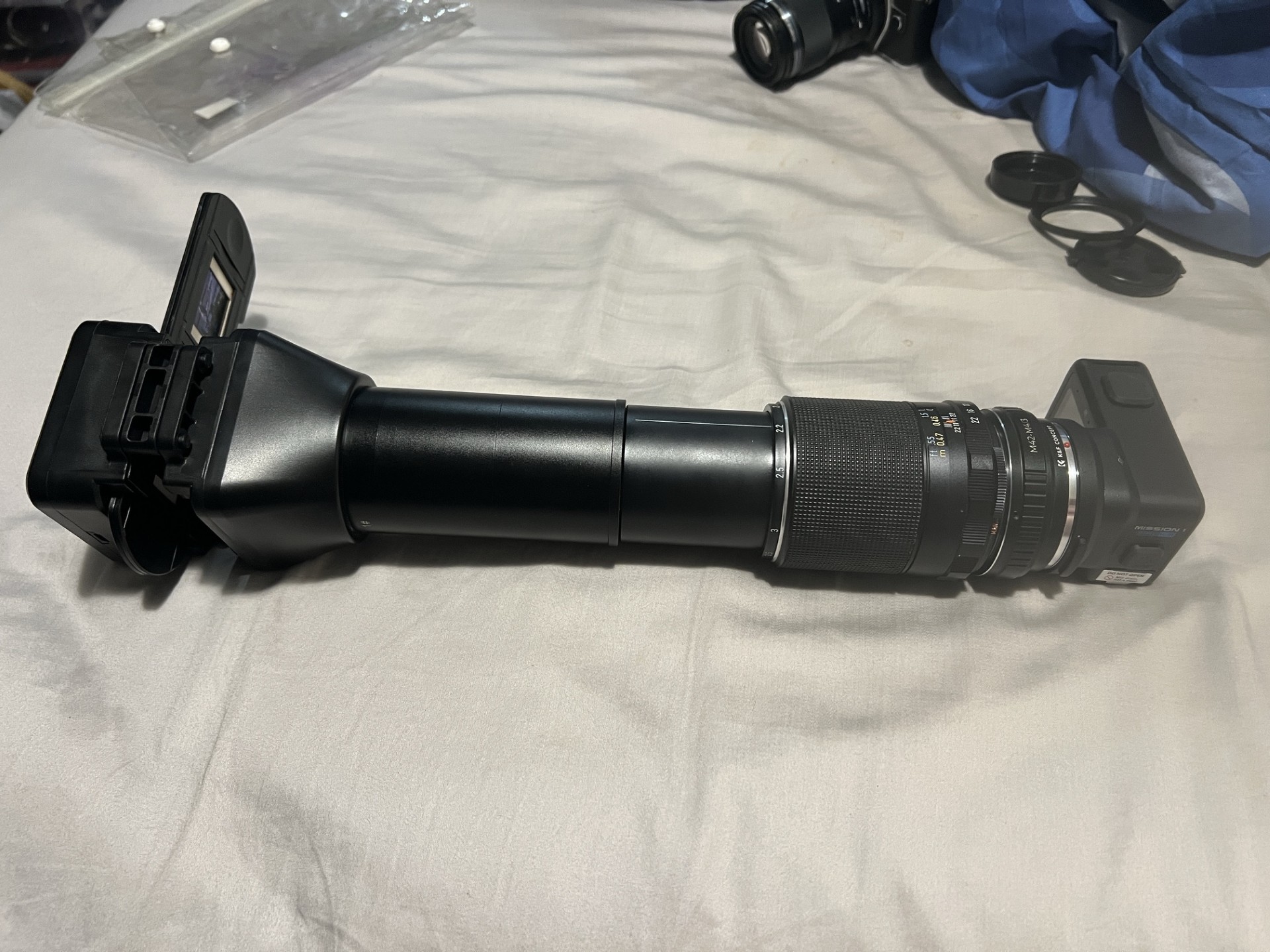
  8. 2 hours... no joy. Not sure where i went wrong, but at at 11pm i pulled the battery, then the card. Thought i may have bricked the thing. However it fired up without a card and i put the card in the pc and reformatted it and copied the update file across again. On the 2nd try it, updated in about 5 minutes. I should add this was the mission 1 gopro. The mission1 ils can't be updated via sd card or i could only get it to happen over blutooth, there simply is no other option to continue on with. That failed multiple times... in the end i had 8 separated gopro entries in the blutooth pairings when i checked... i deleted all the entries and I turned the phone off and the mission 1 ils off. Once i restarted both, it decided to play ball. The ils blutooth update was a bit quicker than the sd card approach however it did do an app update and another update then it did the ils update. Cant remember what the middle update was for and at this time of night i don't really care. I can't say i have ever used the phone with a gopro before now, but i'm hoping i can use it as either a monitor and or use the phone to trigger the ils, as i can see that being quite handy. I did find something on youtube about auto focus for the ils not watched it yet, perhaps it will interest some of you. Other than that, good night.
    1 point
  9. You're pretty accurate on this one : ) Some elegant shots and atmosphere right there on your other entry, kudos to you, they sell the cam... ; ) Loved the voice too BTW :- )
    1 point
  10. @kye I’m really shooting it regular, I guess? I’m not doing anything fancy other than trying to remember which way on my focus pull is far or near. Which gets annoying because of the lens changes. Lately I’ve been shooting it court side at NBA games, just using my iPhone 17 Pro Max as a monitor and the Media Mod without any other attachments for the audio. The lenses are carried in a small camera bag separated with thick paper towels to limit the clanking and potential scratching and I have a manual blower to remove any debris. I shoot in GPLog most of the time and I prefer to shoot in a 4:3 aspect ratio. Even though the Mission Monitor app allows the user to apply LUTs for monitoring, I usually like to view it flat (for me it makes it easier to see the focus peaking) or with the standard profile color LUT. My intent is to film and publish a super high quality film, run & gun style with this camera. Only using the bare minimum of equipment from lighting to sound. I know it can be done, especially with the examples you shared and what those directors used. I have a story. I just need the actors who are willing to participate in this project for food and travel expenses. I will split royalties once it’s up and available.
    1 point
  11. @kye As promised, here’s the video I mentioned over in the Narrative Films Shot in Uncontrolled Cities thread. I put together what I call my Mission Kit for the ILS, consisting of the Brightin Star 10mm fisheye, 7Artisans 10mm, TTArtisan 17mm, and the 7Artisans 25mm, 35mm and 50mm. The idea was to keep everything small, lightweight and affordable while still getting a very good image. The video is just a collection of footage shot with the different lenses, with each lens identified on screen. It’s not technical at all and it’s very casual. I’m just showing what these little lenses can do with the ILS.
    1 point
  12. Went for a walk this morning. I was able to make a short video: Sorry for the music. Everything is hand-held. Shot it at various frame rates. Most everthing shot in GoPro Log 2 (the slow-mo shots are in Natural) and plopped into a timeline for cutting and added FilmConvert with the GoPro Mission 1 Pro and GoPro Log 2 profile. No grain was applied. Anyway, you'll get an idea of the colors, electronic stab, etc. I also wanted to say that I was able to update the ILS to the GoPro Labs firmware and use a QR code for putting a super-helpful histogram (better than the Lumix one on the GX800).
    1 point
×
×
  • Create New...