All Activity
- Today
-
 icatcanum1978 joined the community
 -
A short from Filippo Chiesa Thanks to Sony Italy, I had the opportunity to put the new FX5 through its paces on a real project I’m currently working on. I shot everything in X-OCN LT 5K open gate, using spherical lenses. The FX5’s sensor is truly wonderful, and I believe its performance sets a new benchmark for cameras of this type—and beyond.
-
 swerwhiganro1986 joined the community
 -
 North Pass Immigration joined the community
 -
 izremenra1980 joined the community
 -
 seartigati1977 joined the community
 -
 reaohinseli1971 joined the community
 -
Hey guys, excellent thread so far. Saw this a few months back and decided to check the used market. Damn, cratered hard over the last few years. Given this, I was finally able to pick myself up an Isco Ultrastar f=80mm (without taking out a second mortgage) after pining for the results Media Division showed off in that their Scope series all those years ago. I've worked primarily with Takumar prime lenses, in combo with the Blazar Nero adapter - However, as I'm trying to build out a run and gun setup I'm curious to see if anyone has any recommendations for zoom taking lenses? I shoot pretty much exclusively on s35 sensors, so we can probably go pretty wide. Let me know!
-
 Kong joined the community
 -
 gistpongpossvar1974 joined the community
 - Yesterday
-
I’m waiting for Google Play Store verification — they require an ID check before I can publish the demo version for beta testers.
-
DIGILOG doesn't record a true raw unprocessed look to H.265. Motioncam Pro I have enjoyed a lot but it is Android not iOS.
-
 Andrew - EOSHD reacted to a post in a topic:
RawLogCam app for Android
Andrew - EOSHD reacted to a post in a topic:
RawLogCam app for Android
-
 inanener1976 joined the community
 -
 gwildebtlessne1972 joined the community
 -
Yeah, a big screen is nicer. No doubt about it. It just wouldn't be, for me, the main selling point of one camera vs another. That said, you are already in L mount and I've heard that the recently-released autofocus on the BMCC is quite good...
-
ArashM reacted to a post in a topic:
Nikon Zr is coming
-
I dream of having a tool of this magnitude. Being serious, as someone who really does not want to rig out his cameras as after all, I am a hybrid shooter, the larger, clearer and brighter the rear LCD is, the better because I shoot exclusively with the things. It’s also why I prefer a tilt over a flip out. Fully articulated works better for me for the stills side, but tilt for video. Hopefully all cameras in the future will increasingly work on having these physical features which probably benefit more folks than massive pixel counts or bloated codecs. Less grading is financial boon to the small business as time saved is time that can be put to use elsewhere, or increase profitability. That is what draws me to the Red codec, but as things stand, that storage costs defeats any savings for me, but the grading time is a draw…
-
-
ArashM reacted to a post in a topic:
Nikon Zr is coming
-
ArashM reacted to a post in a topic:
Nikon Zr is coming
-
ArashM reacted to a post in a topic:
Nikon Zr is coming
-
ArashM reacted to a post in a topic:
Nikon Zr is coming
- Last week
-
Quick update: I tested the Motorola Edge 50 Pro hardware encoders and could not find a working HEVC 4K60p path for the full RAW-derived frame size. c2.qti.hevc.encoder accepts configurations like 2160×2880 @ 60 fps and 2880×2160 @ 60 fps, but fails after the first frame with UNKNOWN_ERROR. Rotation does not help. The same size works at 30 fps, and 1080p60 works, so this looks like a real Qualcomm encoder limit/driver issue, not an AAC or RAW/DNG problem. So the current plan is: RAW/RAWC master: full resolution, 60 fps H.265 quality proxy: full resolution, 30 fps H.265/H.264 smooth proxy: lower resolution, 60 fps if supported PC export: final 4K60p from RAW/RAWC/DNG A more interesting idea is to use the extra RAW60 frames for HDR30: alternating short/long exposures, then merging pairs of frames into a 30 fps HDR output.
-
Having detachable EVF as good as Z6iii has would be even better than having only the ZR display. Still the 4” display is joy to use, and regular 3” or 3.2” LCD’s feel quite tiny after using ZR. The main problem is still the lack of saving trimmed R3D NE files as R3D NE. If you shoot from sticks and put the camera far away you end up getting a lot of unwanted data you can’t get rid of. Unless you save the R3D NE trims to H.265. Shame on Nikon and RED as NRaw works fine. Luckily you can use Parallax monitor app to control the ZR, Z6iii, Z8 and it has pretty good exposure tools too, false color, red traffic lights, scopes, zebras, and even focus peaking with LUT, frame guides, desqueeze, just to name a few of the features. ZR could be so much better if saving R3D NE trim was fixed. The file size itself is not that big of an issue itself. After shooting almost two hundred days with ZR the R3D NE looks a bit better and needs less grading than NRaw, especially in low light.
-
I understand that the grip of the Z6 III holds the battery. Judging by pictures, it also holds the memory cards - which includes a UHS-2 full-size SD card instead of a UHS-1 micro-SD card like the ZR has. Oh, and you can also change the cards while the camera is on a tripod or gimbal. I had no idea that mirrorless cameras couldn't be used without a gimbal. That's quite a limitation. Without being aware of it, I've been using mine mostly without a gimbal for a while now. You know the microphone is supposed to point toward the front of the camera and not the back, right? That should reduce the risk of poking out your eye with it when holding up the EVF. 😉 Anyway, the Z6 III has a screen that is still pretty decent-sized at 3.2". From your description, it sounds like your needs could be better met by using a Black Magic Cinema Camera 6K instead of a Nikon ZR. The BMCC has a bigger rear screen at 5". The EVF is optional so you won't need to use it if you don't want to. While L mount isn't quite as versatile as Z mount, it's still quite good. The BMCC6K also has 2 mini-XLR mic inputs which can be used along with the internal mics for 4-channel audio. If you want smaller files, you can increase the compression ratio for BM raw. Even at the maximum compression on the UC12K (12:1, I think?), it still looks very good. I usually use the Ursa at 8:1 except for VFX shots where I go up to 5:1. The main limitation against the ZR is that the BMCC is a bit bigger and heavier. But as a person who wants "the best back LCD I can have," the BMCC blows the ZR and its puny 4" screen out of the water. You'll also get a full-size HDMI port and not a garbage micro-HDMI port in case you want to connect to an even bigger 7" screen.
-
The difference might seem small in specs but it's a 25% increase in area and 50% increase in display pixels. If making the display still larger, the camera would need to increase in size, and the balancing of the current size on a gimbal is easier than a taller camera such as the Z8 or Z9. Rigs get bigger, gimbals get bigger, total weight of the working setup goes up. I think it's a very good compromise in this aspect.
-
Jahleh reacted to a post in a topic:
Nikon Zr is coming
-
The ZR is small and lightweight for a full-frame camera with such a large and high resolution back display. The ZR body is 22% lighter than the Z6 III. The hand grip of the Z6 III is not just a grip, it houses the battery which is in a different orientation in the ZR. The large diameter Z mount also places constraints on how small the camera can be. To me it is difficult to imagine how one would make a still smaller camera body that has in-camera VR and a 4" or larger display. Why is the size of the LCD important? I want to clearly see what I am shooting without touching the camera (potentially shaking it). EVF use on mirrorless cameras is often not practical as it's fundamentally incompatible with gimbal use, and also many shotgun mics like the MKE 600 would not make it possible for me to use a viewfinder. Thus I want the best back LCD I can have for video applicarions. I do want the camera to produce practical files as well and hope Nikon can do something about it. I am not surprised it takes them some time, but hopefully within 2026.
-
Quick update on RAW → H.265 export: The RAW side can stay full resolution and 60 fps, but I hit a Qualcomm encoder issue on the proxy/export side. The `c2.qti.hevc.encoder` accepts `2160×2880 / 60 fps`, but after the first frame it returns `UNKNOWN_ERROR`, followed by Android’s misleading “Released state” message. So it does not look like an AAC or RAW/DNG problem — more likely a hardware encoder limit/bug with that portrait HEVC configuration. I’m testing possible workarounds, especially encoding the same frame as `2880×2160 / 60 fps` landscape, but the safe fallback is to keep RAW at 60 fps and export H.265 as smooth 30 fps by taking every second frame.
-
RawLogCam RAW frame + IT8 TRC vs Motorola native video app. RAW is very life like on HDR screen.

-
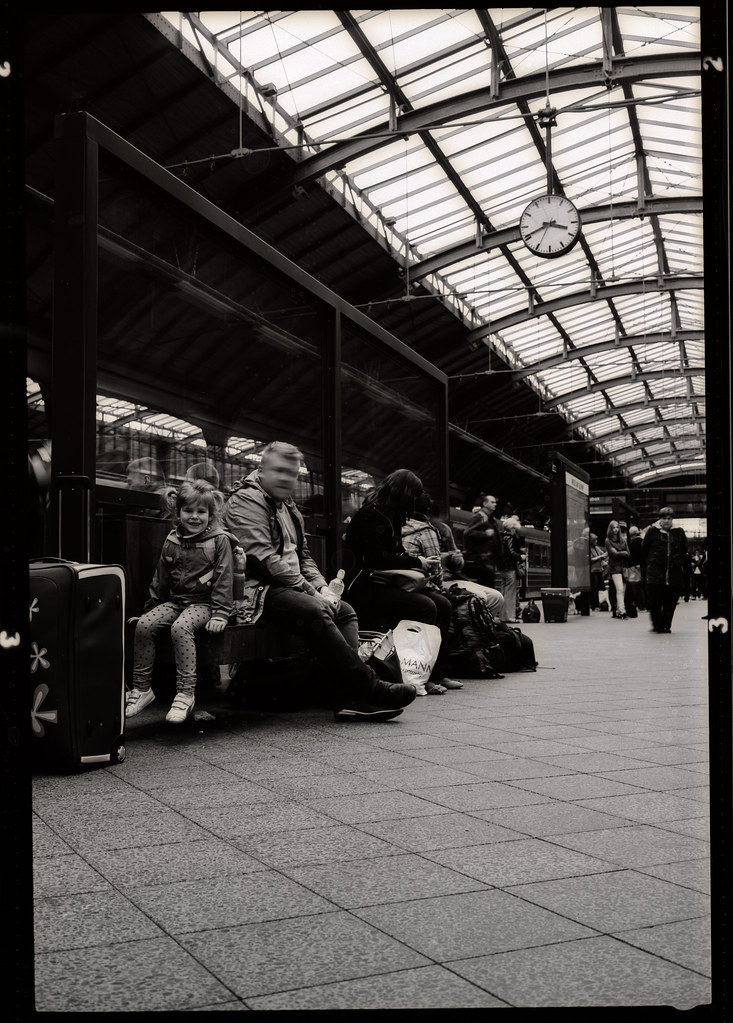
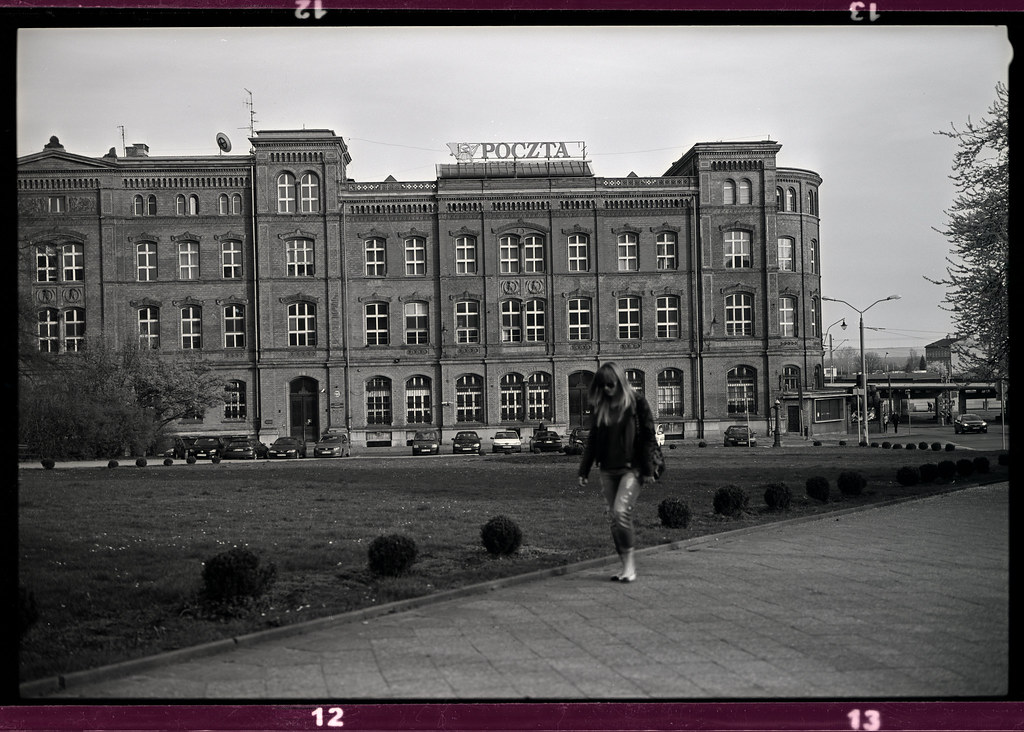
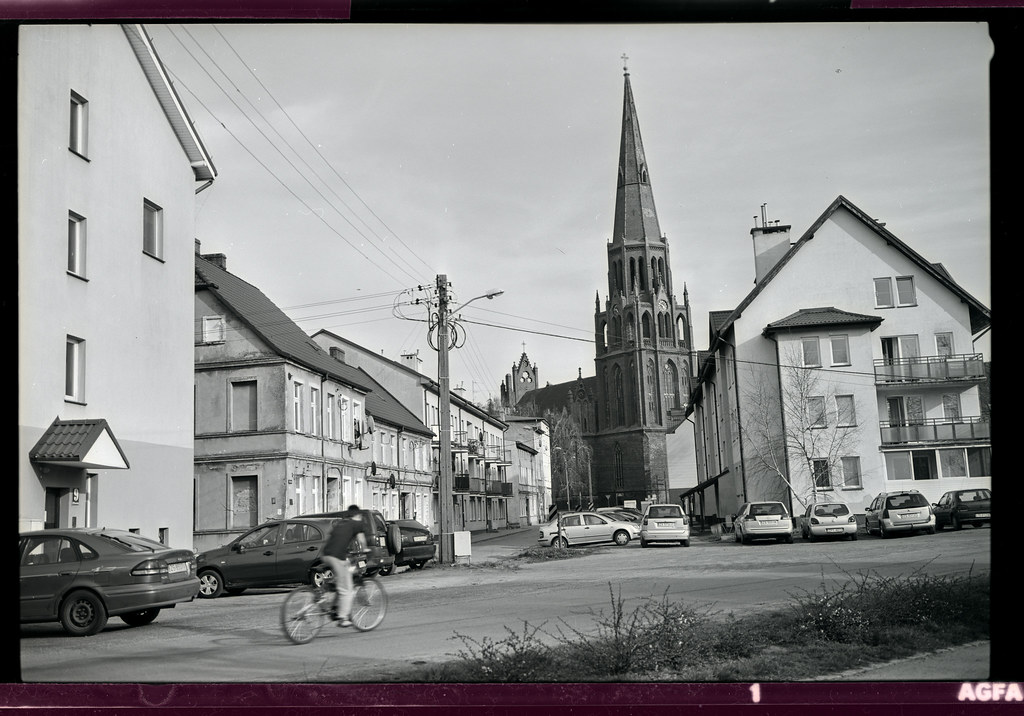
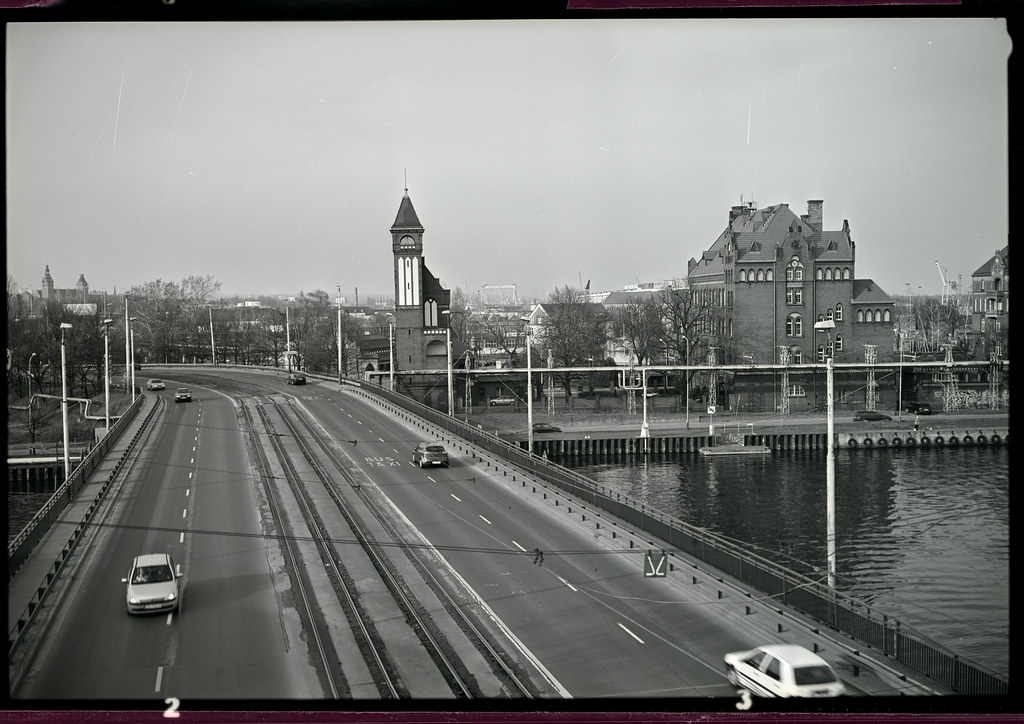
Agfa Copex Rapid + Rodinal 1:100
-
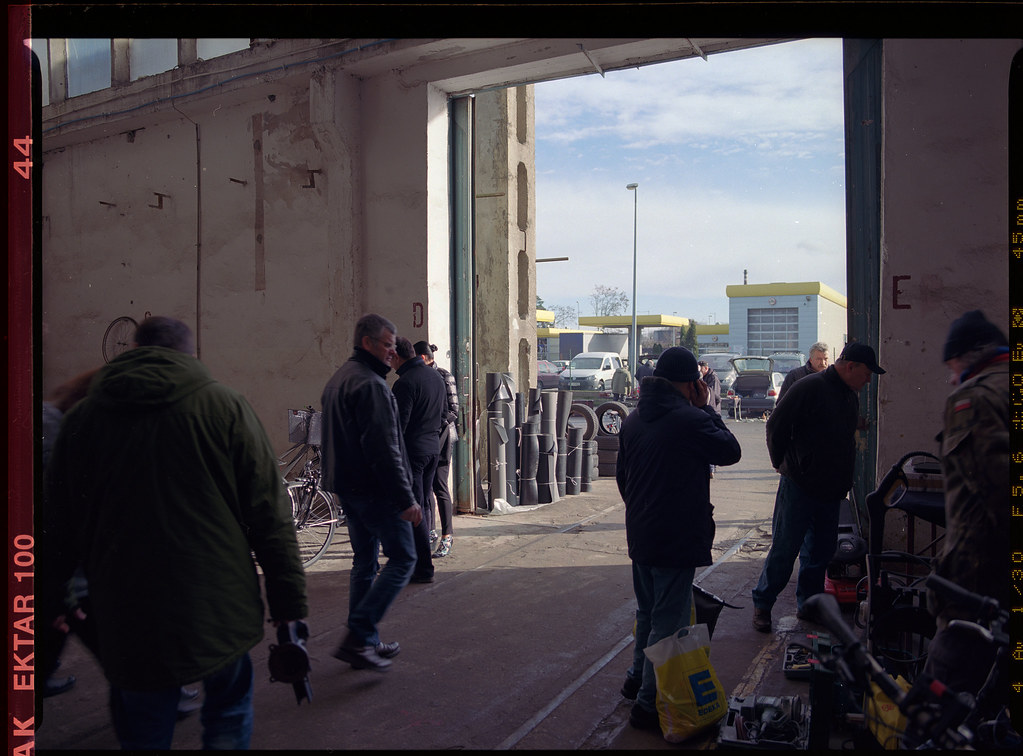
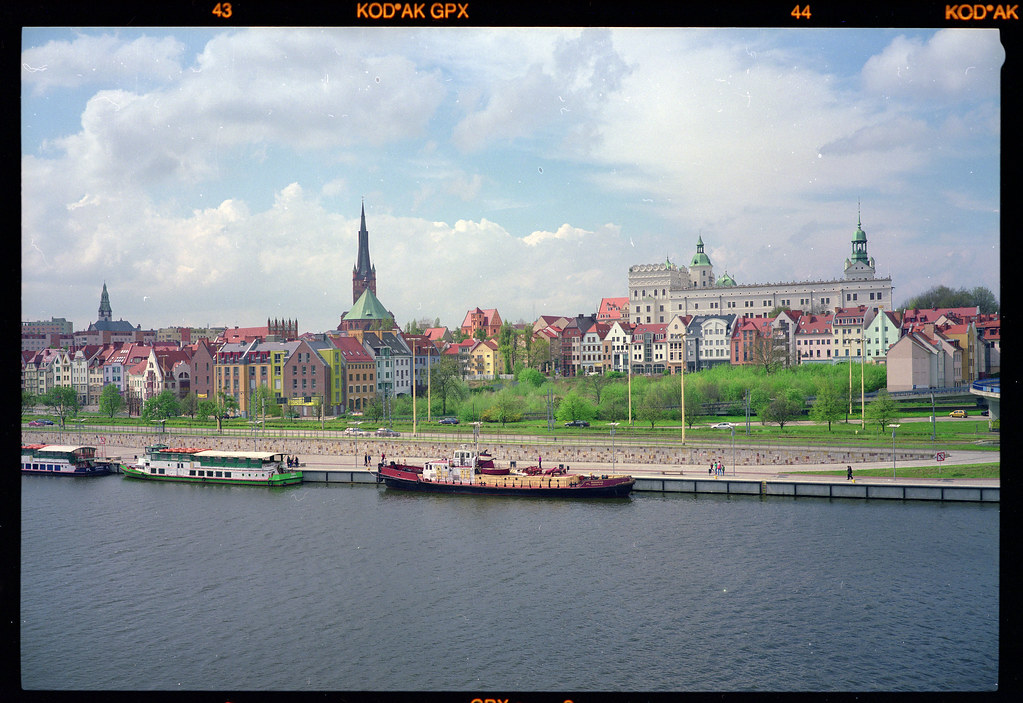
Few more samples from negative stock: Ektar, Digibase, GPX.
-
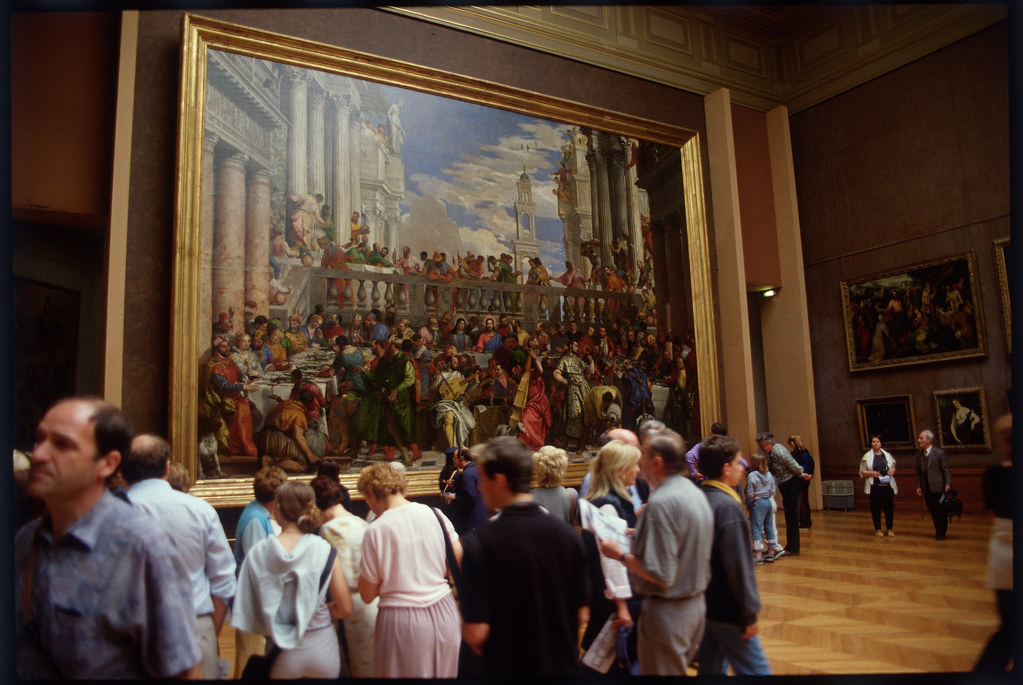
Here is example of Kodak 100VS, May 2000, drum scan, Louvre Museum. I would like get this effect on digital - highlights rolloff.
-
can you link Digilog video samples?
-
For iOS there’s DIGILOG, RAW Cam & Log CAM by Sebastijan and now also MotionCam Pro (beta) which do this (or something similar). I especially like DIGILOG because of the real time film simulation with halation.
-
Jip-Hop reacted to a post in a topic:
RawLogCam app for Android
-
On iPhone I’d see the practical route as DNG/ProRAW or RAW burst → custom linear/Metal pipeline → H.265/HEVC, with a much flatter, less processed look than the stock camera. Not ProRes RAW. The limitation is that iOS does not expose continuous Bayer RAW video in the same way Android Camera2 can expose RAW streams, so an iPhone version would likely be AVFoundation + Metal: RAW/DNG stills or bursts, plus a controlled HEVC mode with custom tone, colour, highlight rolloff and IT8/LUT calibration. I don’t have an iPhone to test on right now, so I can’t promise it yet. But the idea is definitely interesting. First I want to finish and publish the Android version and see if people find it useful. If the feedback is positive, I’ll try to look into an iPhone version — probably DNG/ProRAW or RAW burst into a custom Metal colour pipeline and then H.265/HEVC, rather than ProRes RAW. For me the goal is to do as much as possible directly on the phone — capture, colour, calibration, encoding, maybe even basic editing/export, Davinci style. On the PC I’d rather have a voice-driven movie editor, where you can just say what you want to cut, move, translate, subtitle, shorten or colour-match, instead of digging through endless panels. I’m also working on PocketCAD for Android and a customised WearOS/Android smartwatch project, so it’s all part of the same direction: practical tools on small devices, with more voice control and less dependence on big desktop workflows.
-
Yes, a mere 3.2 inch. Yet another time when people might be wishing they had just 0.8 inches more. 😆
-
 eatstoomuchjam reacted to a post in a topic:
Nikon Zr is coming
eatstoomuchjam reacted to a post in a topic:
Nikon Zr is coming
-
But but but but the Z6iii doesn't have a 4 inch rear LCD 😜
-
Any thoughts on making an iPhone version (DNG -> H.265 without the processed look, without Prores RAW)
-
2K compressed RAW is no problem on the Motorola Edge 50 Pro, but at the moment I’m not sure how to make 4K work reliably. RAW has a nicer rendering than the GPU pipeline, especially in the highlights. I’ve implemented 3×3 color matrices, TRCs, and 1D IT8-based correction for both GPU and RAW/RAWC modes. I think I’ll drop the H.265 mode that goes through the ISP and only keep GPU H.264 for social media compatibility.
-
Part of what's crazy to me is that the ZR isn't that small. If you compare it with a Z6 III or an EOS R5, the actual bodies are almost the same with the main differences being that the "bigger" cameras have a handgrip and EVF protruding from the small body. Looking on camera decision and comparing the ZR to the Fuji X-M5, the ZR is gigantic. And I feel like the Z6 III was more expensive when the ZR was released, but as of right now, their prices are almost identical with used Z6 III costing less than used ZR. So if you don't need the sort-of Redcode RAW or internal 32-bit float, the ZR becomes a somewhat weird choice. This is why I am waiting for the used prices to go down a lot once people figure that out or when the next shiny camera drops. 😉