
Andrew - EOSHD
-
Posts
15,738 -
Joined
-
Last visited
Content Type
Profiles
Forums
Articles
Everything posted by Andrew - EOSHD
-

Canon 1D C to get $4000 price drop February 1st
Andrew - EOSHD replied to Andrew - EOSHD's topic in Cameras
Canon colour science is respected by people like Antony Dod Mantle, so you wanna pick fights with him? Better come armed with the facts... A7S has aliasing in 4K, way more moire and false detail than the 1D C in 4K. That comment alone makes it clear you need to do some more research into this and get the basic facts right. -
Canon 1D C to get $4000 price drop February 1st
Andrew - EOSHD replied to Andrew - EOSHD's topic in Cameras
The most important thing to accept is that judgement is relative to your experience and experience grows, changes, develops, even sometimes regresses Super compact, compared to what? Compared to the Alexa. Yes. The FS7 is also compact compared to the Alexa and so is the Epic. The 1D C is smaller and lighter than both. Sports journalists run around with it all day without it posing a problem (1D X) Compared to a GH2, yes it is a lot heavier and larger. Low light is very good vs the A7S I will show this soon. EF lenses on the A7S isn't a stable experience I can speak from experience. Canon colour science, the facts are undeniable there sir. Simon you need to get more experience. The 1D C in 4K C-LOG has C500-like colour, it has nothing to do with the 5D's unrealistic colour in H.264. It's closer to the 5D3 in raw. -
Nice work mate. Fixed the embed.
-
Canon 1D C to get $4000 price drop February 1st
Andrew - EOSHD replied to Andrew - EOSHD's topic in Cameras
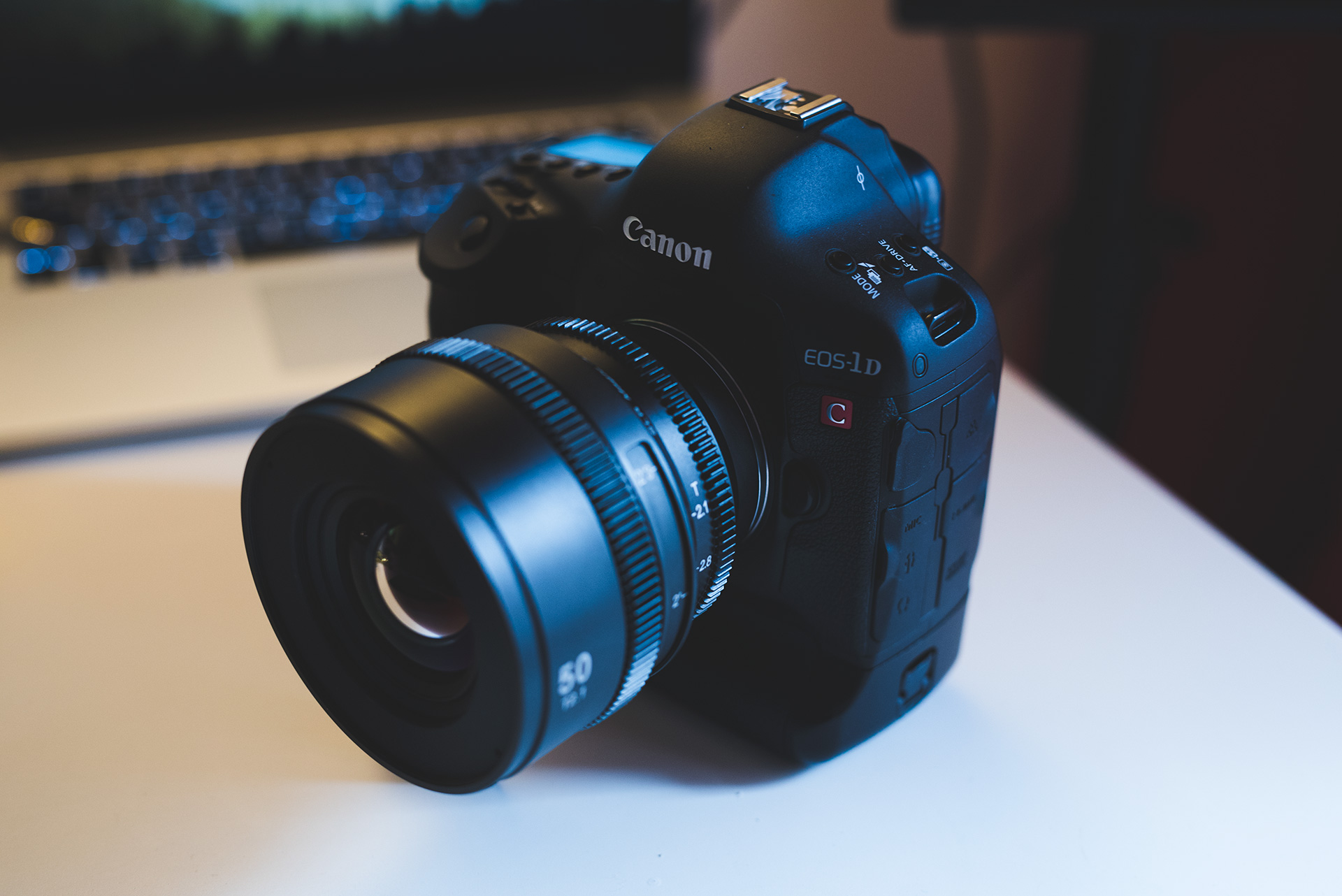
The 1D C has terrible ergonomics only so far as they couldn't be bothered to change the ergonomics of the 1D X. However, compare it to the FS7 or the Blackmagic Cinema Camera... And it's actually a lot simpler, smaller, lighter, more straight forward due to the lack of bells and whistles. So for certain shooting styles it works better. An EVF doesn't have to be expensive you can put a £100 loupe on the back and you have your EVF. Then stick a gorilla pod under it, shoot it to your eye and you have your handheld rig without the need to add weight or shoulder rigs, etc. Works very well. On a tripod it needs an articulated monitor of some kind but again, what's so hard about a Small HD DP4? You can also have the operator work off the back LCD whilst a second person monitors off a large monitor somewhere on set, via wireless HDMI transmitter with the Paralinx Triton. Also for docu it has more stealth than a dedicated video cam as it still looks like a stills DSLR. -
Canon 1D C to get $4000 price drop February 1st
Andrew - EOSHD replied to Andrew - EOSHD's topic in Cameras
Indeed and it's built like a toy compared to the 1D X / 1D C. They need a pro body. Hopefully e-mount, none of that Alpha mount rubbish! -
There was a rumour Canon will introduce another line of EF lenses for high resolution sensors, possibly EF-R or something like EF 35mm F1.4R above the L series of lenses and even more expensive. I think this leak of the 5Ds is like the tip of the iceberg for what's coming. Let's hope at least some of the iceberg contains 4K
-
The 5D Mark III was announced March 2012, released same month, 5D Mark II was a September announcement, released Nov/Dec 2008. Over 3 years the gap. So 3 years will be March 2015, but could indeed be August. March would make much more sense if it is a 4K camera as NAB is in April. I'm still not convinced Canon is fully behind video on their stills cameras since they made the decision to split the line into EOS and Cinema EOS. The megapixel race will put paid to 4K. Anything above 18MP and it is tricky, likely involves crop, severe rolling shutter, etc. Although Samsung managed it at 28MP, that's not a full frame sensor, it's APS-C so a lot smaller and runs cooler. Copper based. Not sure what manufacturing technique Canon are capable of but they will likely need to move off aluminium and get down to smaller nanometers, etc., involving completely overhauled fabs and factories. They recently built new plants (in Taiwan I believe), could point to them making their own 50MP sensor. The 5Ds is an 8K camera, and the likelihood of an 8K readout on a Canon full frame stills camera is zero so line-skipping 1080p or heavily cropped 4K it is!
-
You can use them on S35 as full frame lenses with the EF -> E-Mount Speed Booster of course, then you won't be needing that 18mm. I agree with Rich. Set needs a 135mm. Other than that, I'm happy with 24,35,50,85,100.
-
Hey!! 70MP!! HEEEY!
-
Canon 1D C to get $4000 price drop February 1st
Andrew - EOSHD replied to Andrew - EOSHD's topic in Cameras
If it had been, they'd have made more people happy, generated more good will towards the brand, generated higher sales and in the end have had higher profits as well. Canon's management have a lot to answer for in my opinion. -
Thanks for the typo spot, should be "no higher frame rate than 60p". 60p is very mild slow-mo.
-
Interchangable lenses.
-
Canon 1D C to get $4000 price drop February 1st Read the full article

-
Not. The source for the EM1 4K firmware hoax was a guy who fed misleading info to 43rumors. The site itself didn't invent it. The hoax was quite elaborate and convincing, with even firmware files being available for download which would then install A-OK on the camera, but not change much. I believe it was a menu hack. The EM-5 II is definitely coming and the specs are right.
-
Yep me too. There's even a chance the 5Ds will have no video at all.
-
Discussion moved to thread with more appropriate title http://www.eoshd.com/comments/topic/7918-the-new-canon-5ds-50mp-full-frame-dslr-and-video-rolling-coverage/
-
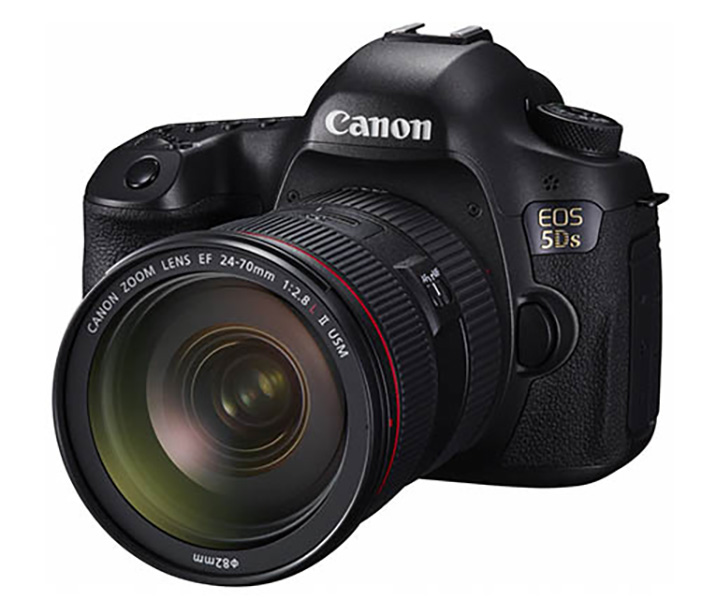
Above is the new Canon EOS 5Ds, a high megapixel full frame camera from Canon. Specs have been leaked online ahead of the official announcement next week. Read the full article
-
This will have video quality like the 50MP+ medium format cams... In other words, abject shit. And a crop. At best it will do D810 standard 1080p! Hope I have to eat my words but that's how I see it!!
-
Rich is expressing his opinion, no?
-
They have an APO formula for the 100mm, not the 135. Why is 105mm a macro? Macro lenses can be any length. Canon's best macro is 100mm. The main purpose of cinema lenses is they are matched for colour and feel from shot to shot, no inconsistencies in the edit and they all work with the follow focus & filters in same way on a set. Please vote for the entire set not your favourite single lens (i.e. 24mm or 35mm).
-
Yeah, it's a CMOS vs CCD look. Same with Ikonoskop vs Blackmagic http://www.eoshd.com/2013/03/ikonoskop-a-cam-dll-versus-blackmagic-cinema-camera/
-
When Jobs In The Animation and VFX Industry Disappear
Andrew - EOSHD replied to enny's topic in Cameras
They need to slow down on the productivity side to maintain the value of their assets and make the assets more scarce. There's also too much production capacity so it's a supply and demand issue. I don't think studios set out to purposefully screw the VFX houses over. It's more a business problem than an ethical problem I think. Hope they sort it out. What happened with Rhythm & Hues was really sad. -
iPhone 5S with Anamorphic Adapter makes big Splash at Sundance
Andrew - EOSHD replied to jcs's topic in Cameras
Look at Dancer In The Dark... perfect marriage of shit image quality and brilliant acting, writing, directing. Lars Von Trier was onto something with the Dogme stuff. However he is now shooting Alexa and Anthony Dod Mantle is shooting C500. Must be a reason for that. The reason is you need more than one brush, more than one type of paint on your palette. Because good stuff is shot on an iPhone doesn't meant it couldn't have been even better shot with a GH4 & Iscorama in 4K. Depends on what suits the content. If it's lavish scenery, Koyanisquatsi, natural light, Kubrick style cinematics... then iPhone is the wrong kind of brush stroke. If it's documentary, dogme style handheld, then the dirty 'video look' is actually pretty useful. Here, they took the iPhone and made it look clean and cinematic. Impressive achievement. But it just shows, if anything, how good a small sensor looks with an anamorphic and how good the video mode is on the iPhone any way, great detail for a phone and not much compression with Filmic Pro. -
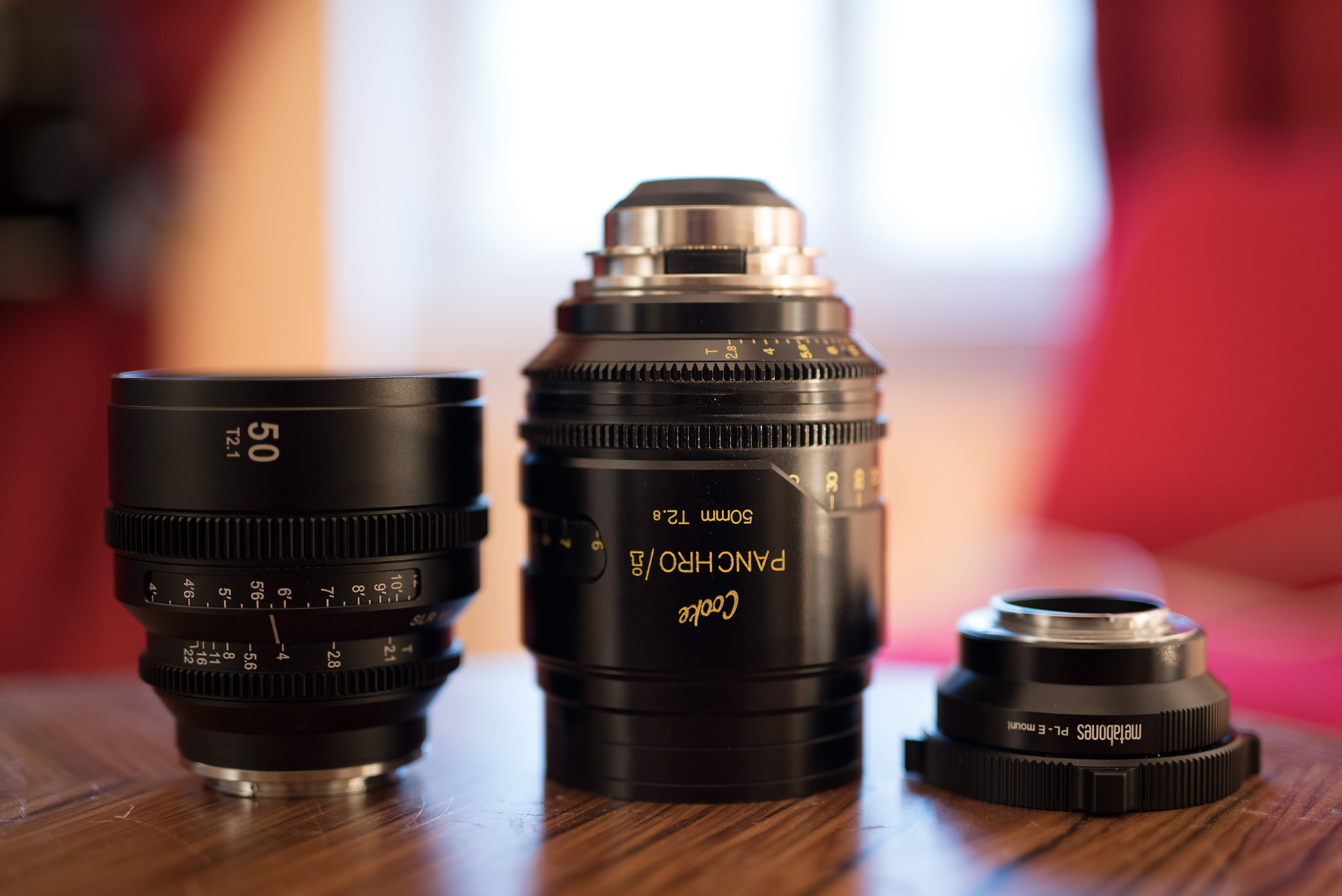
I’m helping SLR Magic collect feedback from filmmakers about the forthcoming full set of APO cinema lenses. The $2k 50mm T2.1 is the first of the set. This will be followed by 4 more, but which ones? All will be APO formulas, full frame and equally high image quality. They will be T2.1 with the exception of the very wide 21mm lens which will be a T3.1. Vote here
-
I don't know, the stabiliser is great for stills too and the 40MP composites might be interesting if they turn out well.