John Matthews
-
Posts
1,455 -
Joined
-
Last visited
Content Type
Profiles
Forums
Articles
Everything posted by John Matthews
-
 The Olympus ones HAVE distance scales though. I guess you should get those. For some reason, I don't think there's a single Panasonic lens that has it. I guess Panasonic is simply pro auto-focus/peaking only lenses. Even the leica models don't have markings. If you're looking to shoot from the hip, just tilt the LCD. If you're looking to prefocus, don't and just hope for the best with auto focus- that's the message. ... or just get the Olympus models... they look pretty good too. Actually, why did you ask about the 17mm Olympus? You reviewed it on the PEN F, I believe.
 -
On the screen? I doubt it, but I don't have those lenses, just the 25mm and nothing is shown other than icons representing "near" and "far." A distance scale would be really cool though. For that, you need vintage.
-
I don't really know of a lapel to recommend... I've got a $20 Sony Lav and it's good enough for me. I connect to a Zoom H1... I suppose it's slightly bigger than your setup, but I'd say the results are more than good enough- they simply amazing! The down-side, as you mention, is not having the ability to adjust on the fly. I'm waiting for someone to develop a lapel stereo mic with a super-small recorder that will record at -12 and -24 decibels simultaneously. Once this happens, I'm not sure there will be a need for the remote options. If someone knows of something like this, I'd like to know.
-
What would have been wrong with an external recorder + lapel mic, clipped onto her? Wouldn't it have yielded similar results, yet with even better audio?
-
Regardless of using Procolor, I DID notice a serious problem with contrast at -5 in really flat, softbox light. It gave me and my daughter a strange skin condition that I don't have. I've decided to go to with contrast at 0 since it doesn't really impact the final image negatively... at least I can't see it. Anyway, it fixed the problem.
-
Mostly @Andrew Reid suggestions in the EOSHD Procolor pdf... Standard, AWB, (0,-5,-5,-5). I only deviated with the NR as I don't like what it does at "0."
-
According to @Andrew Reid, it cures not only the common cold, but death itself! ...bringing those zombies back to life! I have to say it works rather well for me! Sometimes, the red channel seems to overshoot a little, but Film Convert brings everything back to normalcy.
-
Good point. I think the reasoning is that AWB gets it close enough for the LUT to work. I'm sure you could dial it in as well. IMO the GX80's AWB is pretty good and I rarely have issues. Therefore, I'll do it for simple ease-of-use.
-
I'm not 100% sure, but to my eye, EOSHD Procolor has fixed something that has bothered me about Film Convert for some time- the tendency to turn skintones rather white. Also, you seemingly don't need to WB anymore... just leave it in Auto WB and that's it! Now my only major "problem" with Procolor or Film Convert is the time to render. Granted, I don't have a video card, only a Ivy Bridge i7, but it took about an hour to convert 2.30 of video this way... too long IMO.
-
Where do you see it clipping? Her face? Maybe my monitor is out of wack... I can see the that the red skintone is significantly reduced between pictures 2 and 3, but I don't see a major increase in the green in picture 3... at least not to the point I say to myself- "it's green!" Anyway, I like both better than the first one.
-
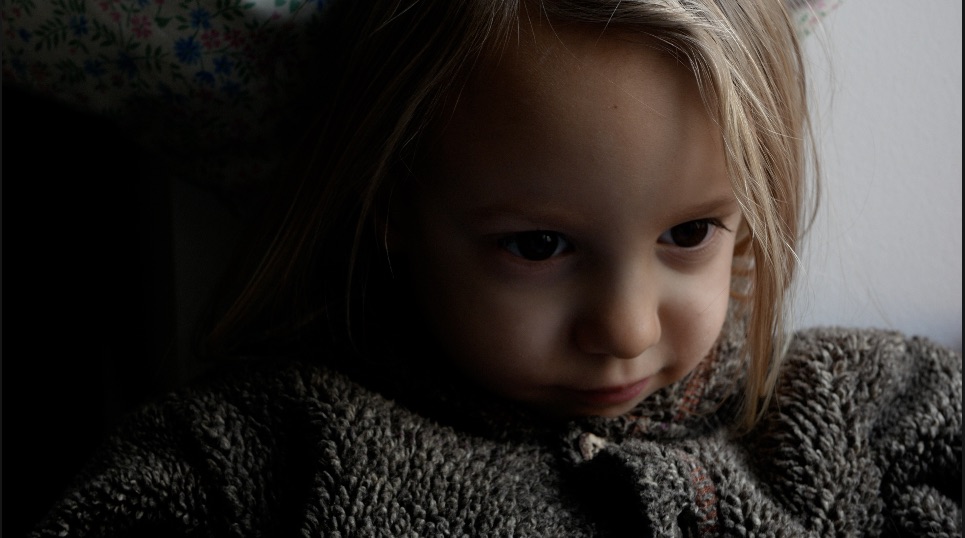
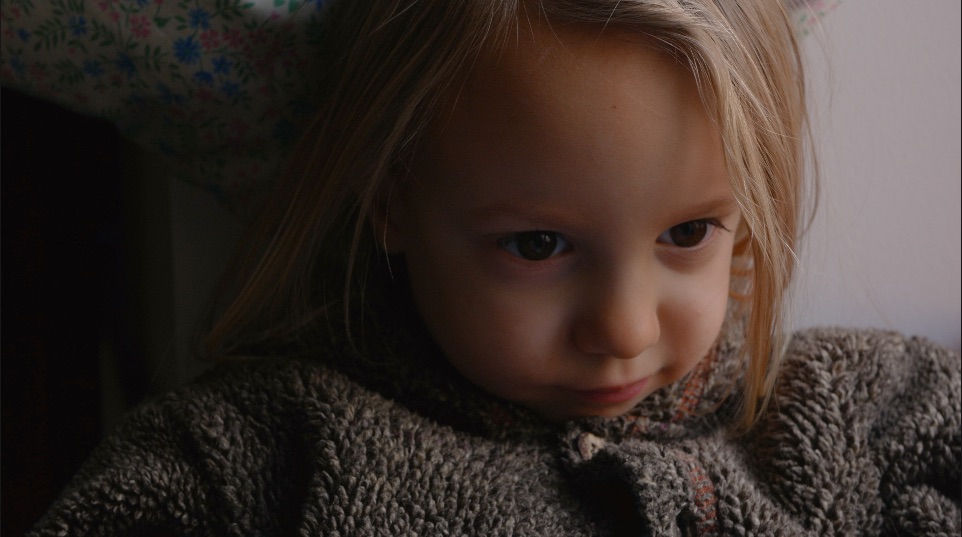
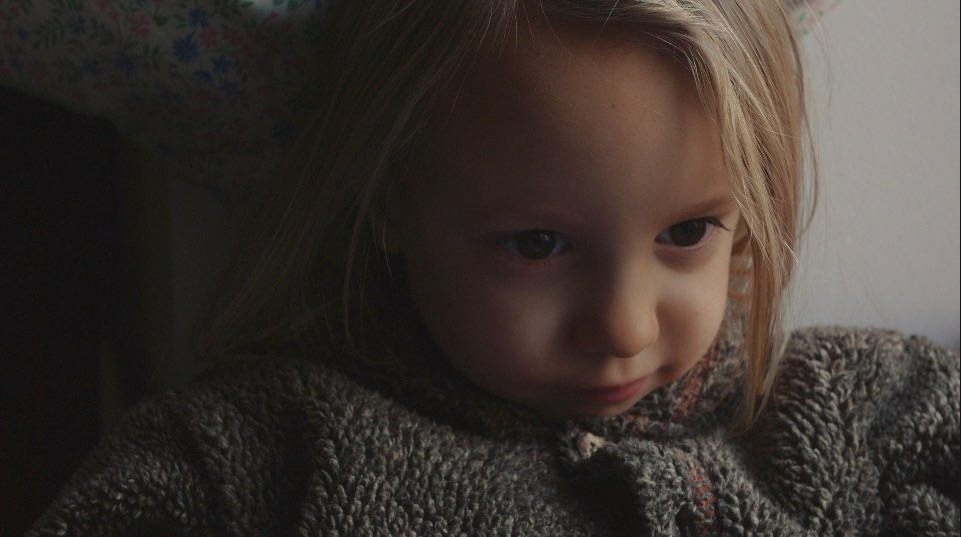
I made a quick test with all the recommendations listed in the EOSHD Procolor pdf with the exception of NR (which I set to -5). Here are some results as to what it does to my daughter's skin color in front of window light: 1) The original: 2) EOSHD Procolor applied 3) Just for fun, EOSHD Procolor and FilmConvert FJ Velv 100 Let me know what you think. I like it.

-
I just purchased "EOSHD Pro Color for Panasonic Cameras" as I said I would multiple times on this thread. I'll give you my feedback here for the GX80 while using FCPX.
-
There are not many categories where the GX80 would be number 1 compared to its pears. It's just a great all-rounder. Hey, if you can live with the A6300, great!
-
The test you mention isn't scientific at all; yet, you draw objective conclusions... not mentioning the fact of price. I doubt many would argue that the A6300 can produce a better image on a tripod with little to no movement, but how often do you do that? This is the question. And exactly how much is that worth to you? You would still have to deal with all those ergonomic and menu flaws... Yeah, I'll stick with the GX80. Easy choice.
-
@jase, Are you going to show us any test shots? It looks like a big, but really killer setup!
-
Limitations: 0-255, only a 30p (29.97p) option, perhaps more moiré IMO Benefits: multiple aspect ratios (1:1 has 2880 vertical lines!), more creative options perhaps.
-
Not that it's important or that anyone's counting, but this thread has just passed the threshold of becoming the most popular thread on EOSHD in terms of posts (over 1400) and views (over 142,000 and climbing) just overtaking the previous top dog "Surprise! Sony Alpha A6000 video mode huge improvement."
-
That leaves just us! Seriously, I doubt 0-255 is a big deal.
-
I believe it's 0-255 in 4k photo rather than 16-235 in normal video mode.
-
Interesting results. I think the two main ingredients for better noise performance in photos are bigger sensor and more megapixels. Also, they shouldn't be compared at 100% unless they are the same number of megapixels. At 100% on a screen, the Sony looks worse; yet, the Sony probably would perform better on paper since it has a slightly bigger sensor and 8 more megapixels. Still, DXO got the GX7 wrong, especially compared to other MFT cameras. Also, how is it possible that the GX7 has better DR and Color depth than the GX80 according to them. I call BS. In my tests, it also has the trade-off of more moiré. You do get some camera-setting advantages and multiple aspect ratios which is interesting but not for me if it means more moiré.
-
That's because DXO is full of horsepoo... and always has been. I can't help thinking that there's someone's eccentric uncle spitting out random numbers atop of a building paid for by camera manufacturers. They've got a serious racket going!
-
This is consistent with my results. Midtones are brought down as you increase the contrast. But be careful in flat light as I found some weird skin color tonality that was uncorrectable. I now believe contrast should be set to "0" in very flat light. Did you also note the higher noise frequency in the dark parts of the image?
-
Wow! In effect, would that give the GX80 a crop factor of 1.29 in FF terms? For the IBIS, would you still dial in the focal length written on the lens? Are Canon APS-C lenses big enough? Doesn't is worry you that they say: "Do not attempt to mount- physical damage may occur." Could be bad.
-
I've always preferred a more "organic" feel. Not this begs the question: why not "-5"? Doesn't the 4k offer enough headroom in terms of detail? Do you find it's doing something weird? I've come back on my contrast settings. I've found that when in flat light, skin colors will do strange things (weird orange color shifts) with contrast at "-5" and I couldn't make it look right. I bumped it back up to "0" in flat light. Also, after my previous findings, there isn't any reasons for protecting highlights with it set at "-5". I only found slight noise differences in the shadows when bumping up the midtones.
-
FCPX- Hue/Saturation Effect for Skin Tones
John Matthews replied to John Matthews's topic in Cameras
Thank you Axel, I tried it, but I think there might be a learning curve for this plugin. I'll try some more today and tell you what I think.