
jzagaja
-
Posts
44 -
Joined
-
Last visited
Content Type
Profiles
Forums
Articles
Everything posted by jzagaja
-
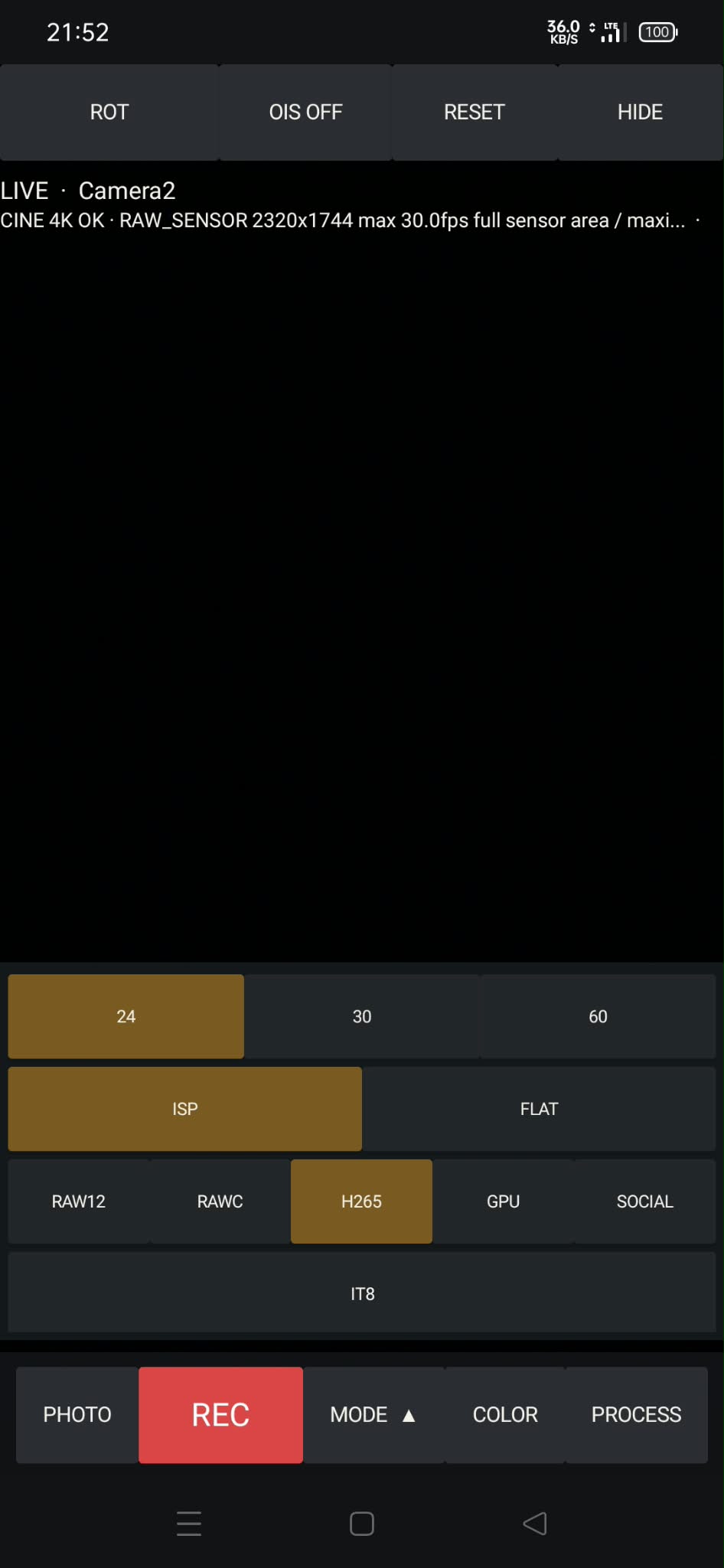
Implemented: 1) RAW 4k 10 bit compressed 1:3 30fps (motorola edge 50 pro outputs 10 bits only) 2) Direct RAW to h265 30fps recording with tonemappig from RAW adjust section with USM/MFT and highlights soft clipping (underxposure plus shadows lifting) trying get more than 30fps and 1:5 compression without adding artifacts like color moire do you think 10 bit log output has any advantage in case of compressed RAW (to DNG post conversion) ?
-
Audio time stamp: Once RAW mode is initiated, the phone plays back approximately 1.34 seconds of an encoded 2.4–5.85 kHz signal after a 350 ms delay. This signal contains a unique 64-bit clip identifier and a CRC. +AUDIO first searches for an identical marker within the Zoom recordings and calculates the precise offset. Only if no such match is found does it trigger a slower waveform-matching process. This feature can be toggled via the MODE setting: SYNC AUD / SYNC OFF. It is enabled by default.

-
Crop can be scaled and moved.
-
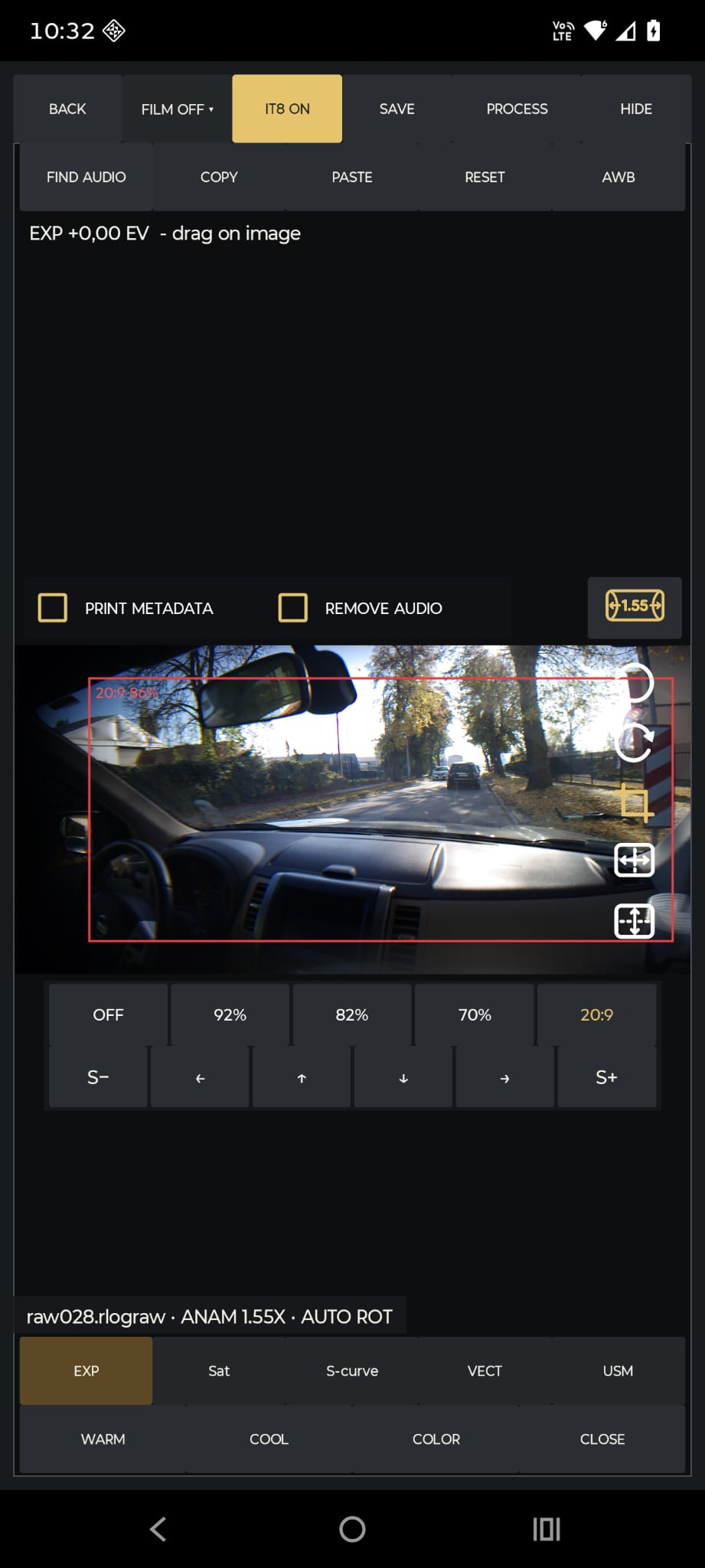
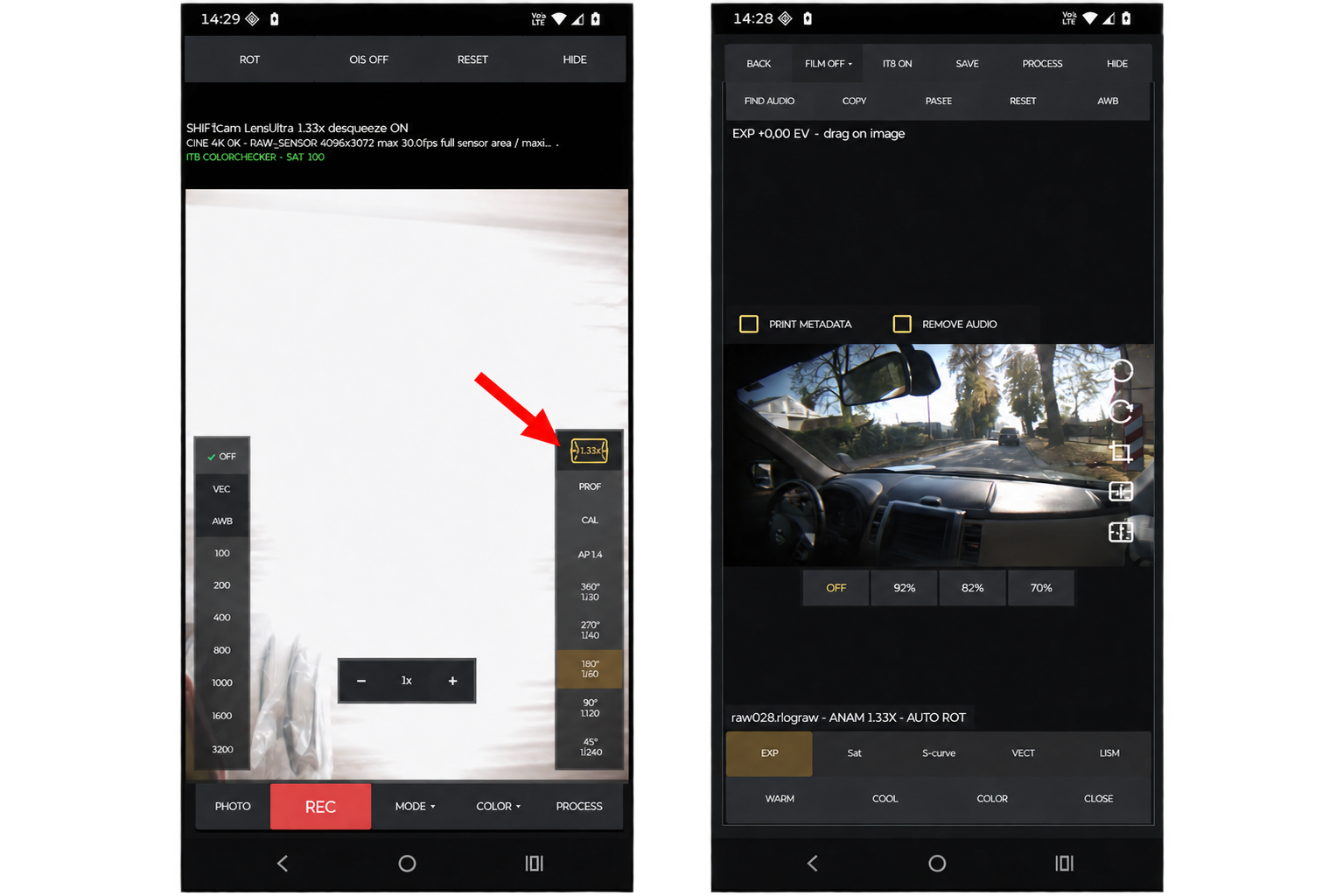
Added 1.33x anamorphic support. Just tap the icon and you’re ready to use it. The preview will be automatically desqueezed, and the RAW Adjust view will automatically rotate to landscape mode with the 1.33x icon displayed. GPU and h265 (ISP) modes are also desqueezed. You can crop the image to remove vignetting, or use the 20:9 crop to fill your phone screen as much as possible.
-
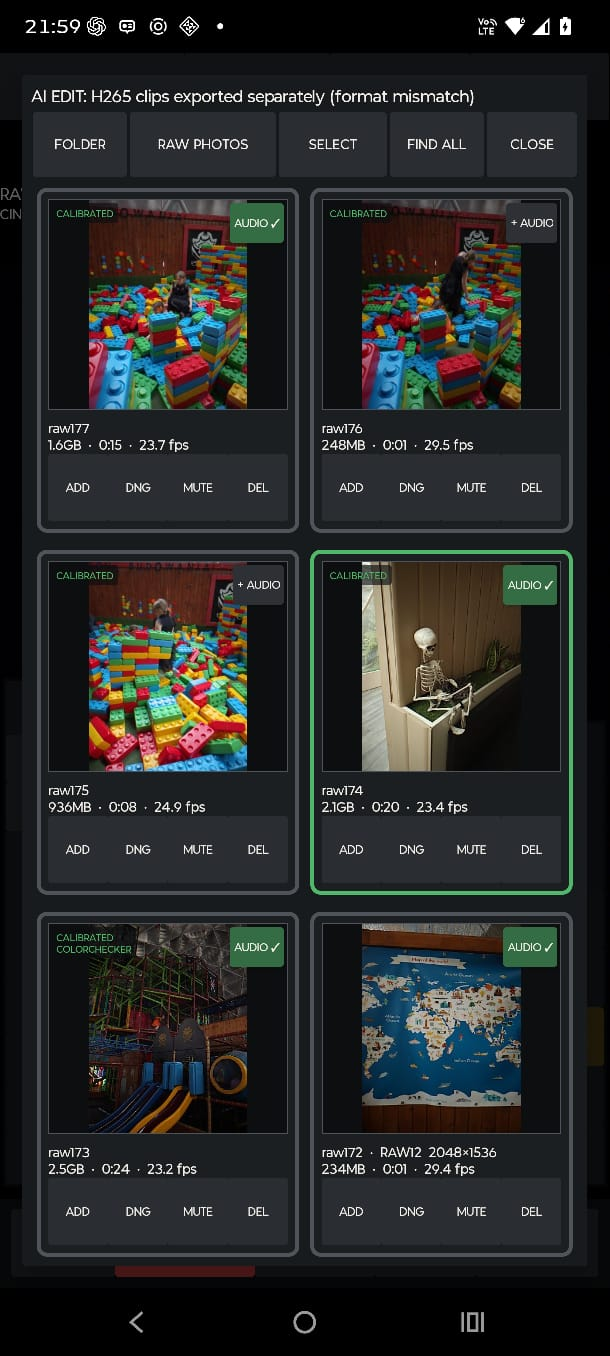
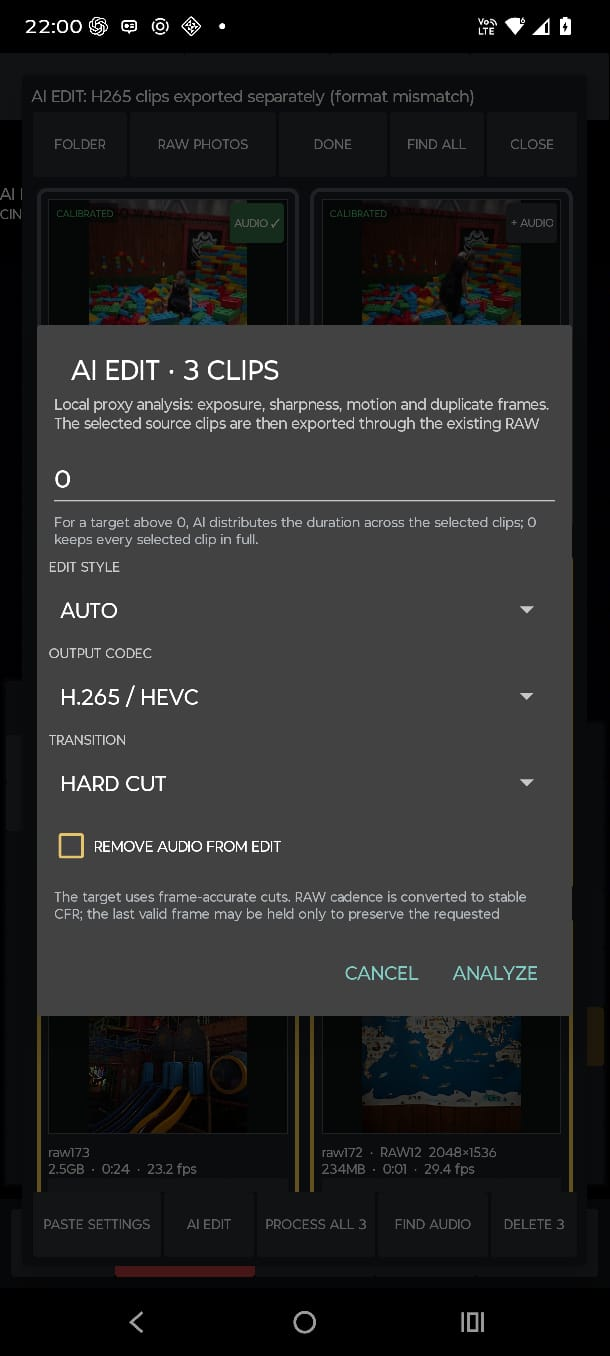
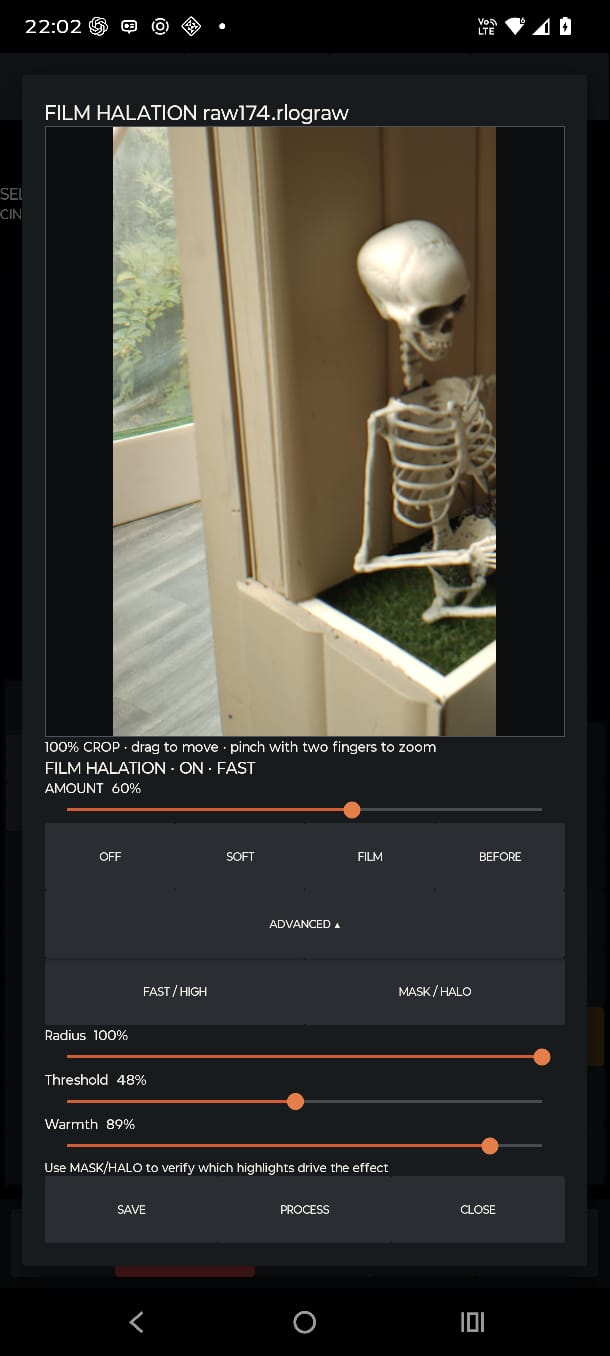
When the algorithm finds an audio recording, the "+Audio" button turns green (batch processing is possible). Another screenshot shows the experimental AI edit and halation window in RAW adjust.
-
Added: Support for ColorChecker and CCPPV2 video targets. See: how to Currently working on: Audio sync for Zoom H1e: When the user clicks the "+Audio" button, the app automatically searches the connected device or folder. Auto Edit / Quick Export: When multiple clips are selected, the app can automatically export them from RAW to H.264 or H.265 with a predefined total length for easy sharing. Minor adjustments: Users can make small manual tweaks to the edit before exporting.
-
Update: Added a real RAW preview Added 2K RAW with anti-aliasing. RAW-to-H.265 conversion is now much, much faster. I’m working on automatic CC PPV2 color target readout and calibration. I’m also working on the website and have uploaded some temporary sample footage here: https://agacia.pl/tmp/
-
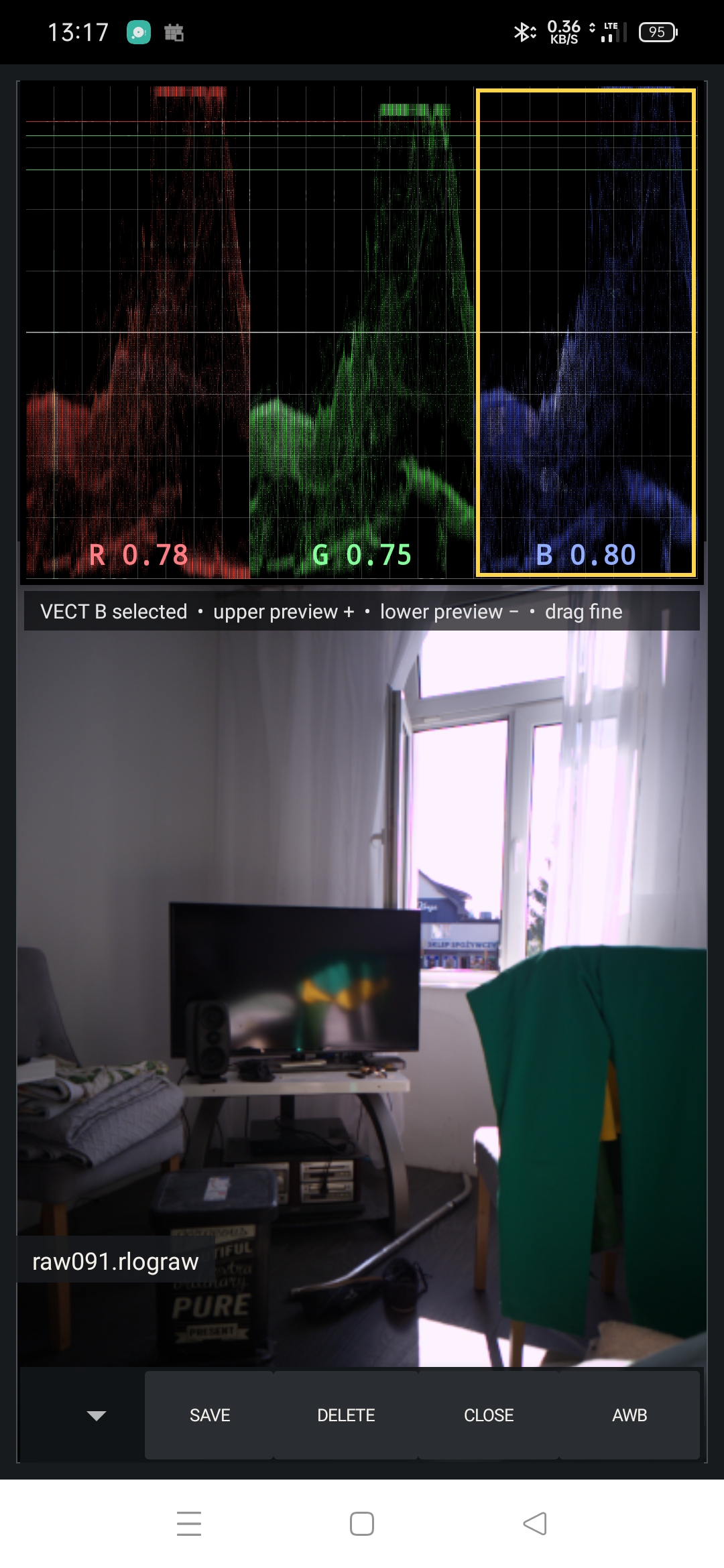
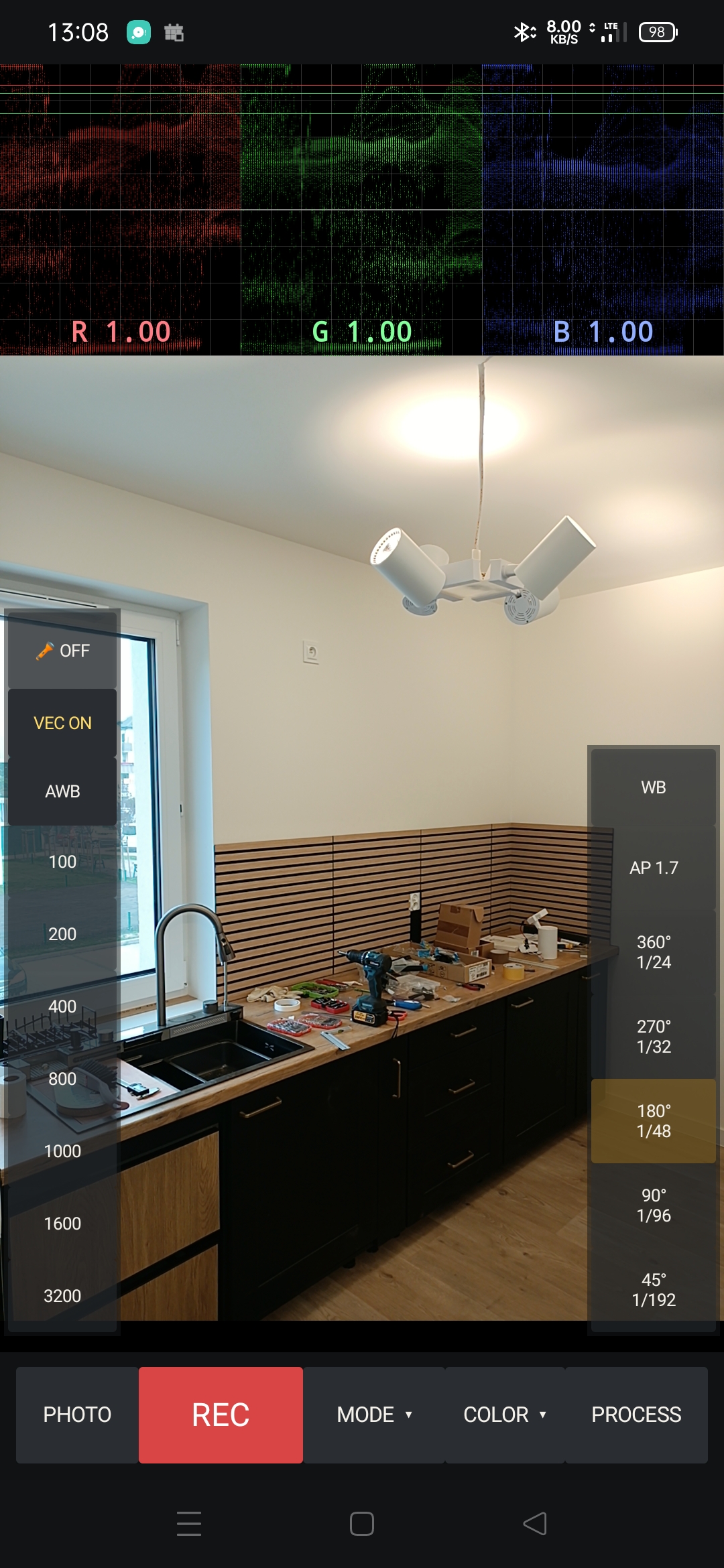
Vectroscope added to main screen and RAW post-processing.
-
Right now, I'm still debugging the GUI (portrait/landscape), cleaning up the code, and trying to push the Oppo Reno 2Z to its limits on RAW capture, see calibrated 2K samples below. Will post an update soon.
-
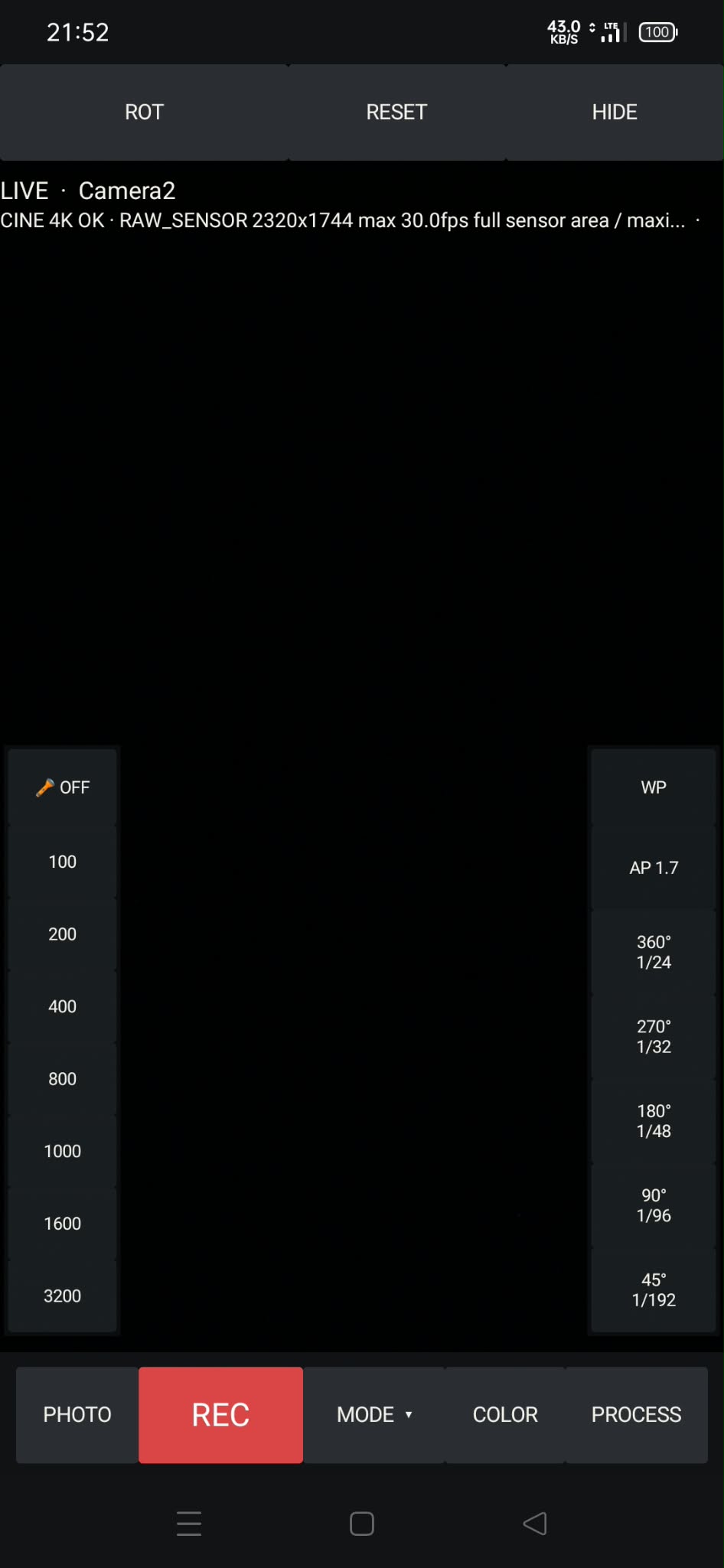
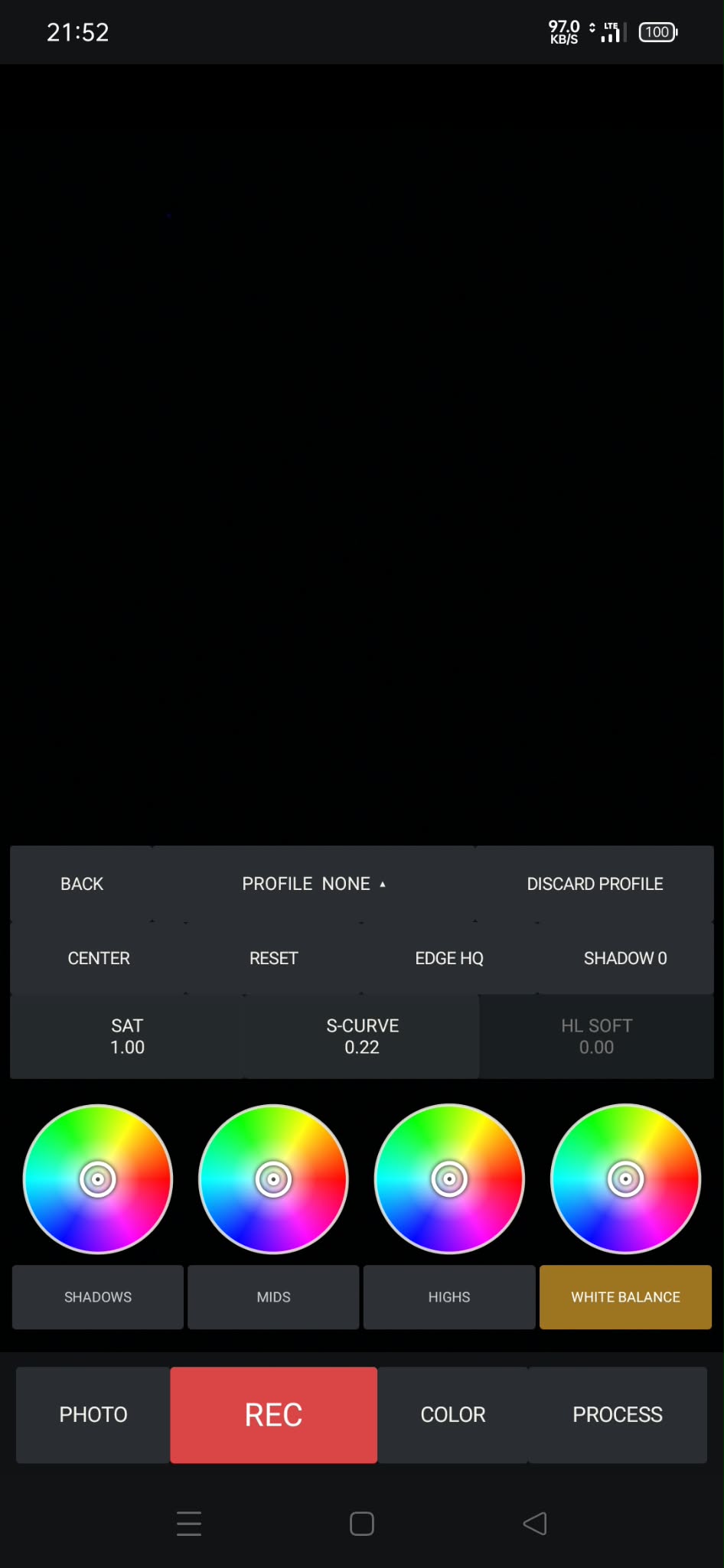
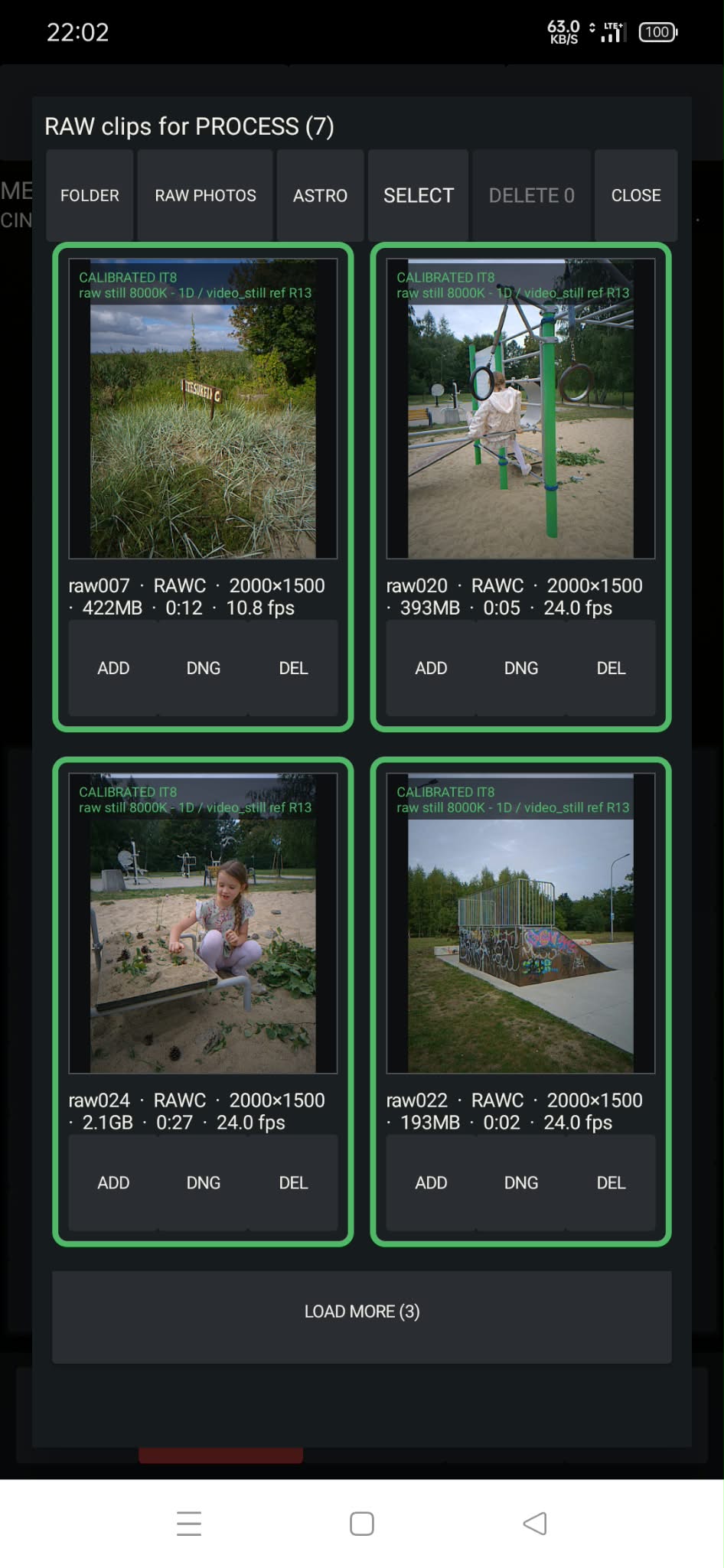
Build 169 uploaded: https://groups.google.com/g/rawlogcam-closed-testers Most important test ROT button for landscape mode. In my Motorola Edge 50 Pro it stopped working. Test RAW and RAW+C for dropped frames—upper diagnostic messages. Use the METER to scan the scene for a few seconds and get the average exposure. The HDR button sets a shorter exposure time to keep highlights. In the COLOR section, you can switch off sharpening (Edge HQ). For IT8, push REF to load the reference file, then push the grid to adjust the rectangle, and push it again to auto-fit. Astro mode in the HIDE section is still under construction. Test DNG export in PROCESS RAW.
-
I would have published the demo already, but I’m currently having a problem with GUI rotation between portrait and landscape modes — it used to work, and then suddenly stopped. RAW/RAWC does a nice job of compressing the full usable dynamic range of the smartphone sensor.I'm still making little adjustments
-
Honestly, publishing an app on the Play Store is a nightmare for me.
-
Raw Log Camera Demo – looking for closed testers (Android) The first signed demo bundle is ready for closed testing on Google Play. I am looking for Android users who can test the app and report bugs or usability issues. Current focus: • RAW and RAWC recording • IT8 calibration and color profiles • Astro mode • Motorola Edge 50 Pro and other Android devices Google requires at least 12 testers to remain opted in for 14 days before Open testing becomes available for this new developer account. If you would like to help, please join the tester group: https://groups.google.com/g/rawlogcam-closed-testers After joining, please reply with the Google account email used for Play Store testing. I will share the Play opt-in link and test instructions with the group. Demo recording is limited to 20 seconds. Feedback about drops, exported H.265 playback, GPU preview, RAWC stability and IT8 behavior is especially welcome.
-
I’m waiting for Google Play Store verification — they require an ID check before I can publish the demo version for beta testers.
-
Quick update: I tested the Motorola Edge 50 Pro hardware encoders and could not find a working HEVC 4K60p path for the full RAW-derived frame size. c2.qti.hevc.encoder accepts configurations like 2160×2880 @ 60 fps and 2880×2160 @ 60 fps, but fails after the first frame with UNKNOWN_ERROR. Rotation does not help. The same size works at 30 fps, and 1080p60 works, so this looks like a real Qualcomm encoder limit/driver issue, not an AAC or RAW/DNG problem. So the current plan is: RAW/RAWC master: full resolution, 60 fps H.265 quality proxy: full resolution, 30 fps H.265/H.264 smooth proxy: lower resolution, 60 fps if supported PC export: final 4K60p from RAW/RAWC/DNG A more interesting idea is to use the extra RAW60 frames for HDR30: alternating short/long exposures, then merging pairs of frames into a 30 fps HDR output.
-
Quick update on RAW → H.265 export: The RAW side can stay full resolution and 60 fps, but I hit a Qualcomm encoder issue on the proxy/export side. The `c2.qti.hevc.encoder` accepts `2160×2880 / 60 fps`, but after the first frame it returns `UNKNOWN_ERROR`, followed by Android’s misleading “Released state” message. So it does not look like an AAC or RAW/DNG problem — more likely a hardware encoder limit/bug with that portrait HEVC configuration. I’m testing possible workarounds, especially encoding the same frame as `2880×2160 / 60 fps` landscape, but the safe fallback is to keep RAW at 60 fps and export H.265 as smooth 30 fps by taking every second frame.
-
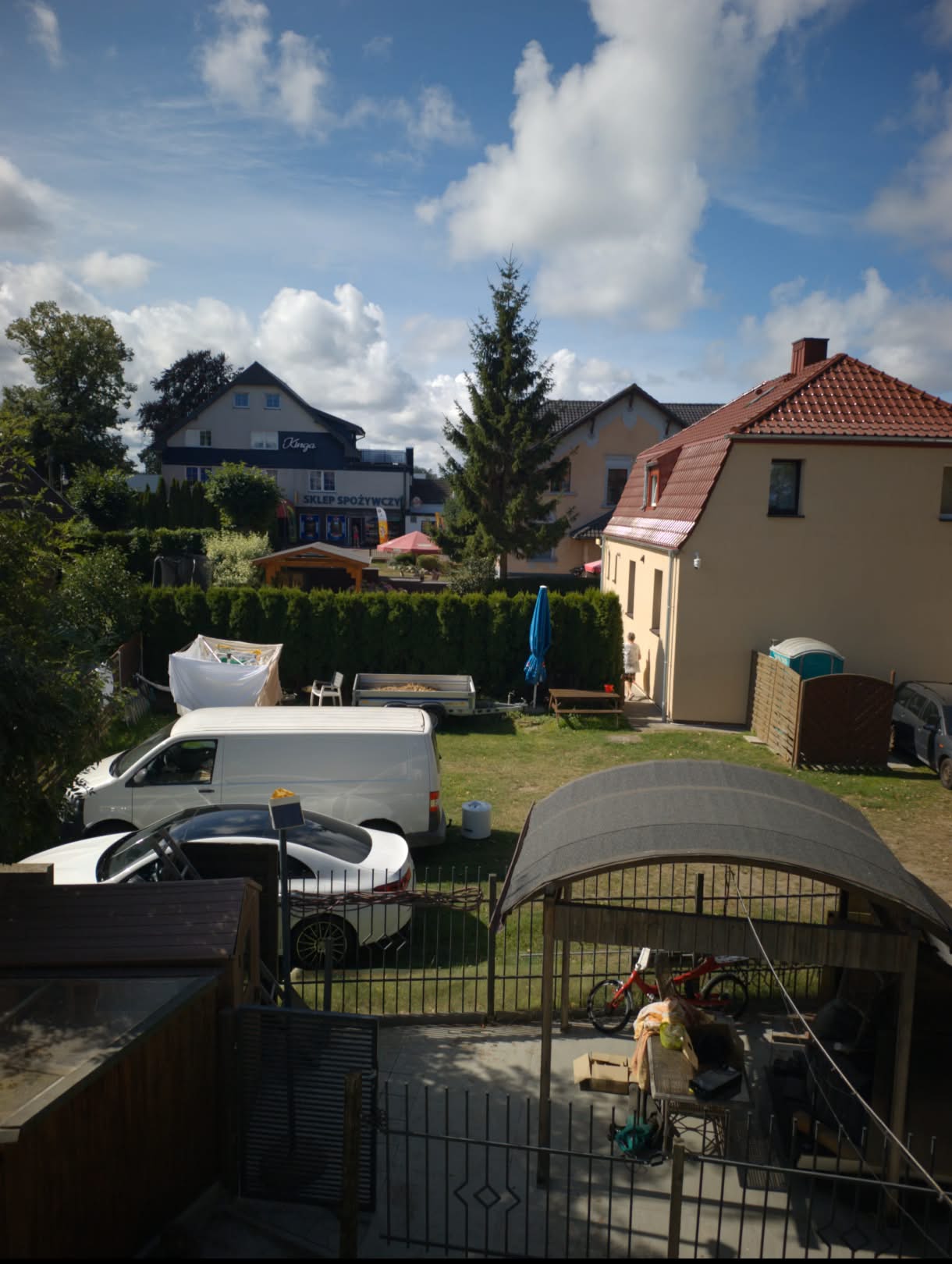
RawLogCam RAW frame + IT8 TRC vs Motorola native video app. RAW is very life like on HDR screen.
-
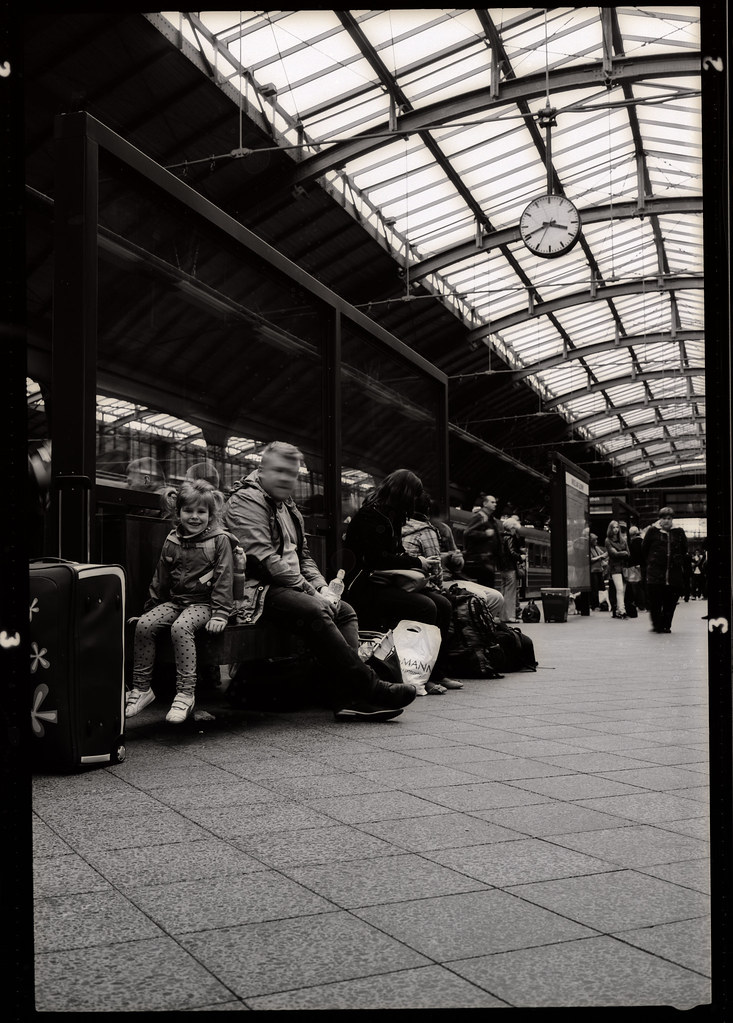
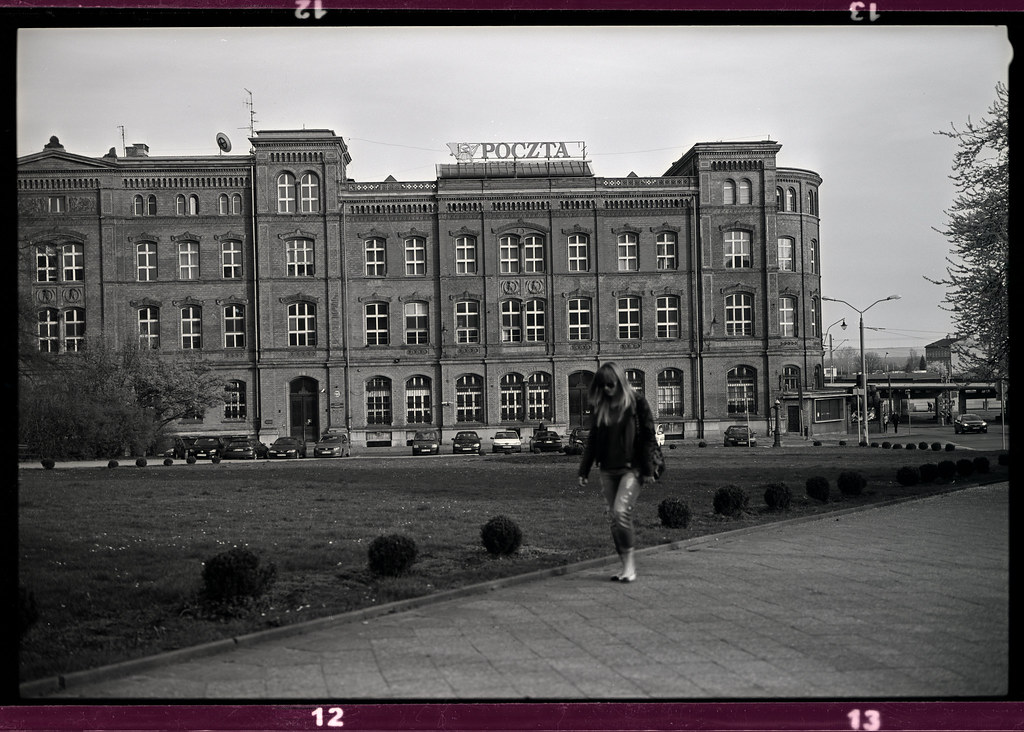
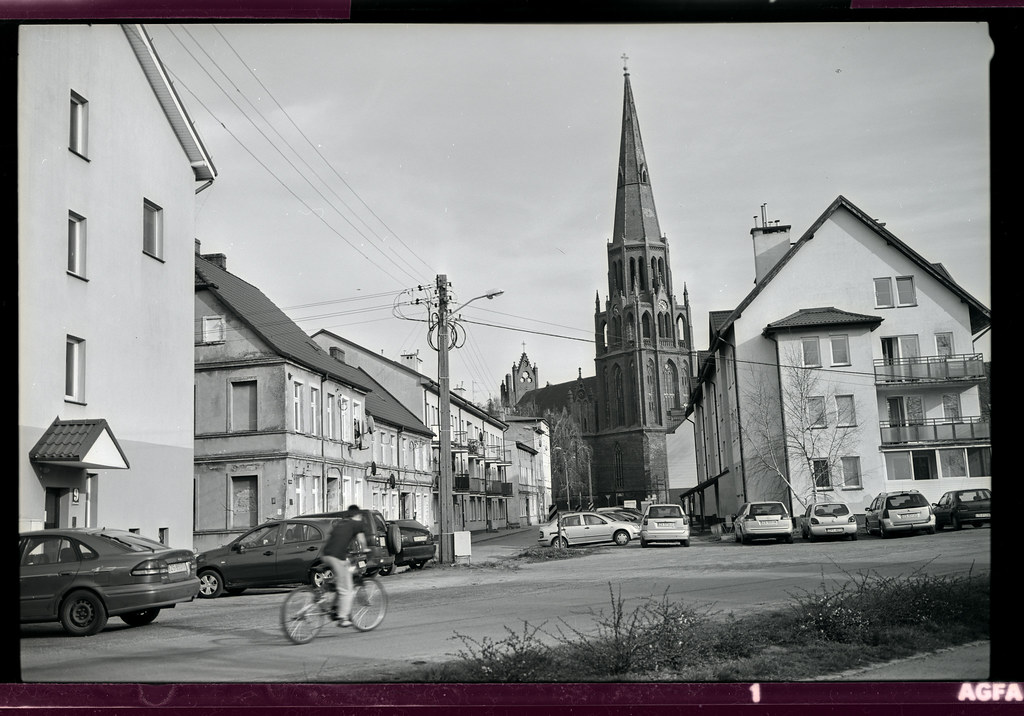
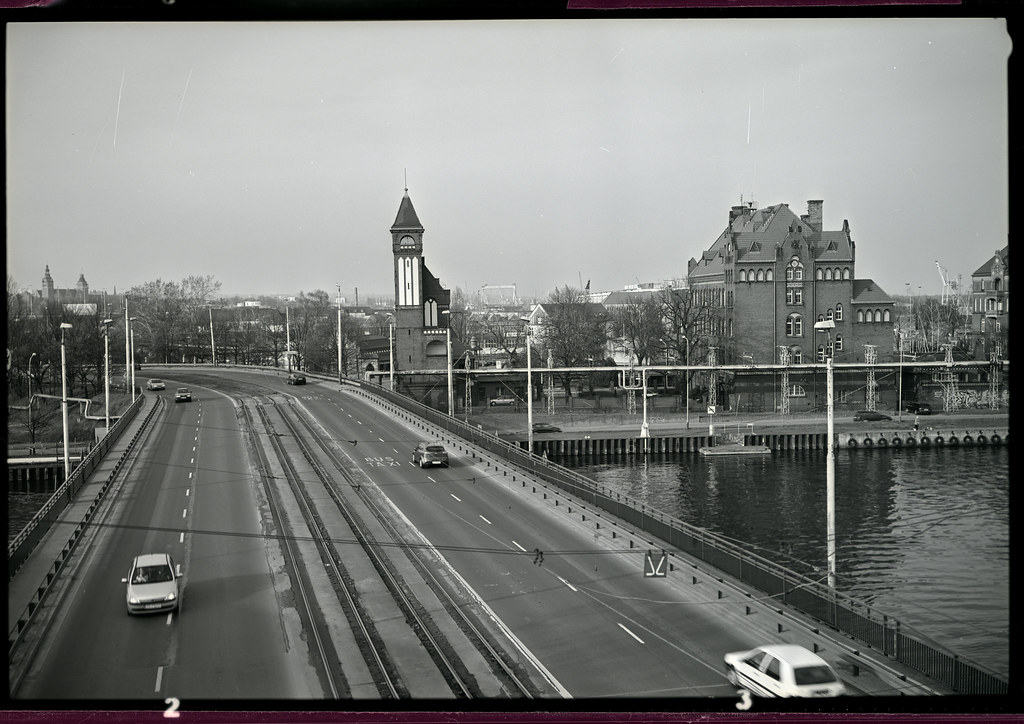
Agfa Copex Rapid + Rodinal 1:100
-
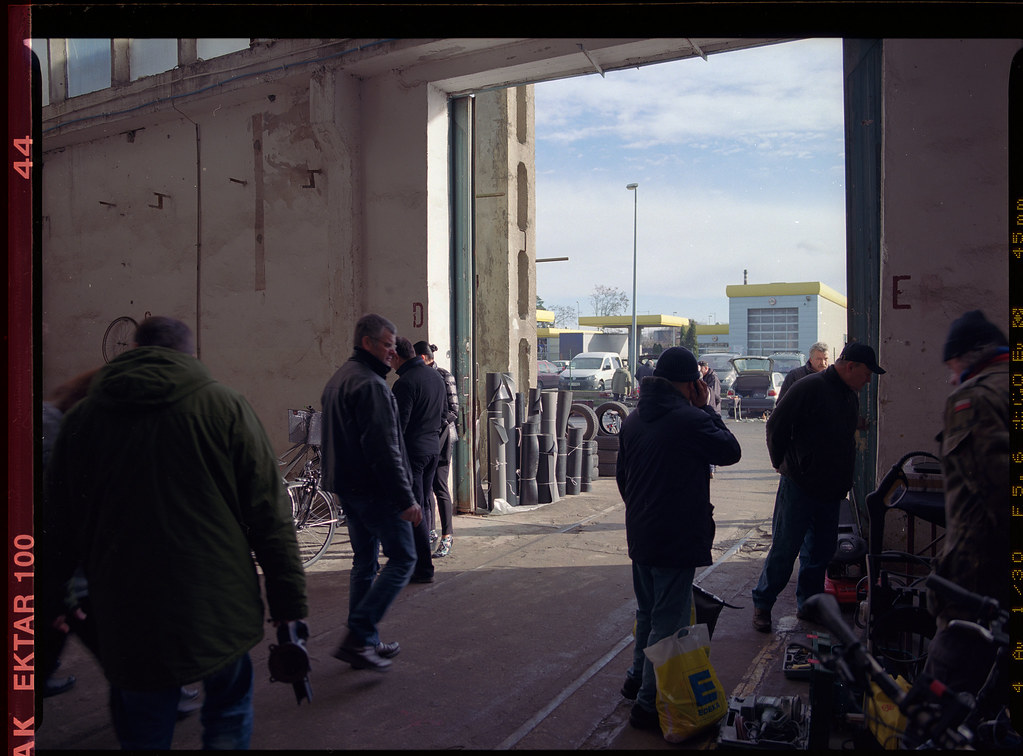
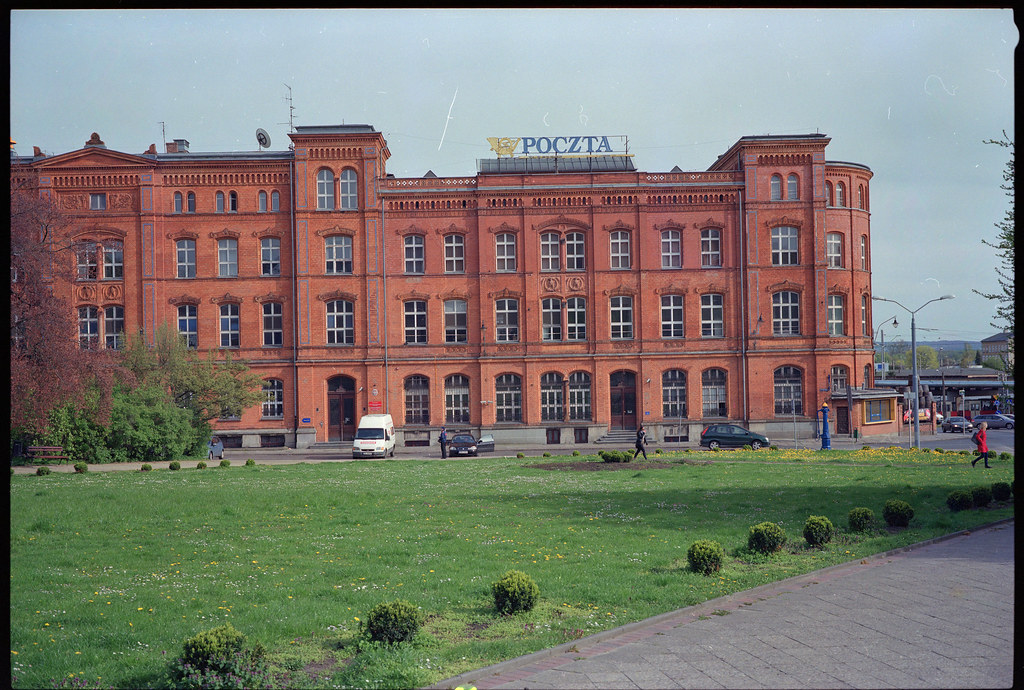
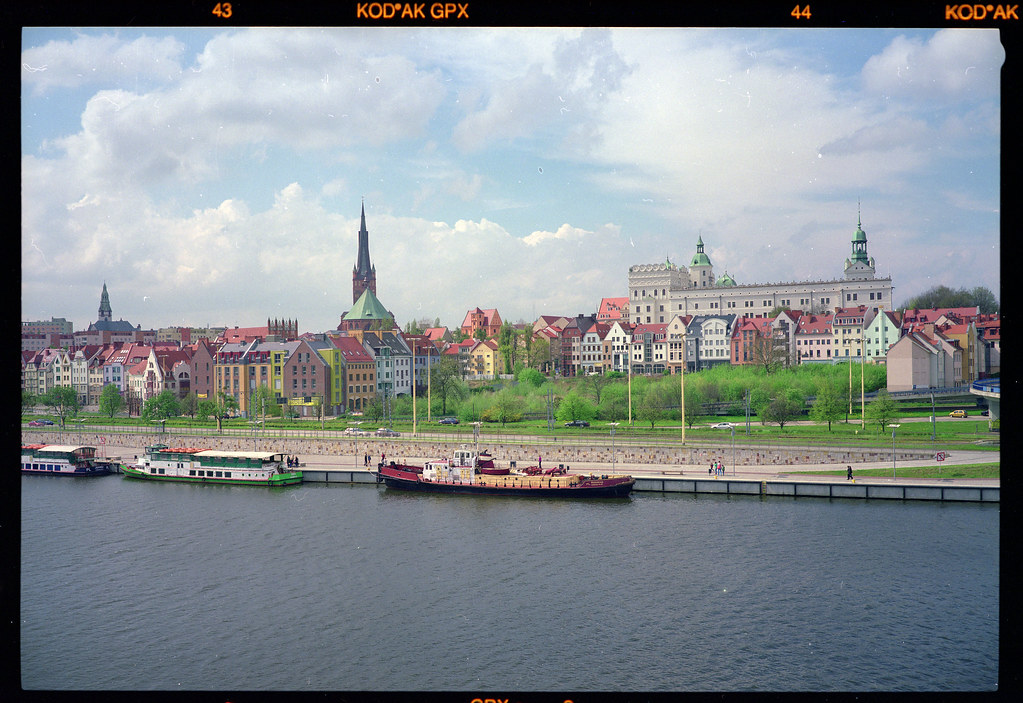
Few more samples from negative stock: Ektar, Digibase, GPX.
-
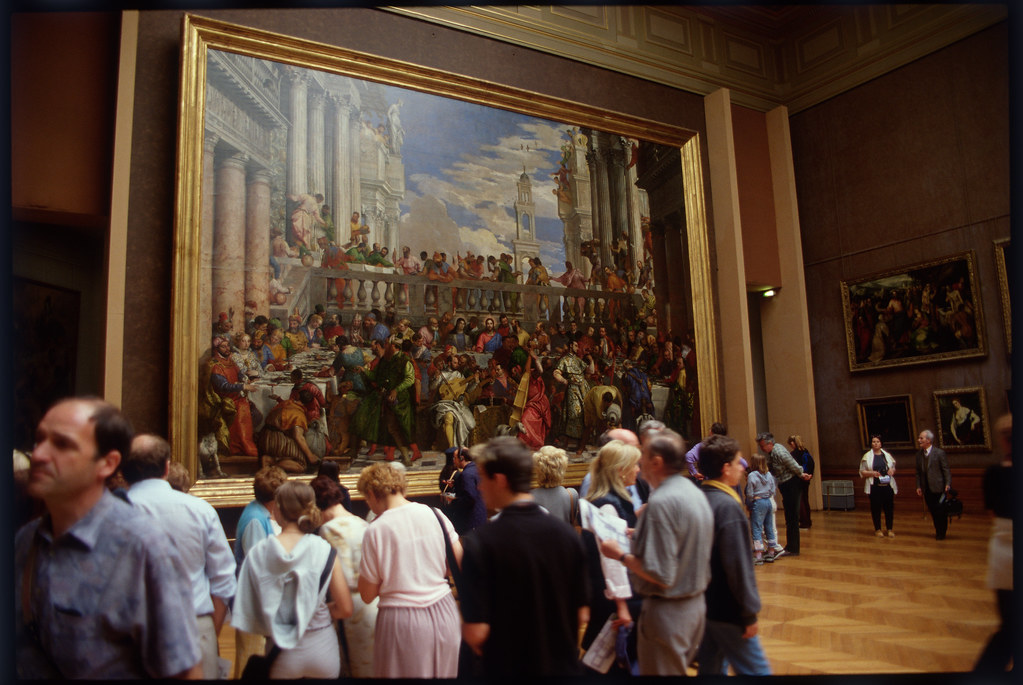
Here is example of Kodak 100VS, May 2000, drum scan, Louvre Museum. I would like get this effect on digital - highlights rolloff.
-
can you link Digilog video samples?
-
On iPhone I’d see the practical route as DNG/ProRAW or RAW burst → custom linear/Metal pipeline → H.265/HEVC, with a much flatter, less processed look than the stock camera. Not ProRes RAW. The limitation is that iOS does not expose continuous Bayer RAW video in the same way Android Camera2 can expose RAW streams, so an iPhone version would likely be AVFoundation + Metal: RAW/DNG stills or bursts, plus a controlled HEVC mode with custom tone, colour, highlight rolloff and IT8/LUT calibration. I don’t have an iPhone to test on right now, so I can’t promise it yet. But the idea is definitely interesting. First I want to finish and publish the Android version and see if people find it useful. If the feedback is positive, I’ll try to look into an iPhone version — probably DNG/ProRAW or RAW burst into a custom Metal colour pipeline and then H.265/HEVC, rather than ProRes RAW. For me the goal is to do as much as possible directly on the phone — capture, colour, calibration, encoding, maybe even basic editing/export, Davinci style. On the PC I’d rather have a voice-driven movie editor, where you can just say what you want to cut, move, translate, subtitle, shorten or colour-match, instead of digging through endless panels. I’m also working on PocketCAD for Android and a customised WearOS/Android smartwatch project, so it’s all part of the same direction: practical tools on small devices, with more voice control and less dependence on big desktop workflows.
-
2K compressed RAW is no problem on the Motorola Edge 50 Pro, but at the moment I’m not sure how to make 4K work reliably. RAW has a nicer rendering than the GPU pipeline, especially in the highlights. I’ve implemented 3×3 color matrices, TRCs, and 1D IT8-based correction for both GPU and RAW/RAWC modes. I think I’ll drop the H.265 mode that goes through the ISP and only keep GPU H.264 for social media compatibility.
-
In the longer term, I am also watching small LOFIC sensors, because for this kind of digital Normal 8mm camera the real limitation may be highlight latitude rather than resolution. A compact 1/2.8" or 1/3" RAW sensor with better single-exposure highlight handling could be very interesting. Another related experiment would be using spectral filters, possibly with a monochrome sensor, to approximate the response of color negative film layers — so the “film look” would start partly at the capture stage, not only later as a LUT in post.
-
Thanks Clark, this is extremely useful. La Faux Bolex is exactly the kind of reference I was hoping to find. I had not looked seriously enough at the machine-vision / GigE route before. The idea of using an existing industrial camera with a proper C-mount is very appealing, especially if it avoids the nightmare of designing the sensor mount, power rails and MIPI/libcamera side from scratch. Your warning about lens-to-sensor distance is probably the most important part. I was tempted by the “bare phone sensor” experiment because damaged phones are now very cheap here in Poland — for example a Motorola Edge 50 Pro with a broken corner can be found for around 100$ — and the phone already gives you screen, battery, storage and potentially RAW video recording. But I agree that mechanically it could become a nightmare: flange distance, dust, IR filter, sensor cover glass, alignment and destroying the camera module. So maybe the phone route is only worth trying as a cheap destructive proof-of-concept to see whether the Pan-Cinor / Normal 8mm look is interesting enough digitally, not as the final camera architecture. The C-mount machine-vision route sounds more “correct” for a real build: industrial camera with known sensor position factory C-mount alignment DNG / raw frame recording Raspberry Pi / Compute Module control then adapt D-mount lenses mechanically My only concern is the D-mount to C-mount adapter. Since D-mount has a shorter flange distance than C-mount, the adapter needs to recess the D-mount lens enough to reach infinity. Have you tested whether the Fotodiox D-to-C adapter actually gives infinity focus with D-mount lenses, or is it more of a macro-only solution? For my project the ideal sensor size would be close to the Normal 8mm gate, around 4.5 × 3.3 mm or slightly larger. That is why I was looking at sensors like AR0234 or IMX900. But your point makes sense: a slightly larger industrial C-mount camera that already works may be much more practical than a theoretically perfect bare MIPI module with no adapter board and no driver. The pistol-grip form factor is also very close to what I have in mind — more like a digital Regular 8mm camera than a normal modern video camera. Thanks again. I’ll study La Faux Bolex more carefully.